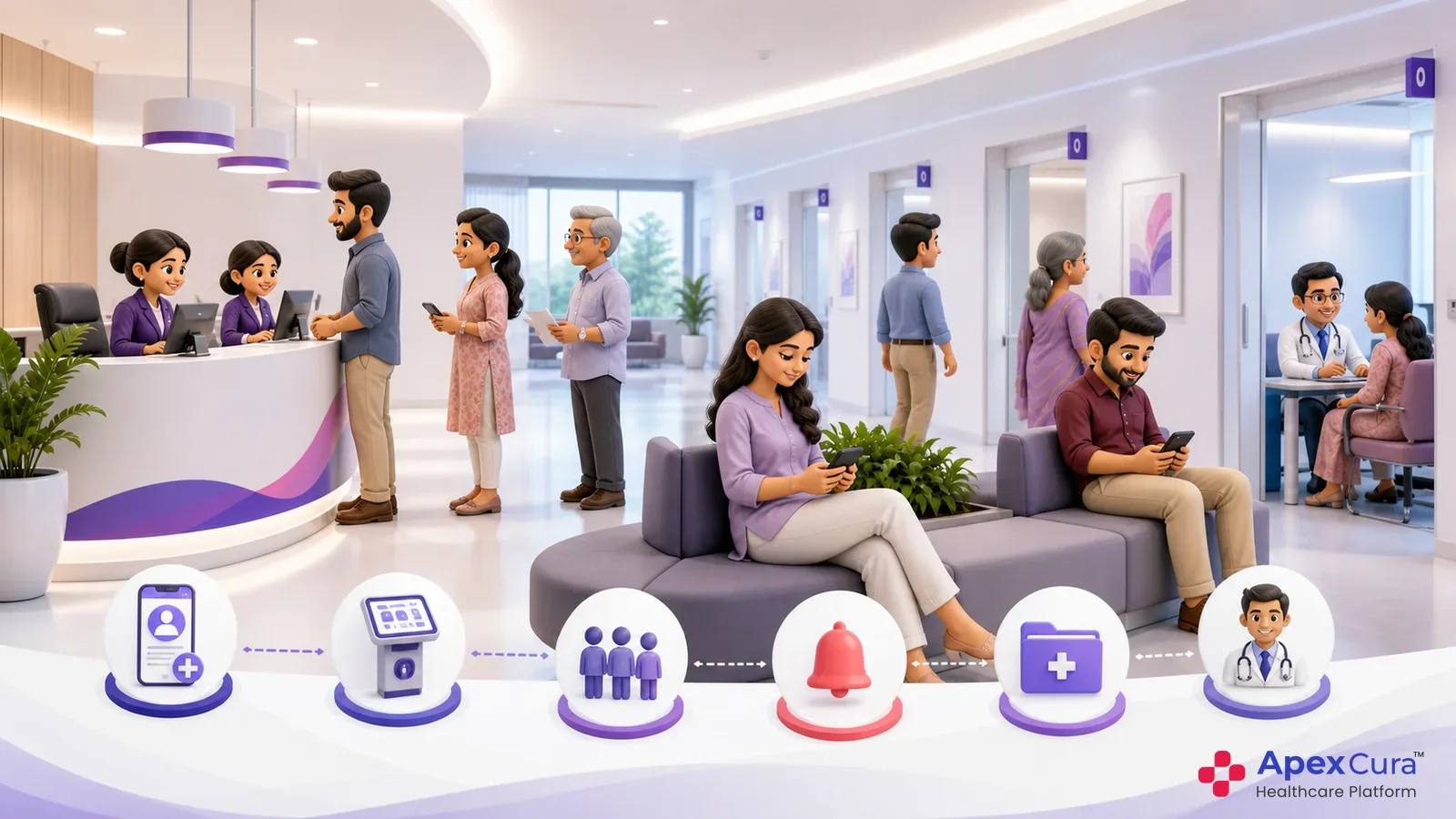
How Patient Queues Form Across Hospital OPDs
Bringing Appointments and Walk-Ins Into One Queue
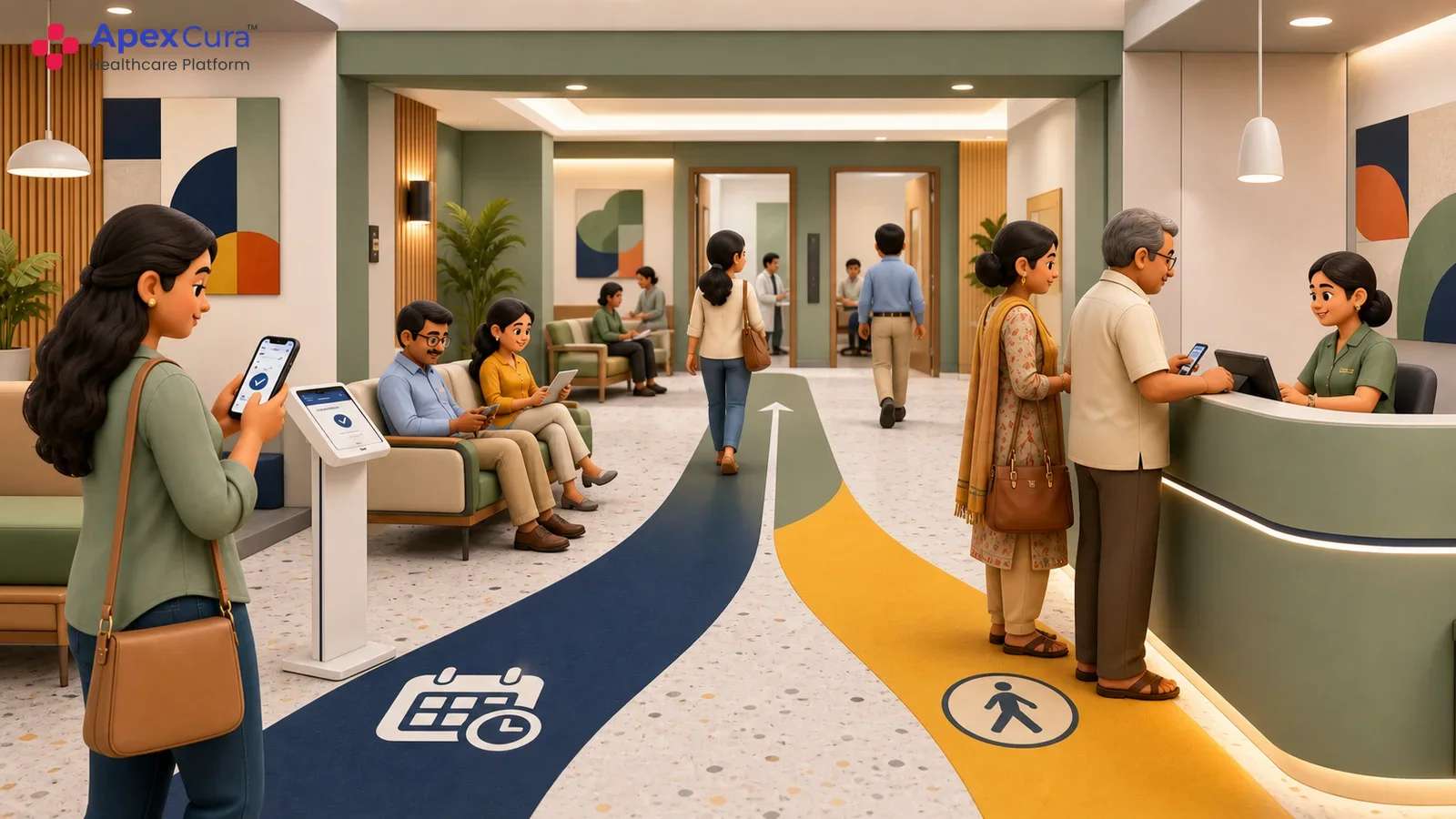
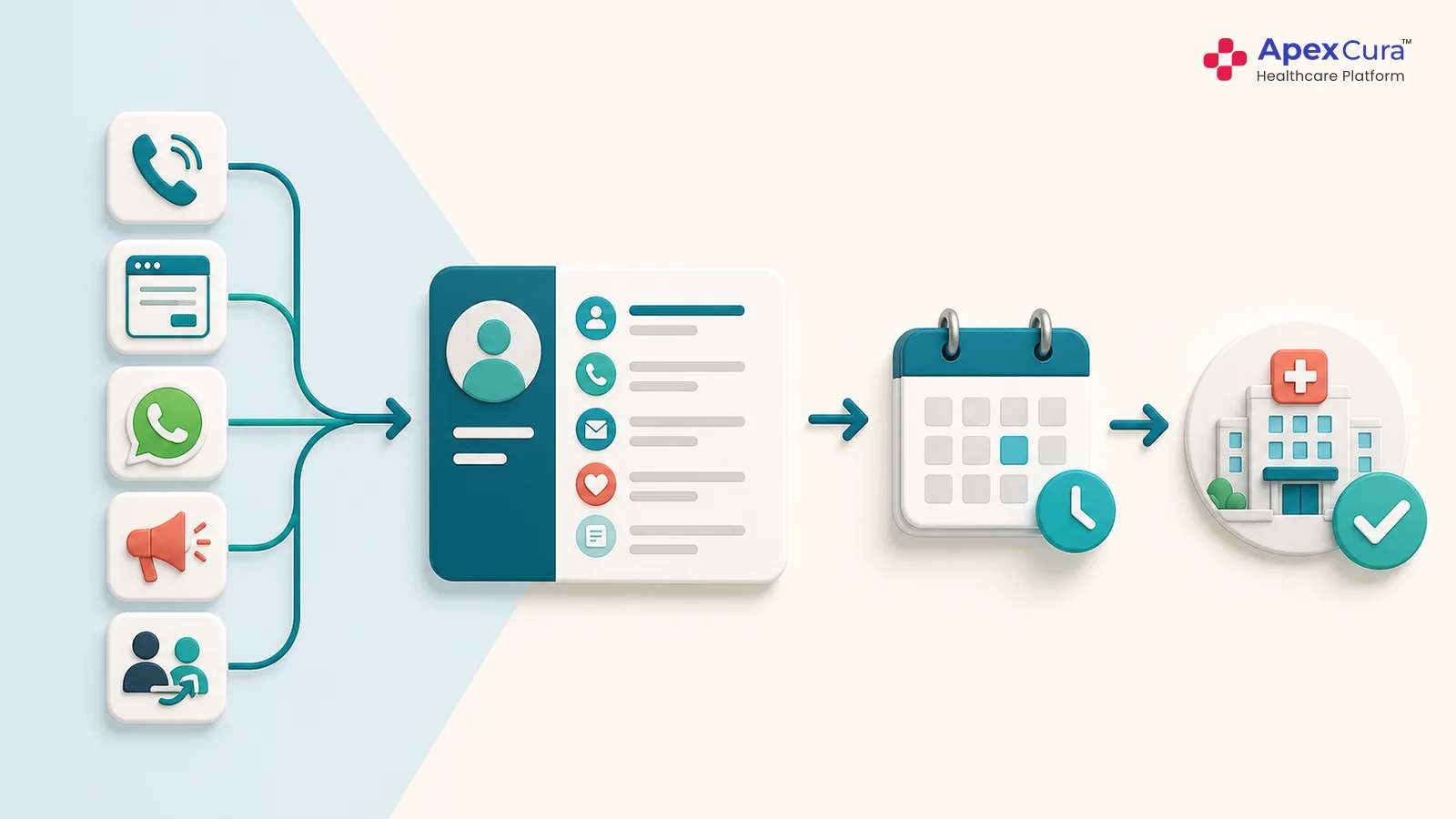
Appointments and walk-ins reach the OPD through different routes but often depend on the same consultation capacity. Appointment patients arrive against a planned time, while walk-ins require registration and placement according to hospital-defined rules. Managing them on separate lists can create conflicting sequences at the consultation room. A patient queue should bring both groups into one visible order while retaining their arrival details and applicable priority. This does not mean every patient receives the same position. It means the hospital applies one consistent operating rule, and authorised staff can see how each patient entered the queue and why the current sequence appears as it does.
Connecting Registration, Billing and Consultation Readiness
A patient may have arrived at the hospital without being ready for consultation. Registration details may still be incomplete, billing may be pending or a required pre-consultation step may not have finished. Placing that patient into the active doctor sequence too early can lead to missed calls and repeated reordering. The queue should therefore reflect the hospital event that confirms readiness for the next service stage. Supported integrations can pass appointment, registration and billing events into the queue without replacing the systems that create them. Clear readiness states help floor teams distinguish patients who are waiting for consultation from those completing an earlier operational requirement.
Maintaining the Patient Journey Across Service Queues
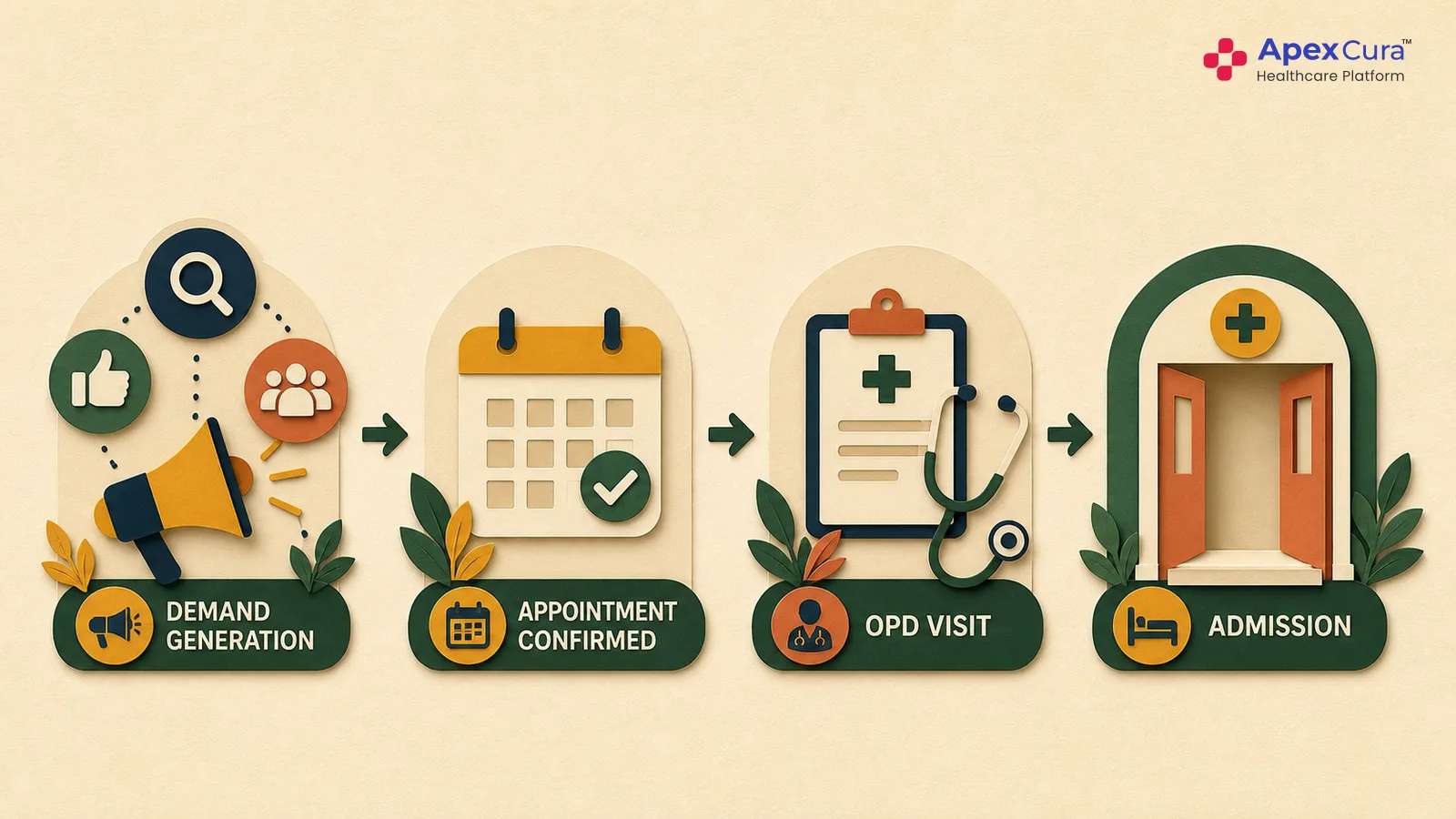
An OPD visit can involve more than one queue. A patient may move from registration to billing, consultation, diagnostics or pharmacy, depending on the services required. Each stage has its own resource, readiness event and completion point. A patient queue management system should preserve this progression without treating the entire visit as one undifferentiated line. Service-wise and doctor-wise views allow the responsible team to manage its current work while operations managers retain broader visibility into patient movement. When handovers are recorded consistently, teams can locate the stage where progress stopped and avoid attributing every visible delay to the consultation queue.
Why Patient Queue Order Changes During an OPD Session
Doctor Availability and Clinical Interruptions
The planned consultation sequence can change when a doctor starts late, moves rooms, pauses between patients or attends an emergency. Consultation duration also varies with clinical need, so a fixed schedule cannot predict every session precisely. Floor teams need a current doctor status before deciding how to manage the waiting queue or communicate a delay. The broader mechanics include rooms, pauses and authorised overrides. Their detailed management requires its own focused operational workflow. Within the patient journey, the important point is that a confirmed change in doctor availability must update the same queue used by staff, displays and patient communication.
Patient-Induced Delays: Late Arrivals, No-Shows and Missed Turns
Patient behaviour can disrupt the expected queue sequence. Someone arriving late may overlap with patients who reached the hospital on time, while a no-show may leave unused consultation capacity. A patient may also miss a turn after temporarily leaving the waiting area or take longer to complete a required pre-consultation step. Hospitals need defined rules for confirming arrival, marking no-shows, recalling missed patients and returning late arrivals to the queue. Without a shared rule, different staff members may place similar patients differently. Consistent handling protects patients who arrived as expected while allowing authorised teams to manage genuine exceptions during a changing OPD session.
Operations-Induced Delays: Registration, Billing and Coordination Issues
Some delays visible outside a consultation room begin earlier in the patient journey. Registration may be incomplete, billing may take longer than expected, the patient may be assigned to the wrong doctor or a handover may not reach the next team. Unclear room directions can also leave a ready patient outside the active sequence. These conditions affect when the patient becomes available for consultation even if the doctor queue itself is moving normally. Stage-level status helps operations teams locate the actual point of delay before changing consultation priority. It also keeps an upstream process problem from being reported automatically as a doctor-related queue failure.
Connect patient arrivals, readiness, queue movement and updates through one operational OPD view.
Explore Apex QMSHow Apex QMS Helps Manage Patient OPD Queues
Maintain Doctor-Wise and Service-Wise Patient Queues
Apex QMS maintains separate queues for individual doctors and configured service points while giving operations teams a connected view of patient movement. Each active queue can show waiting patients, current status and the relevant room or service location. Hospital-defined rules can sequence appointments and walk-ins using available arrival, appointment and readiness information. Authorised staff can manage approved exceptions when live conditions require a change. Separate operational queues prevent one departmental list from obscuring which resource a patient is actually waiting for. At the same time, the shared system helps registration, front-desk, floor and consultation teams work from consistent queue information instead of disconnected local lists.
Give Operations Teams Real-Time Control and Escalation
OPD conditions change continuously, so hospital teams need to intervene without losing control of the active sequence. Apex QMS allows authorised staff to update doctor availability, respond to room or schedule changes, manage patient priority and record exceptions where required. Real-time views show queues that are moving and those where patients are accumulating. Operations managers can then investigate the relevant doctor, service point or upstream stage before deciding what action is appropriate. Keeping each authorised change inside the shared queue reduces informal reordering and conflicting instructions. It also gives management better context for responding before a local delay develops into wider waiting-area congestion.
Keep Patients Informed as the Queue Changes
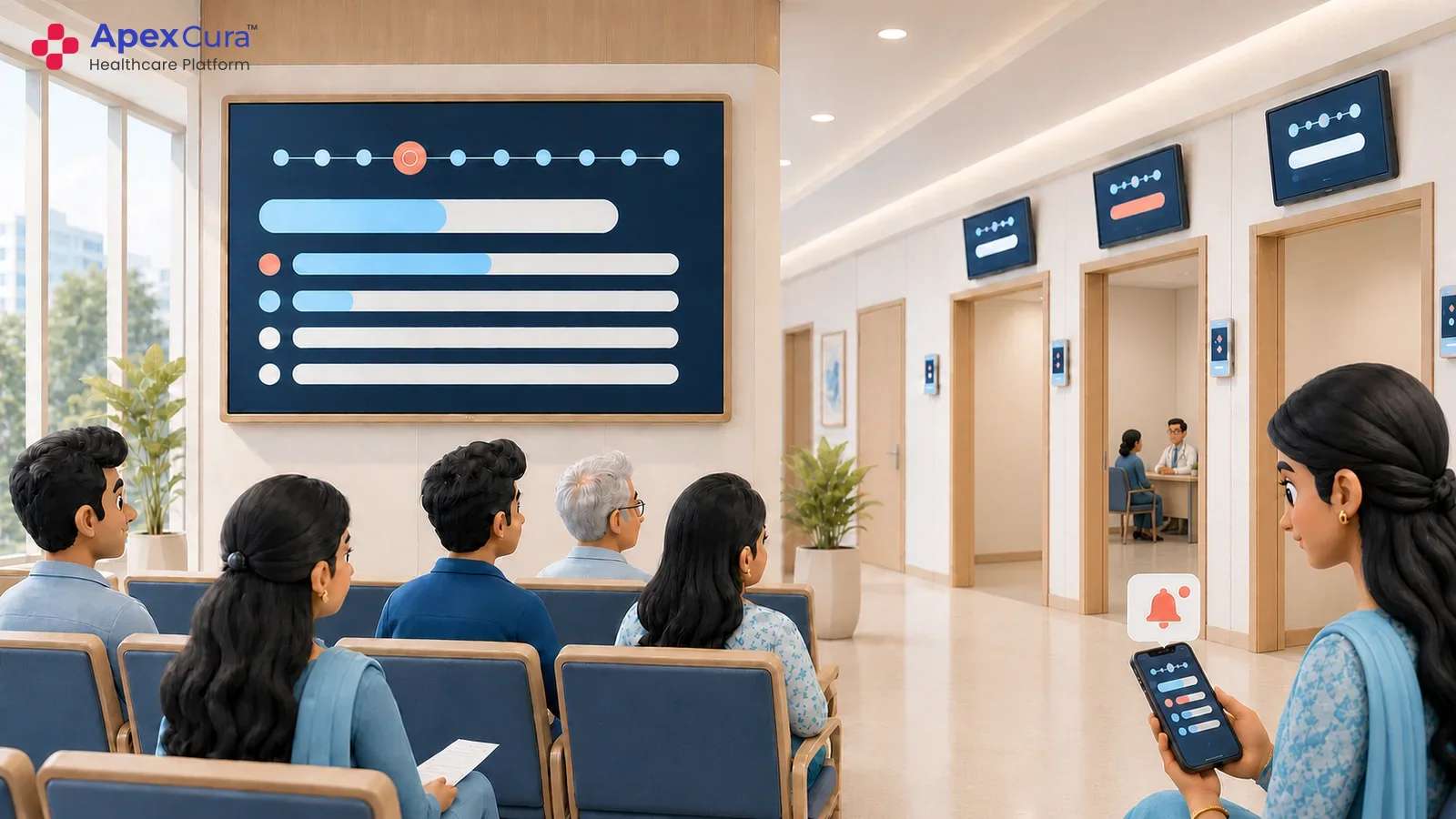
Apex QMS keeps patients informed about their queue status instead of requiring them to repeatedly approach reception or floor staff. Relevant updates can be communicated proactively through queue displays and WhatsApp as the queue moves or conditions change. Screens can show current token, doctor status, room and queue movement using the same operational state available to staff. Configured WhatsApp messages can communicate updates when doctor delays or room changes affect patients. These channels should report confirmed information rather than speculative consultation times. A shared source reduces repeated questions at reception and helps prevent different teams from giving contradictory directions. Communication does not determine priority; it makes the authorised queue state understandable to the people waiting and the staff supporting them.
Conclusion
Patient queue management connects appointments, walk-ins and readiness events with the doctor-wise or service-wise queue a patient is waiting to enter. This matters because queue order can change with doctor availability, clinical interruptions, late arrivals, missed turns and upstream delays. Apex QMS gives authorised teams a shared view, configurable priority rules and controlled ways to manage exceptions. Displays and WhatsApp updates communicate confirmed queue changes without determining clinical or operational priority. The objective is not merely to issue digital tokens. It is to keep patient movement, staff decisions and waiting-area communication aligned as OPD conditions change consistently throughout the day.