Why Appointments and Walk-Ins Create Queue Conflicts
Appointment Time and Actual Patient Arrival Are Often Different
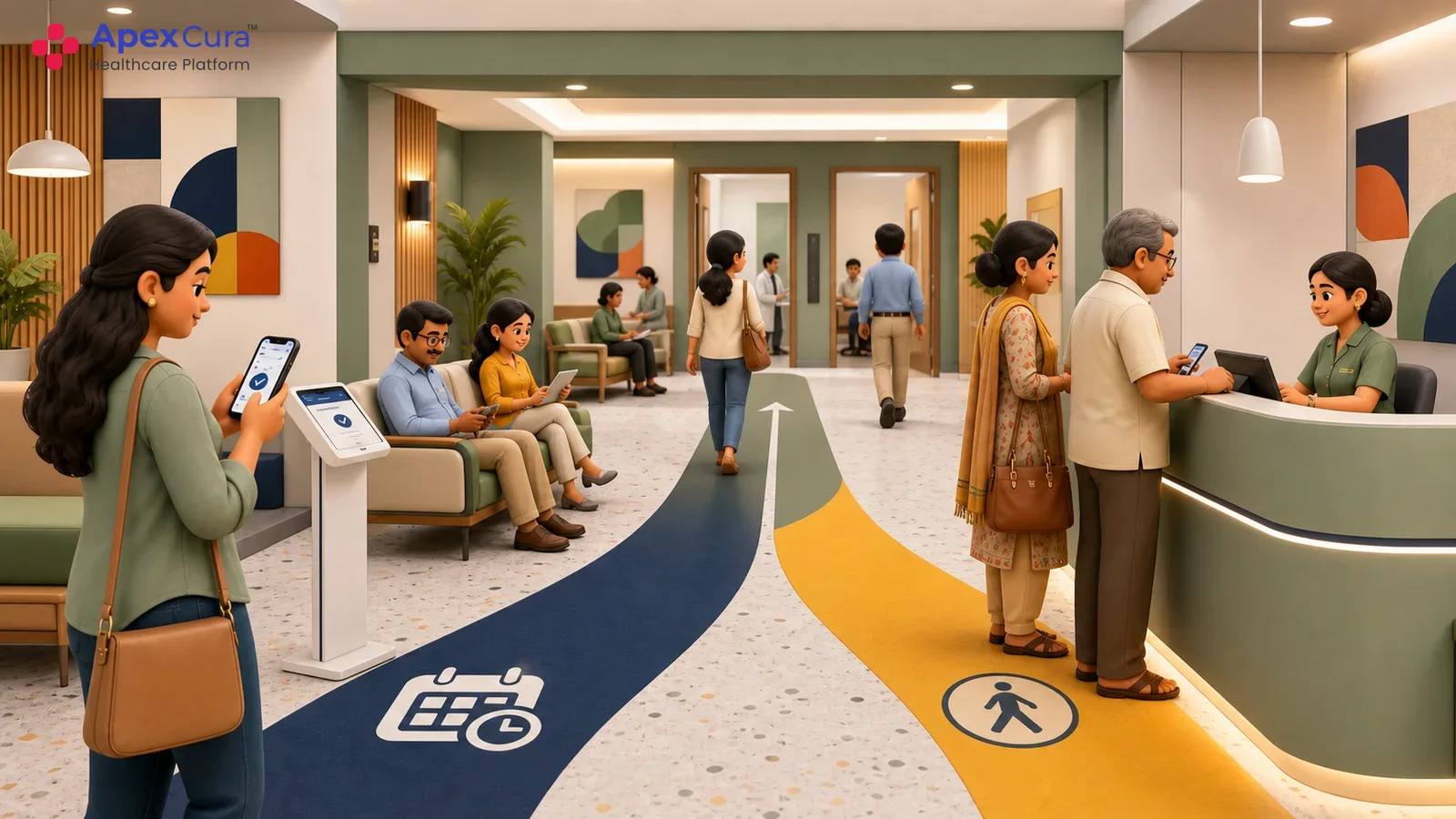
An appointment time shows when a patient is expected, but it does not confirm that the patient is guaranteed or physically present and ready for consultation. Some patients arrive well before their booked slot, while others arrive exactly on time or significantly late. This creates a basic conflict between planned order and actual arrival. An early patient may expect to be seen sooner because they are already waiting, while an on-time patient may expect the booked slot to be honoured. When several such situations occur together, the live queue can quickly differ from the original appointment schedule.
Late Arrivals and No-Shows Disrupt Planned Doctor Schedules
Late arrivals and no-shows make a fixed appointment schedule difficult to maintain during the actual OPD session. A patient arriving late may overlap with others who have reached the hospital on time, while a no-show can create gaps. Missed turns can create further uncertainty if the patient returns later and expects the original position. These situations constantly change available doctor capacity and the expected order of patients, making it difficult for reception and floor teams to manage the queue consistently without clear operational rules.
Walk-In Patients Need a Fair and Visible Queue Process
Walk-in patients enter the OPD without a committed appointment slot and may therefore depend heavily on staff estimates about when they will be seen. If appointments are given priority without a visible process for walk-ins, these patients may feel that their turn is uncertain or repeatedly being pushed back. At the same time, strict first-come, first-served ordering may not protect existing appointment commitments. Hospitals therefore face a genuine balancing problem between scheduled patients and walk-ins, especially during busy sessions when both groups are waiting for the same doctor.
How Hospitals Can Define Fair Queue Rules for Both Patient Types
Use Appointment Time, Arrival Time and Grace Periods to Determine Priority
Hospitals can define patient priority using a combination of booked appointment time and actual arrival time rather than relying on only one factor. A reasonable grace period can protect patients who are slightly late while preventing significantly delayed arrivals from automatically moving ahead of patients already waiting. Hospitals should also define when an early appointment patient becomes active in the queue and how available consultation capacity is used for walk-ins. The logic should remain simple enough for staff to explain and consistent enough for patients to understand why the live queue may differ from the original appointment schedule.
Define Clear Rules for Late Patients, No-Shows and Walk-Ins
Hospitals should document what happens when a patient arrives after the permitted grace period, misses a turn or does not arrive at all. Walk-in rules should also define when unscheduled patients enter the doctor queue and how they use available capacity between booked appointments. Staff should follow one common process for recording arrival, missed turns and no-show status instead of relying on memory, verbal decisions or separate handwritten lists. Rules may differ by specialty or doctor where necessary, but each variation should be clearly approved and visible to the teams responsible for managing the OPD queue.
Allow Exceptions for Clinical Priority Without Losing Queue Transparency
Some patients may need to move ahead because of clinical urgency, mobility limitations, doctor instructions or another approved operational reason. Hospitals need the flexibility to allow such exceptions without making the overall queue appear arbitrary. Only authorised staff should be able to change patient priority, and the system should record the reason, user and time of the change. This allows other teams to understand why the order changed and helps supervisors review repeated exceptions. Controlled overrides protect necessary clinical judgement while preserving transparency in the normal appointment and walk-in queue process.
Combine appointments and walk-ins through one live queue with clear arrival, priority and exception rules.
See Apex Cura Appointment and Walk-In Queue ManagementSee How Apex Cura Manages Appointment and Walk-In Queues
Configure One Live Queue for Appointments and Walk-Ins
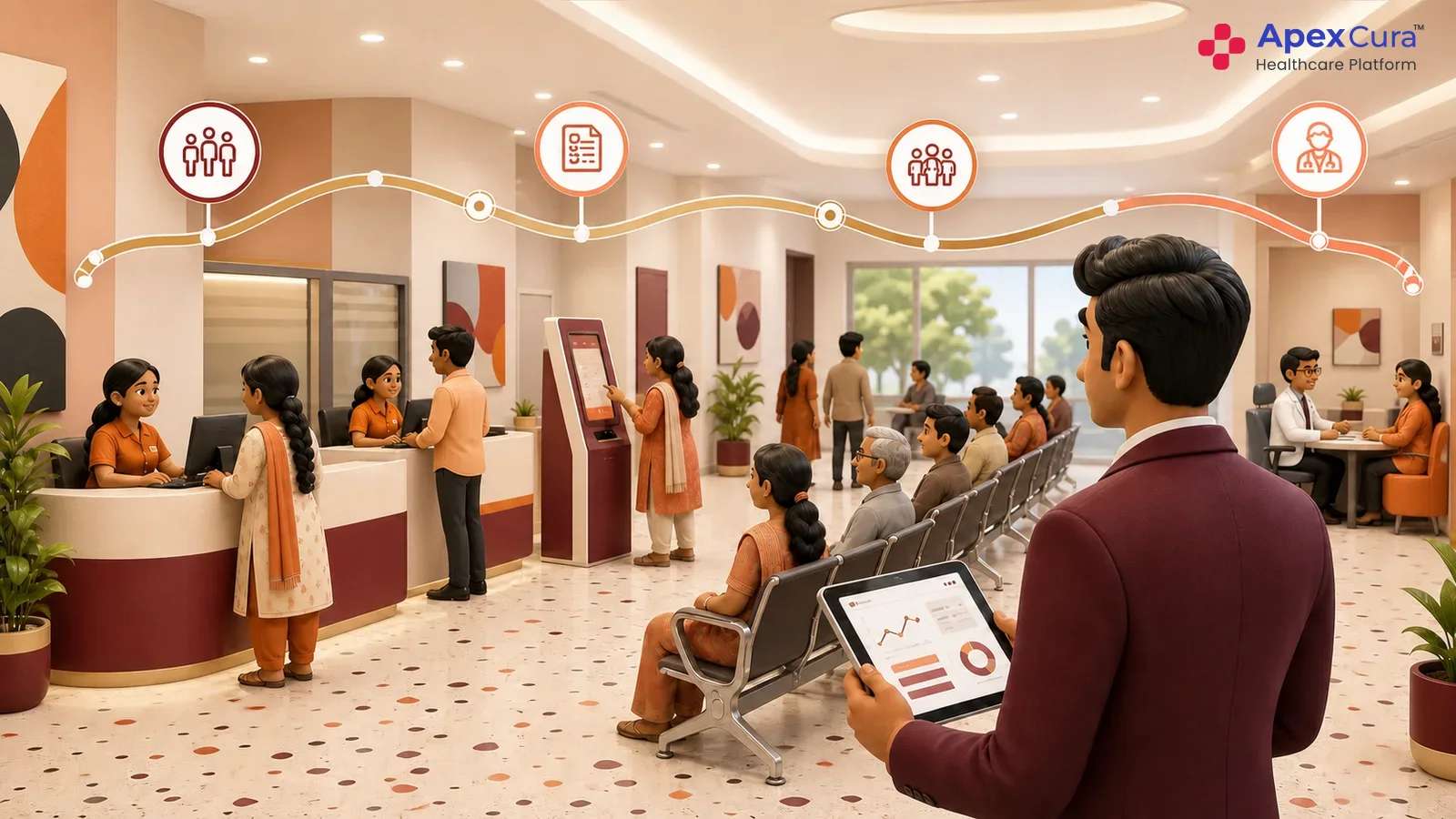
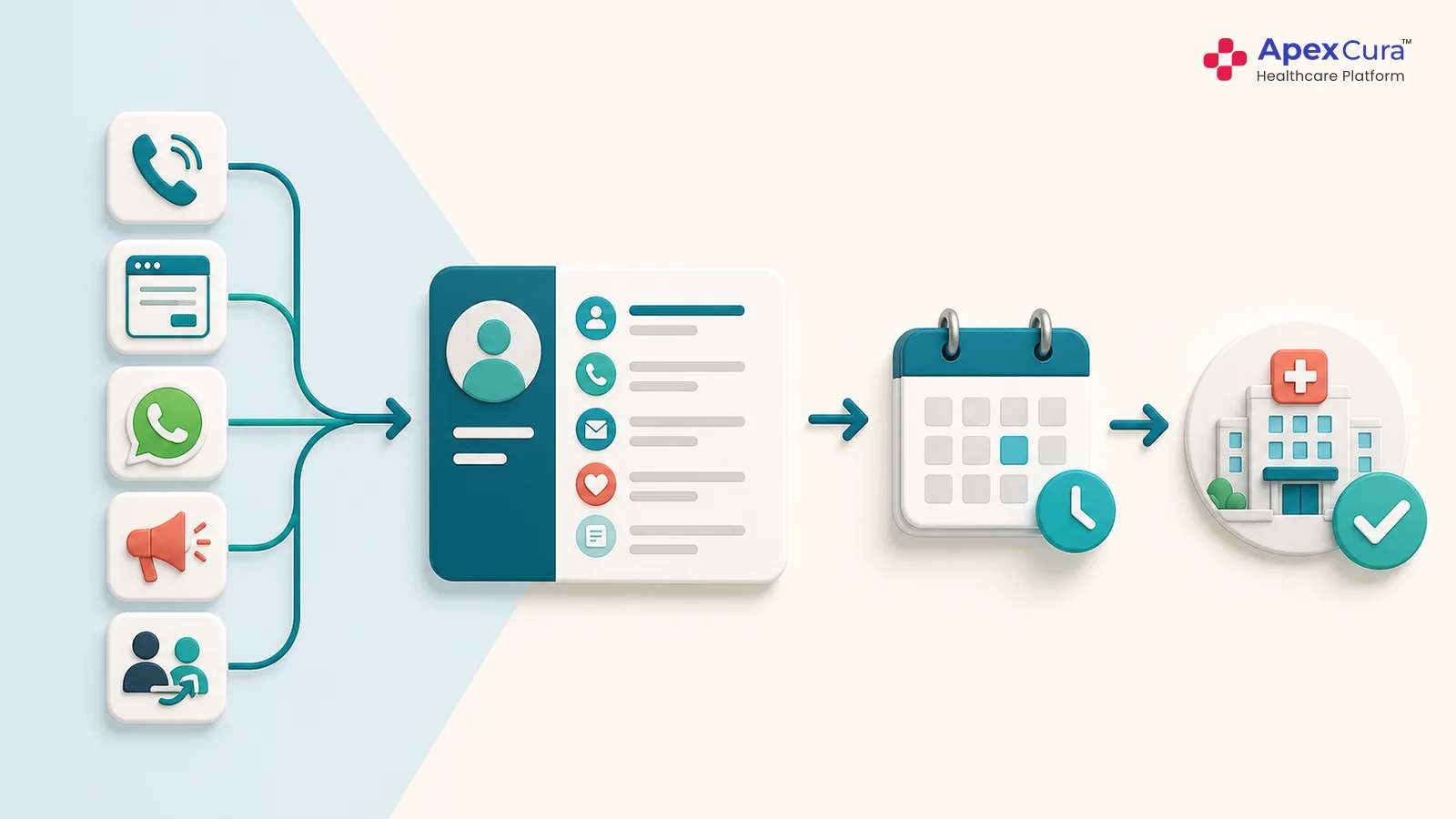
Apex QMS can combine booked patients and walk-ins into one live doctor queue using configurable sorting rules defined by the hospital. Patient order can consider a combination of appointment time, actual arrival time, waiting time, grace periods and patient type instead of following a single fixed sequence. Different doctors or specialties can use different logic where required. The same appointment and walk-in rules can also support an outpatient clinic queue. Staff can see who has arrived, who is waiting and which patient is next without maintaining separate appointment and walk-in lists. This allows the live queue to reflect actual OPD conditions while still following the hospital’s approved operating rules.
Dynamically Prioritise Patients as OPD Conditions Change
The active queue needs to respond continuously as patients arrive late, miss their turn, become no-shows or require an approved exception. Apex QMS can recalculate the queue based on configured rules while allowing authorised operations teams to change patient priority when genuine floor-level situations require intervention. These changes remain visible instead of being managed through verbal instructions or parallel lists. Controlled overrides can capture who made the change and why. This gives hospital teams the flexibility to manage real OPD conditions while maintaining a consistent queue structure and clear accountability for manual decisions.
Keep Patients and Staff Updated With Live Queue Status
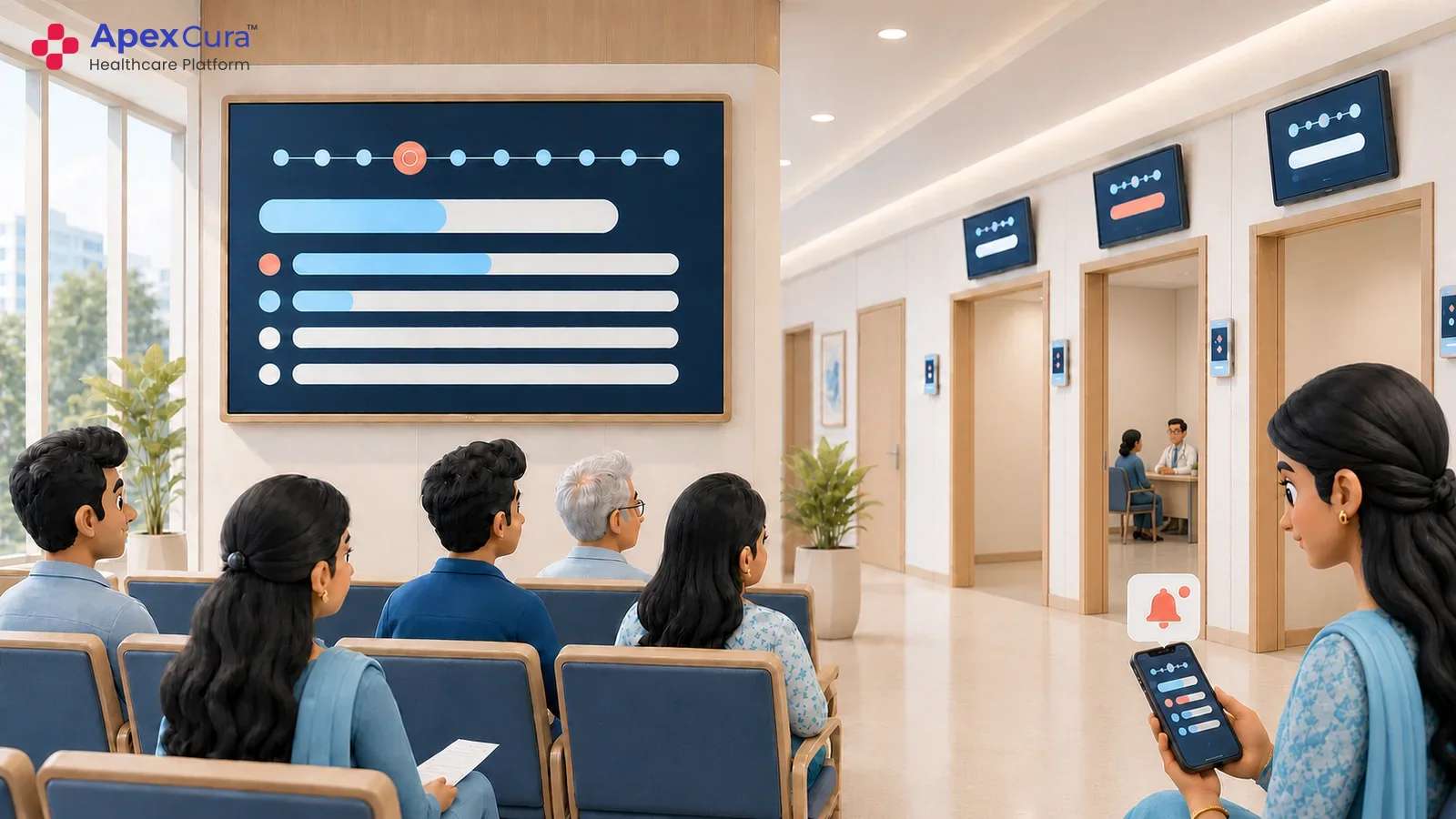
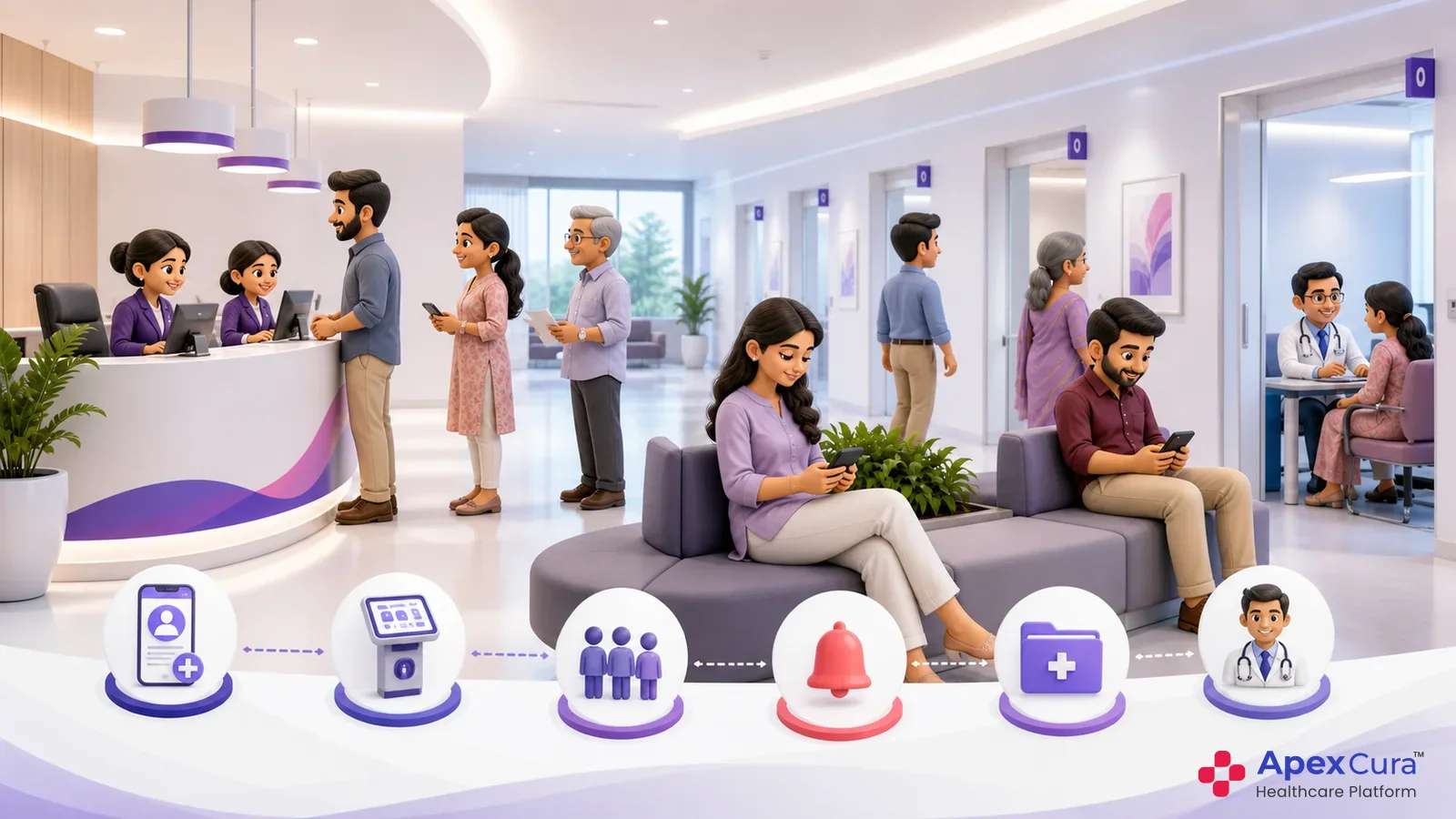
Apex QMS uses one live queue as the common source of information for hospital teams and patients. Reception and floor staff can see the current queue position and patient status, while displays can show the active token, doctor and room information. Selected queue changes can also be communicated proactively through WhatsApp, particularly when delays, missed turns or other meaningful changes affect the patient. Because staff views, displays and messages use the same active queue, conflicting instructions are reduced. Patients receive better visibility into their waiting status without repeatedly approaching hospital staff for updates.
Conclusion
Managing appointments and walk-ins requires more than placing both groups into one list. Hospitals need clear rules for appointment time, actual arrival, grace periods, late patients, no-shows, walk-ins and clinical exceptions. These rules should protect appointment commitments while giving unscheduled patients a fair and visible process. Apex QMS can operationalise these policies through configurable sorting logic, dynamic prioritisation and controlled overrides within one live doctor queue. Shared queue status across staff views, displays and patient communication helps hospitals maintain transparency while adapting to changing OPD conditions throughout the day.