Understand Your Hospital’s Queue Management Requirements
Map the Patient Journey Across OPD Stages
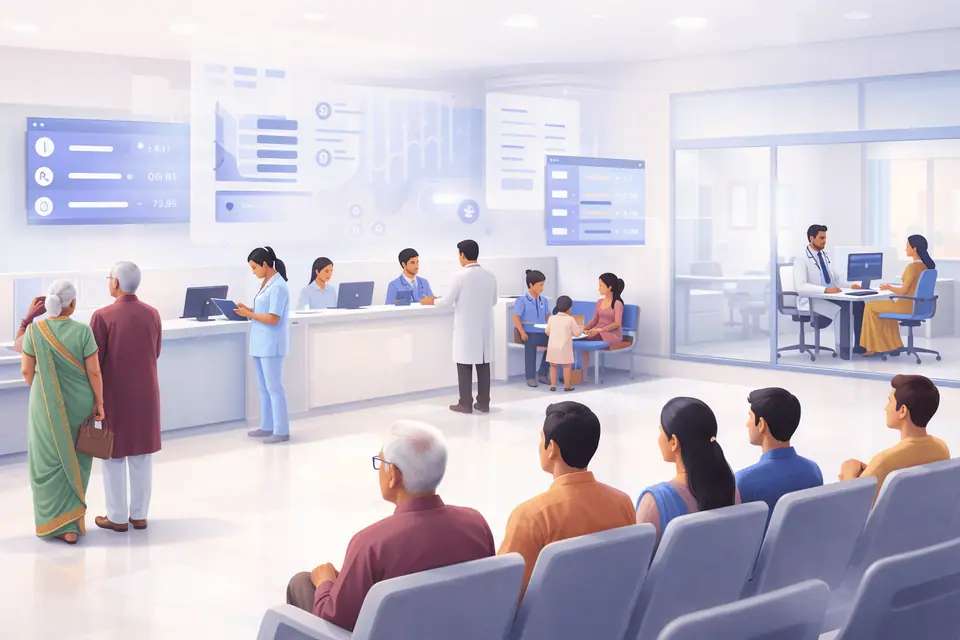
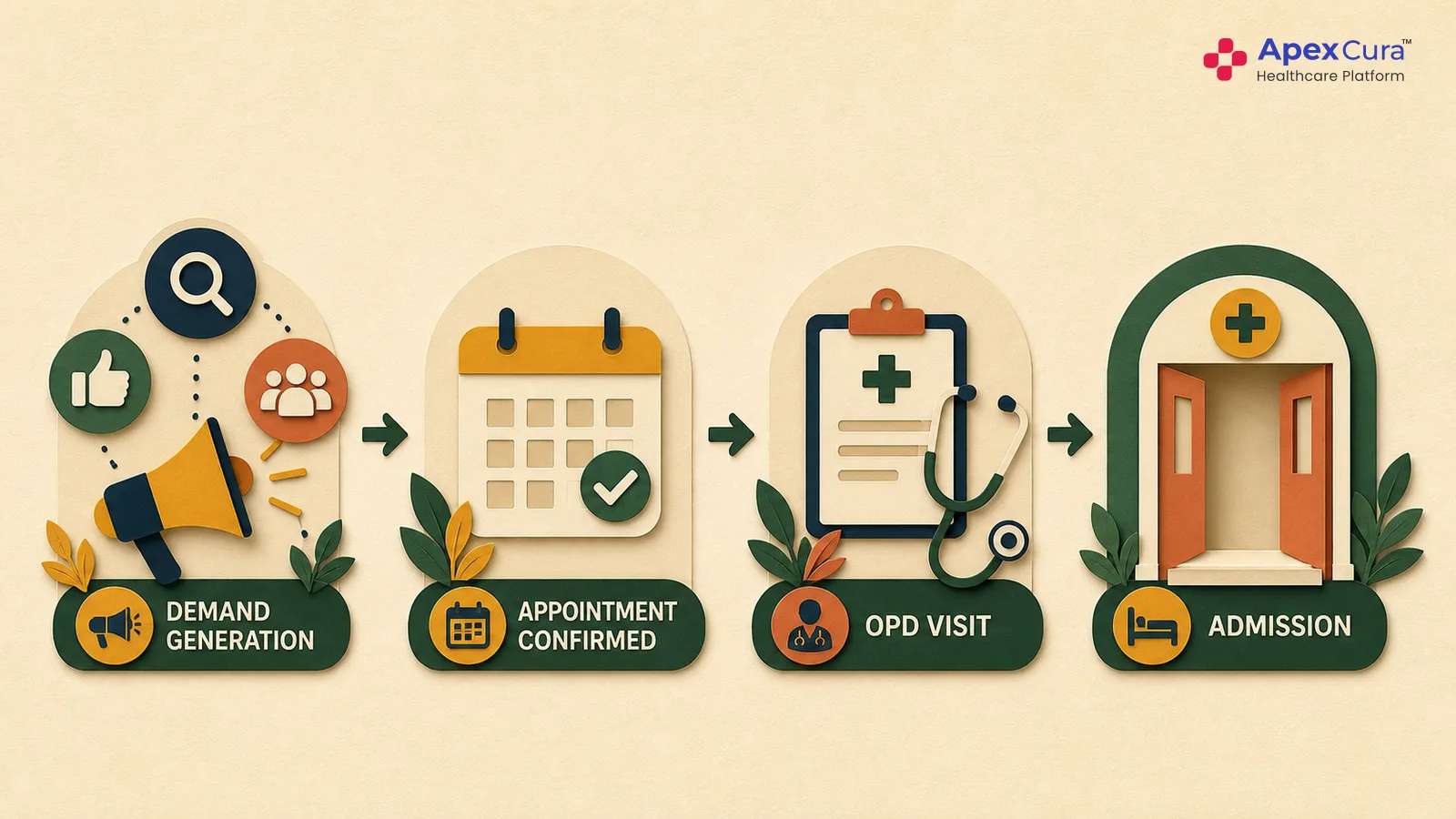
Start by mapping the complete OPD patient journey for different patient types. A patient with an appointment may arrive, register, complete billing, wait for the doctor and then move to another service, while a walk-in patient may follow a different path or priority. Record every step and identify the team responsible at each stage, including check-in, nurse assessment or diagnostics where relevant. This exercise helps document the existing workflow, current data-capture process, team handovers and actual patient journey. The queue management system should reflect their current workflows rather than new workflows.
Identify Where Queues, Delays and Bottlenecks Occur
A crowded waiting area does not always show where the delay actually began. A doctor queue may grow because many patients arrived together, billing slowed down, registration took longer or the consultation session started late. Observe patient movement during both normal and peak hours and record where patients spend most of their time, where queues remain stationary and how staff respond when delays become visible. Also review repeated patient questions, manual data capture and information shared manually between teams. These observations help define the visibility, alerts and operational controls required from the hospital queue management system.
Identify Staff Roles, Permissions and Queue Controls
Different hospital teams may have different responsibilities and levels of control within the OPD queue. Doctors may require vitals or preliminary assessments to be completed before consultation, while nurses may manage patient check-in, readiness. In other hospitals, doctors may take these responsibilities or OPD secretaries. Clearly define what data must be captured, who is responsible for capturing it, who can move patients between stages and who can change queue priority. Permissions for manual overrides, emergency prioritisation and doctor-requested changes should also be documented before configuring the QMS.
Evaluating and Selecting the Right QMS Software
Existing Hospital Workflows Should Be Supported
A hospital queue management system should fit into the existing patient journey and support the touchpoints already followed across the OPD. The patient queue software should not require unnecessary changes to established processes. During software evaluation, hospitals should test real situations such as late appointments, walk-ins, room changes and patients moving to another service. Staff who manage these situations every day should participate in the evaluation and confirm whether the workflows are easy to execute. Their feedback can identify practical limitations that may not become visible during a standard product demonstration.
Evaluate Integration Capabilities With HIMS and Appointment Systems
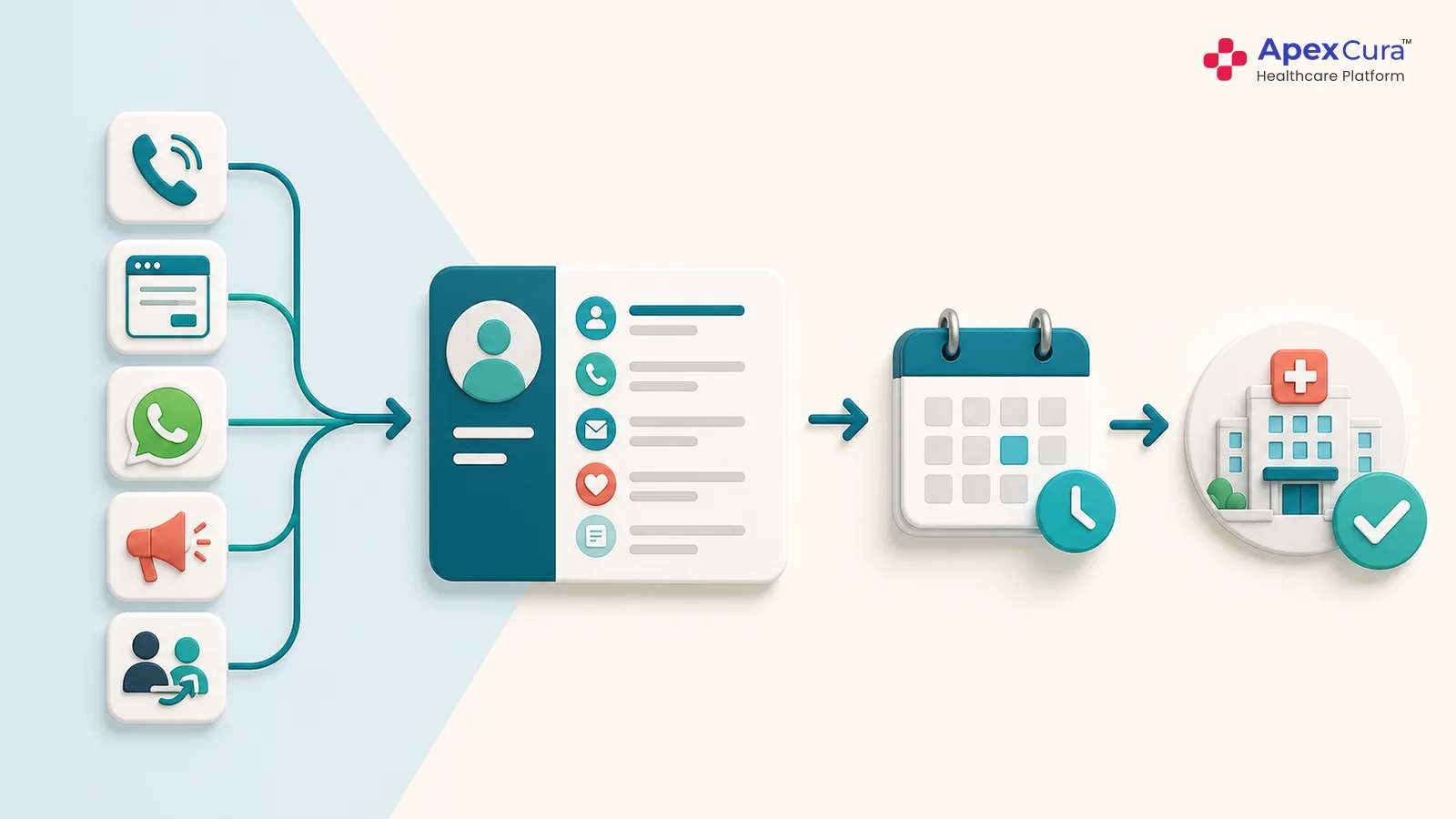
A hospital queue management system relies on information that is often already captured in existing hospital systems. Registration can identify the patient, billing may confirm readiness, appointments provide the planned doctor, and consultation completion can close the queue. Wherever possible, these events should automatically update the QMS. Hospitals should evaluate available APIs, event timing, patient identifiers and how cancellations or updated transactions are handled. If staff are required to enter the same information again, the queue can quickly become inaccurate during busy periods. Integration should therefore minimise duplicate work while still allowing controlled corrections when genuine operational errors occur.
Assess Queue Configuration, Patient Communication and Operational Controls
The software should support the different ways queues operate within the hospital, including doctor-wise and service-wise queues, appointments, walk-ins, priority rules, shared rooms and schedule changes. Authorised staff should be able to manage genuine exceptions without losing the original queue history. Hospitals should also review what information is shown to patients through token displays and WhatsApp updates. At the same time, administrators should have visibility into delays, manual overrides and queues that have stopped moving so that operational teams can intervene when required.
Connect patient arrivals, hospital systems, doctor queues and waiting-time measurement in one practical OPD workflow.
Explore Apex Cura OPD Queue ManagementDefine KPIs to Measure and Improve Queue Outcomes
Measure Patient Waiting Time Across OPD Stages
The total time a patient spends inside the hospital does not explain where the actual waiting occurred. Hospitals should measure waiting separately for services such as doctor consultation, laboratory tests, radiology and other OPD stages. Clear start and end events should be defined for every stage before results are compared. For example, doctor waiting time may start after billing or patient arrival and end when the doctor calls the patient. Using consistent definitions across departments helps management compare waiting by doctor, specialty, patient type and time of day, and identify the true source of delays.
Track Service Time and Operational Delays
Waiting time should be reviewed together with the actual time taken to deliver each service. Hospitals can track consultation duration, billing time, doctor start delays and periods when an active queue stops moving. This provides the context needed to interpret waiting time and patient experience correctly. Some specialties may naturally require longer consultations, while repeated late starts or room handover delays may indicate operational issues. Hospitals should compare similar doctors and sessions, analyse waiting time separately from service time, and assign each identified operational problem to the team responsible for correcting it.
Use Queue Data to Identify Bottlenecks and Improve Patient Flow
Reliable queue data helps hospitals compare performance across doctors, departments, days and time periods. Repeated patterns may reveal appointment bunching, late doctor starts, slow billing, inadequate peak-hour staffing or services where queues frequently stop moving. These findings should be reviewed with the teams managing the process to confirm what happened operationally. Hospitals can then select a practical intervention, assign clear ownership and measure the outcome. Changes may include revising appointment slots, opening counters earlier, improving handovers or communicating delays to patients. This creates an evidence-based approach to improving patient flow.
Conclusion
Establishing an effective OPD queue management system starts with understanding how patients actually move through the hospital, where delays occur and how doctors, nurses and operations teams manage the queue today. Hospitals should then evaluate QMS software based on workflow fit, integration capabilities, queue controls and patient communication. After implementation, waiting time, service time and operational delays should be measured using clearly defined KPIs. The real value of a QMS comes from using this data to identify bottlenecks, improve patient flow, assign operational responsibility and continuously improve the overall OPD patient experience.