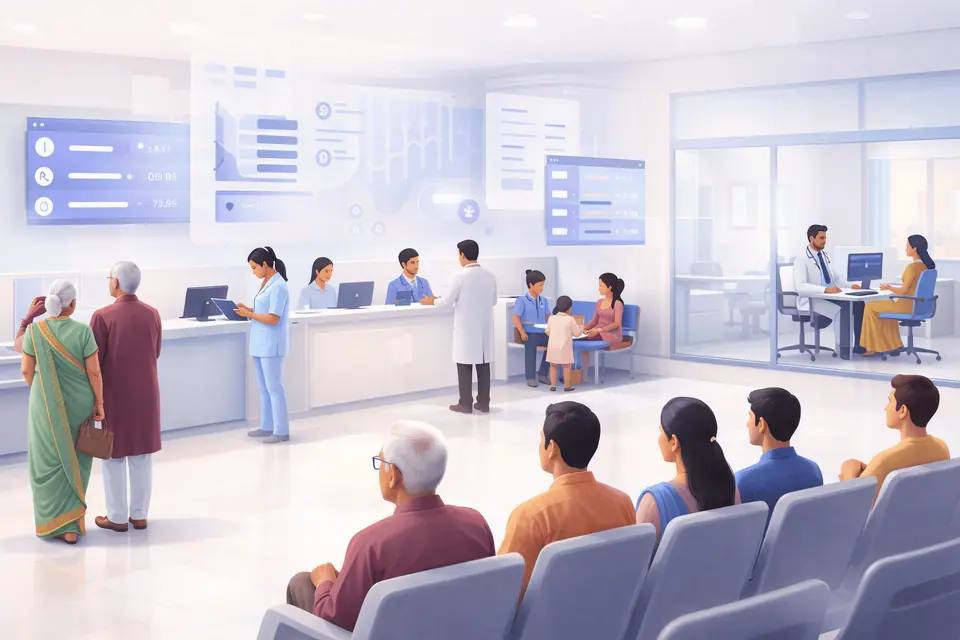
Where OPD Patient Flow Breaks Without Live Queue Visibility
Appointments and Walk-Ins Enter the OPD Under Different Conditions
An appointment schedule shows the planned order, but the live OPD depends on actual patient arrival. Some booked patients arrive early, while others arrive late or do not arrive. Walk-ins join without a committed consultation time. Hospitals may also need approved exceptions for urgent or operational reasons. If these patient types are managed through separate lists, staff must repeatedly decide who should be seen next. The decision may vary between counters and shifts. A hospital needs clear rules for appointment time, arrival time, grace periods, walk-ins and exceptions. These rules create a consistent starting point for the live queue.
Registration, Billing and Doctor Queues Operate Separately
A patient may have an appointment but may not yet be ready for consultation. Registration could be incomplete, billing may still be pending or the patient may need another check-in step.
When each stage maintains a separate list, the doctor queue may include patients who are not ready. It may also miss patients who completed the required process. Staff then depend on phone calls, verbal updates or manual checking between counters. Supported HIMS, appointment, registration and billing integrations can use actual hospital events to update queue readiness. This keeps the doctor queue aligned with the patient’s real position in the OPD journey.
Staff and Patients Do Not Share the Same Queue Status
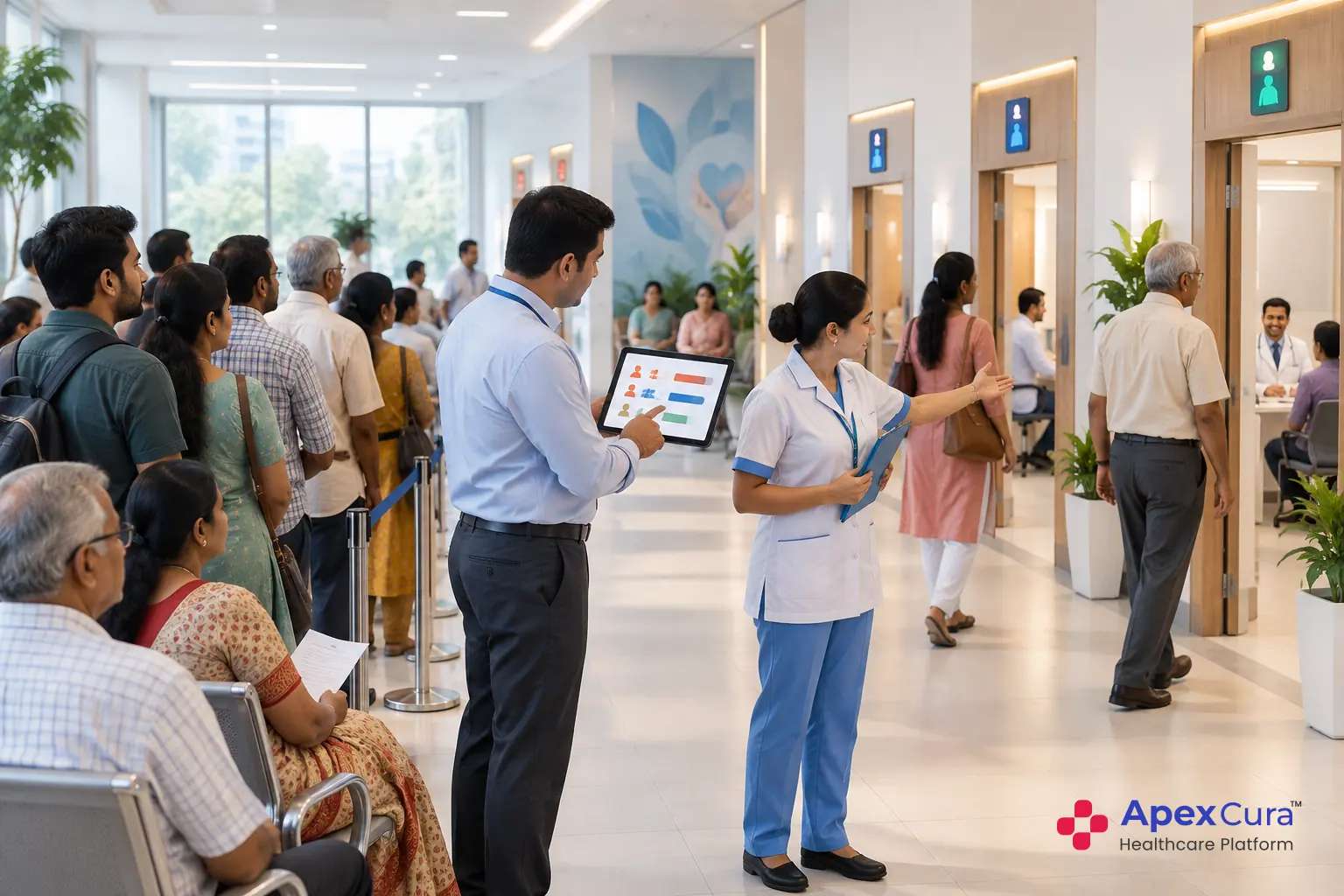
Patients become uncertain when reception, floor staff and doctor teams use different queue information. The patient may hear one token at the counter and see another order outside the consultation room. Repeated questions then create additional work and crowding. A shared queue status should answer practical questions.
- Has the patient completed the required arrival process?
- Which doctor or service queue contains the patient?
- Which token is currently being served?
- Has the doctor paused, moved rooms or become delayed?
- Has the patient been called, completed or missed the turn?
How Queue Management Supports Daily OPD Operations
Connect Appointments, Registrations, Billing and Walk-Ins
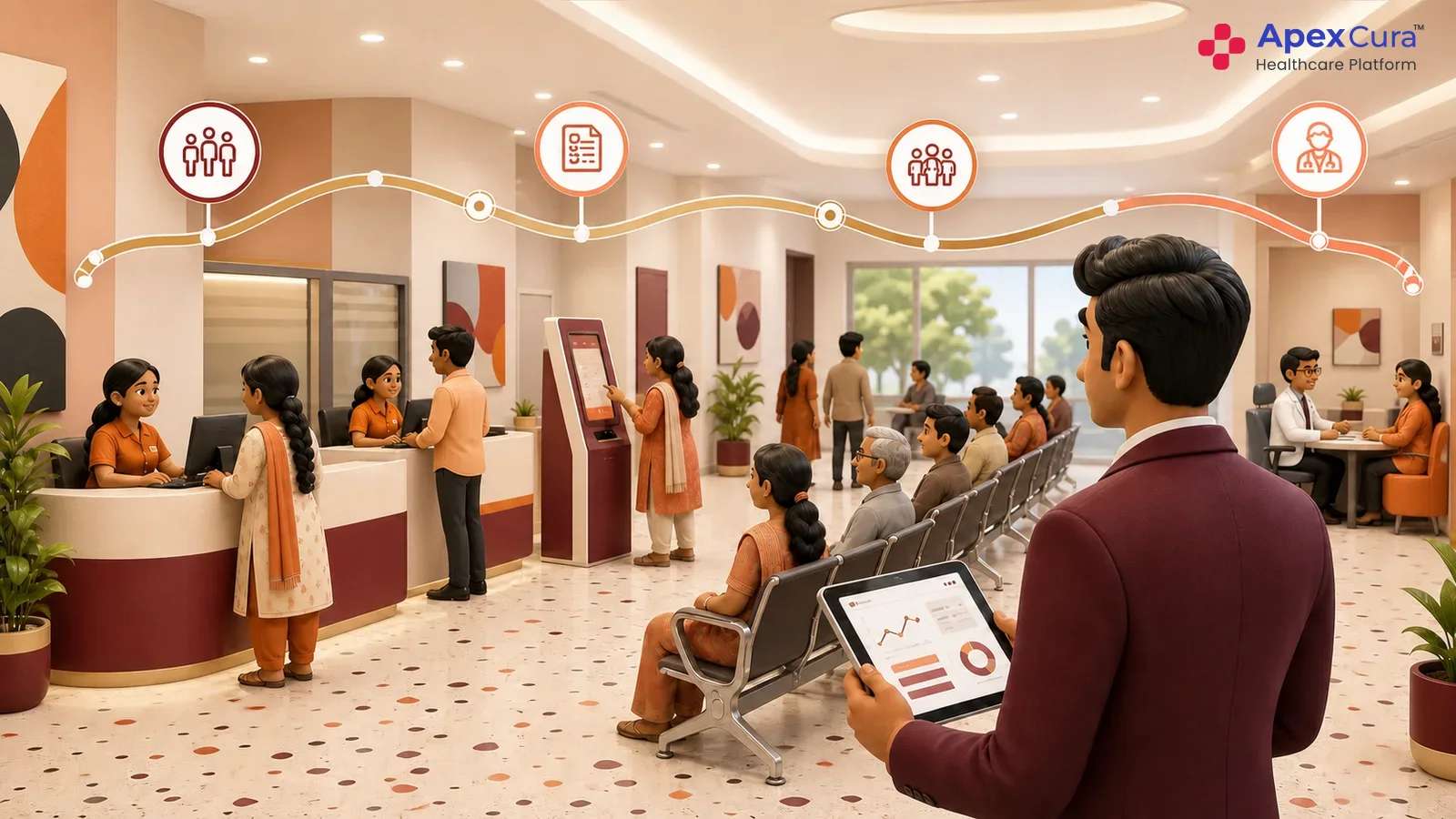
A queue management system can bring appointment patients and walk-ins into the same live doctor queue using hospital-defined rules. Appointment data identifies the planned doctor and time. Registration or billing events can confirm that the patient has arrived and is ready. Walk-ins can enter through the hospital’s existing arrival process. The system then applies the configured order instead of asking staff to maintain parallel lists. Different doctors or specialities may use different rules when required. The OPD Queue Management System Guide explains how hospitals can map these requirements before selecting and configuring software.
Manage Doctor Delays, No-Shows and Queue Exceptions
The live queue must change when OPD conditions change. A doctor may start late, attend an urgent clinical requirement, pause consultation or move to another room. Patients may arrive after their grace period, miss a turn or become no-shows.
Availability: Update the doctor’s current queue status and room.
Patient status: Record late arrival, missed turn, no-show or completion.
Exception: Allow authorised staff to apply an approved priority or manual override.
The system should retain the reason and user behind important manual changes so supervisors can understand how the queue was managed.
Communicate Queue Movement Through Displays and WhatsApp
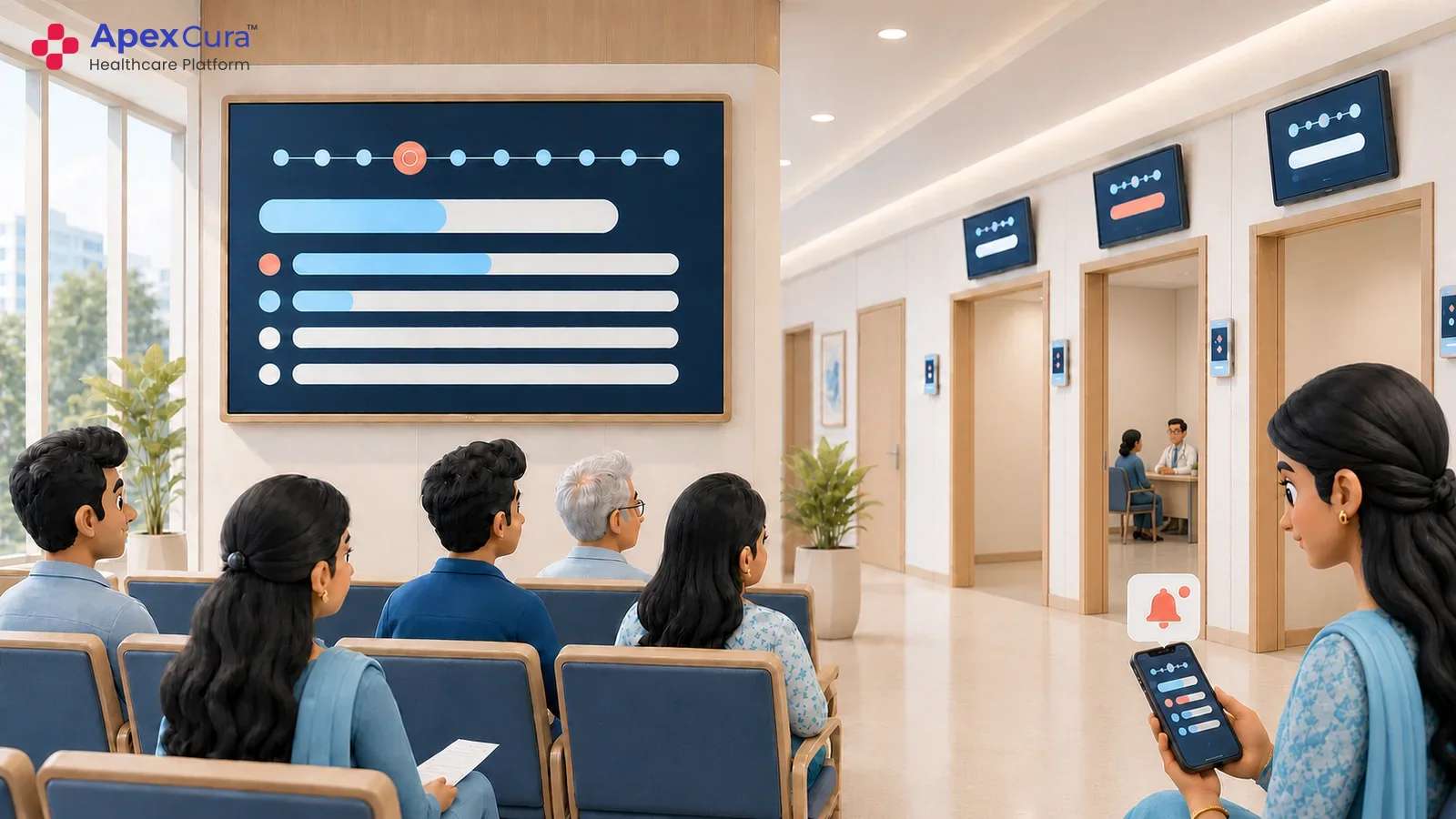
Waiting-area displays can show the current token, doctor, consultation room and selected status updates. When the doctor calls the next patient, the connected display should change with the live queue. Hospitals with shared waiting areas may show several doctors on one screen. Separate areas may use doctor-specific screens. The guide to OPD Queue Displays explains these display choices in more detail. Relevant queue changes can also be sent to patients through WhatsApp. Displays, patient messages and staff views should use the same active queue so instructions remain consistent.
Connect appointments, walk-ins, doctor queues, displays and waiting-time visibility in one OPD workflow.
Explore Apex QMSWhat Hospitals Should Measure and Improve
Measure Waiting Time and Service Time Separately
Total time inside the hospital does not show where the patient waited. Hospitals should define a clear start and end event for each queue stage. Doctor waiting time may begin after the patient becomes ready and end when the doctor calls the patient. Service time may begin when consultation starts and end when the doctor completes it. These definitions should remain consistent across comparable departments. Waiting and service time need separate review because a long consultation may be clinically appropriate, while a queue that remains stationary before consultation may indicate an operational delay. Clear definitions make comparisons more useful and fair.
Identify Bottlenecks by Doctor, Department and Time
Queue data can reveal patterns that are difficult to see from a crowded waiting area alone. Hospitals can compare patient arrivals, queue growth, waiting time and service time across doctors, departments and periods.
- Appointment blocks that repeatedly create concentrated arrivals.
- Doctor sessions that regularly begin later than planned.
- Registration or billing stages that delay queue readiness.
- Doctor queues that stop moving during particular periods.
- Room changes or handovers that repeatedly disrupt patient flow.
These patterns help teams investigate the actual operating cause instead of reacting only to visible crowding.
Assign Ownership and Review Queue Performance Regularly
Queue reports create value only when hospital teams act on them. Operations managers should review repeated delays with the staff responsible for the affected stage. A billing backlog, doctor delay and room constraint require different corrective actions. The team should confirm what happened, select a practical intervention and assign clear ownership. The action may involve changing appointment slots, opening a counter earlier, improving a handover or communicating a delay sooner. The article on Reducing OPD Waiting Time provides a broader improvement approach. Hospitals should measure the result after each change and continue only when the data shows improvement.
Conclusion
OPD queue management helps hospitals connect patient arrival, queue readiness, doctor availability and patient communication through one operational view. Hospitals should define fair rules for appointments, walk-ins and exceptions, then connect relevant registration and billing events where supported. Live displays and WhatsApp updates can keep patients informed as the queue changes. Waiting time, service time and bottlenecks should be measured separately so teams can identify the real source of delay. An OPD Queue Management System creates value when operations teams use this visibility to assign responsibility and improve daily patient flow.