Why Does OPD Waiting Time Increase During Peak Patient Arrivals?
Patients Do Not Arrive Evenly Throughout the Day
Patient arrivals are rarely spread equally across an OPD session. Many families prefer a convenient late-morning visit after finishing travel, school or household work. In several hospitals, 10 AM to 12 noon becomes the common arrival period, even when doctors are available for a longer session.
Registration and billing may complete many patients within the same hour. All of them then become ready for consultation together. The total OPD volume may be manageable for the day, but this short rush creates a long doctor queue. Hospitals must therefore study when patients actually become ready, not only how many patients visited that day.
Appointment Patients, Walk-Ins and Late Arrivals Enter the Queue Together
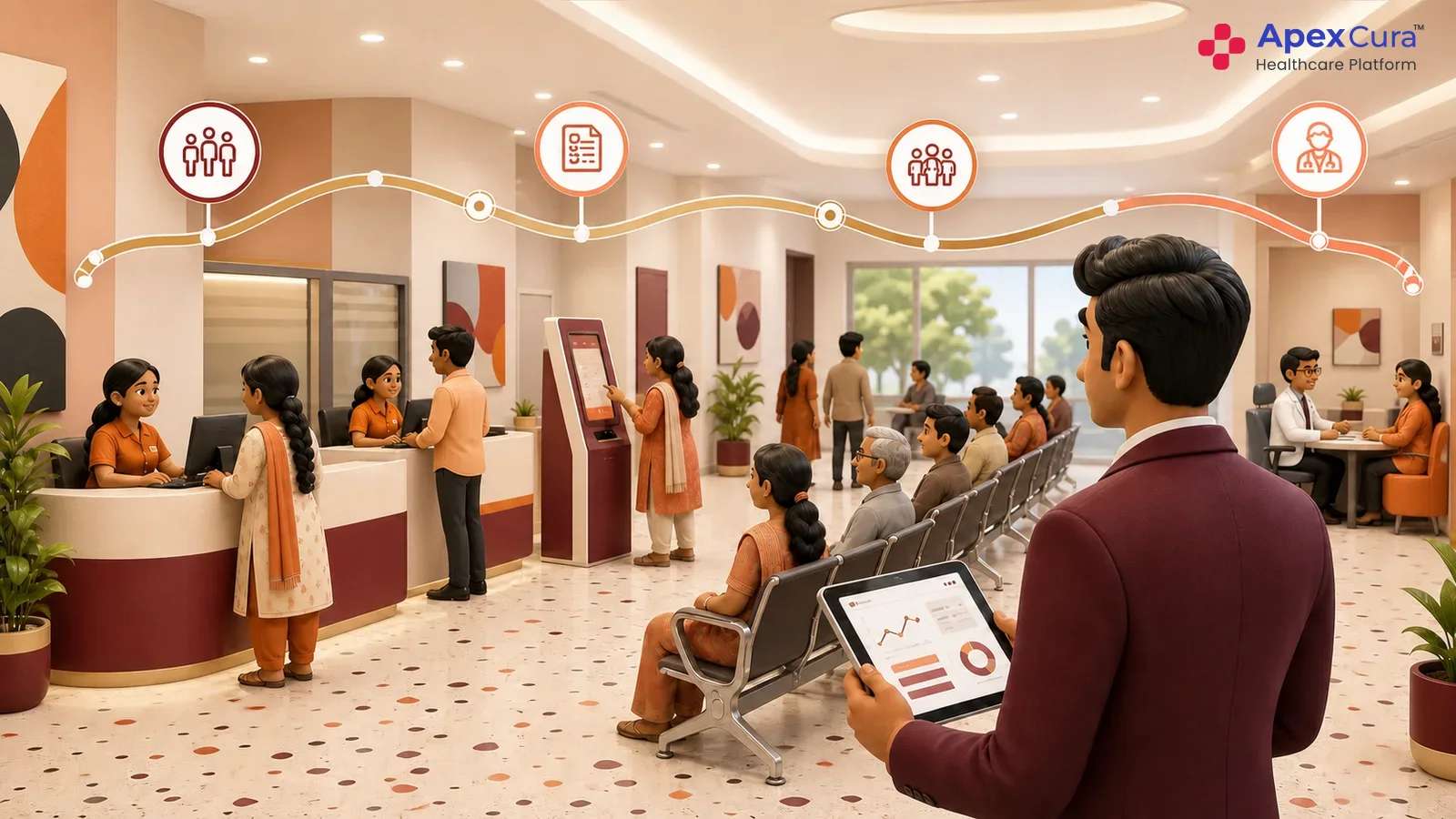
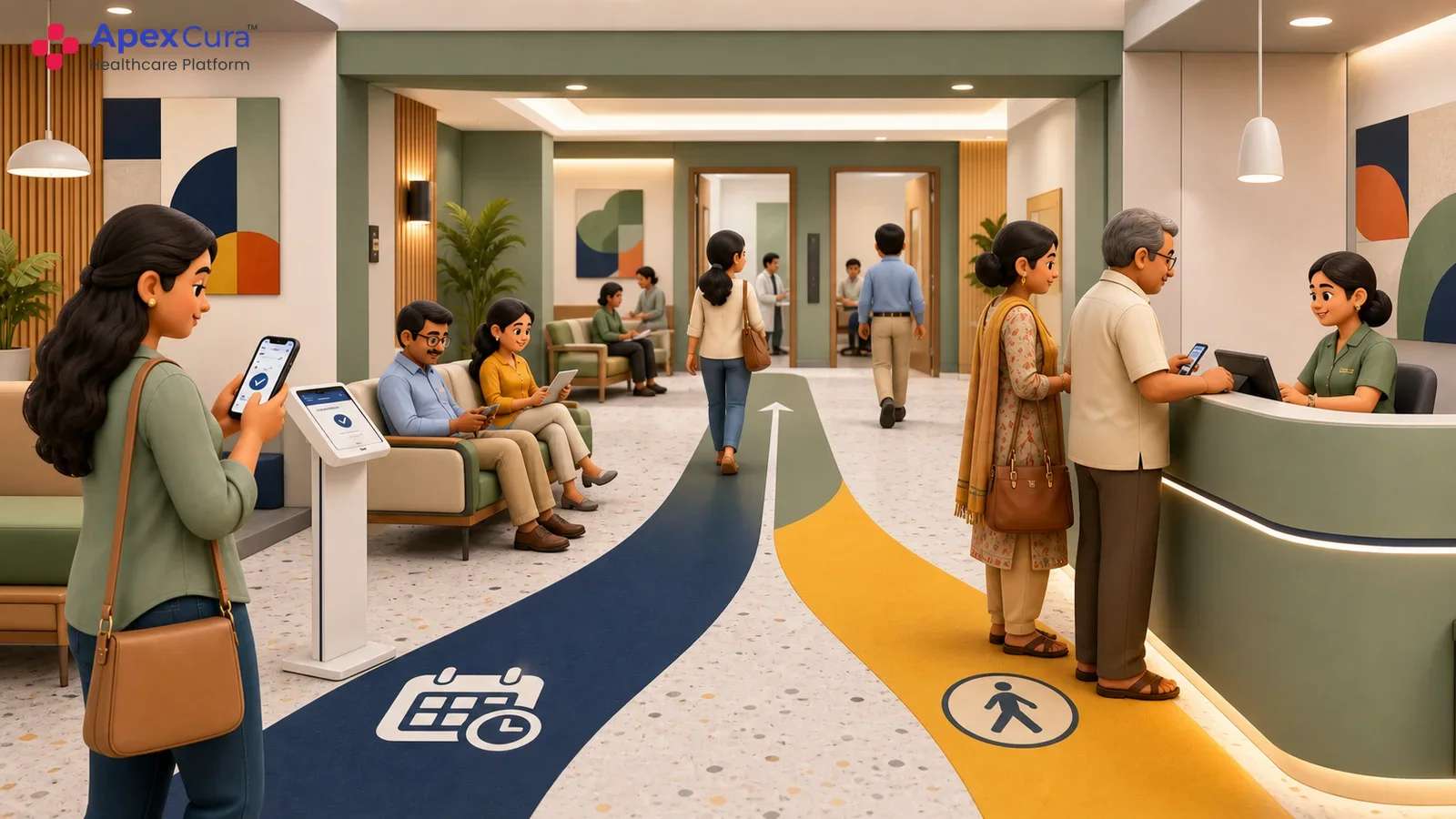
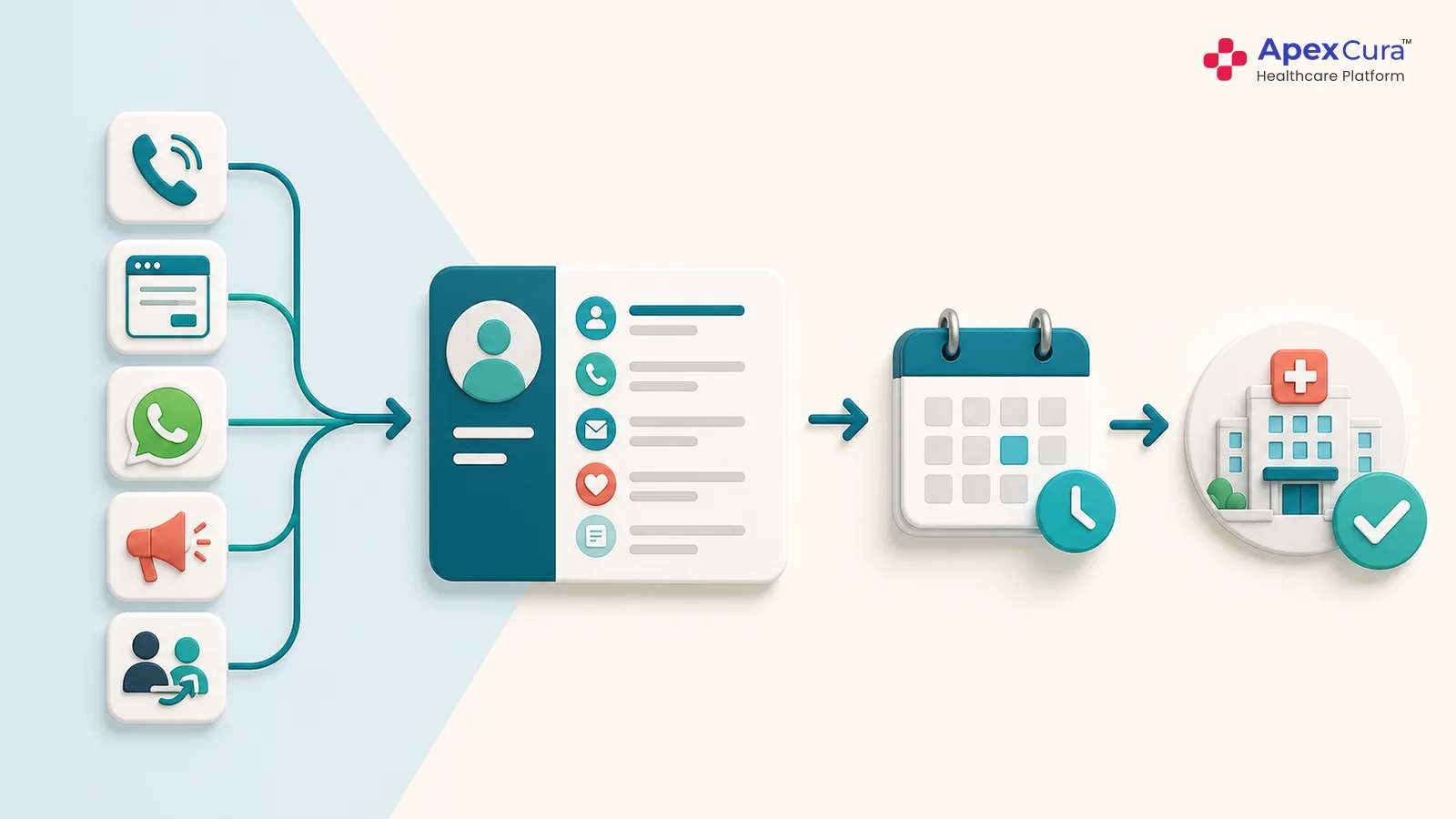
An appointment time does not always become the patient’s actual reporting time. Some appointment patients come early, some reach late and some arrive together after receiving similar slots. Walk-ins continue to enter through registration and billing during the same period. Patients delayed at an earlier counter may also join the doctor queue in one group. By late morning, the queue can contain on-time appointments, early arrivals, late arrivals and walk-ins together. The floor team then has to decide who should be called next while patients keep asking about their turn. Without one queue and clear rules, the order can become difficult to explain and manage.
The Doctor Queue Receives Patients Faster Than It Can Move
Waiting increases when patients enter a doctor’s queue faster than consultations start. For example, if twelve patients become ready in thirty minutes and only six consultations begin, six pending patients are carried into the next block. The same difference can continue for another hour and create a large queue by noon. This does not automatically mean that the doctor is slow. The reason may be concentrated appointment slots, many walk-ins, a late session start, patient movement or longer consultations required for some cases. The useful question is simple: during which time block did pending patients start increasing, and did the queue recover after arrivals reduced?
What Can You Measure with QMS to Manage the Peak-Hour Queue?
Patients Entering the Queue and Starting Consultation in Each 30-Minute Block
An OPD queue management system should record the hospital’s chosen ready-for-consultation event and the consultation-start event for each patient. Readiness may follow registration, billing, vitals or another configured step, depending on the hospital workflow.
Teams can then review thirty-minute blocks and count how many patients entered the doctor queue and how many consultations started. The 10 AM to 12 noon period may show that more patients entered than consultations started. The difference is the backlog created during that block. This view is more useful than one daily average because it shows exactly when the queue started growing and how many pending patients moved into the next period.
Doctor-Wise Pending Patients and Their Current Waiting Time
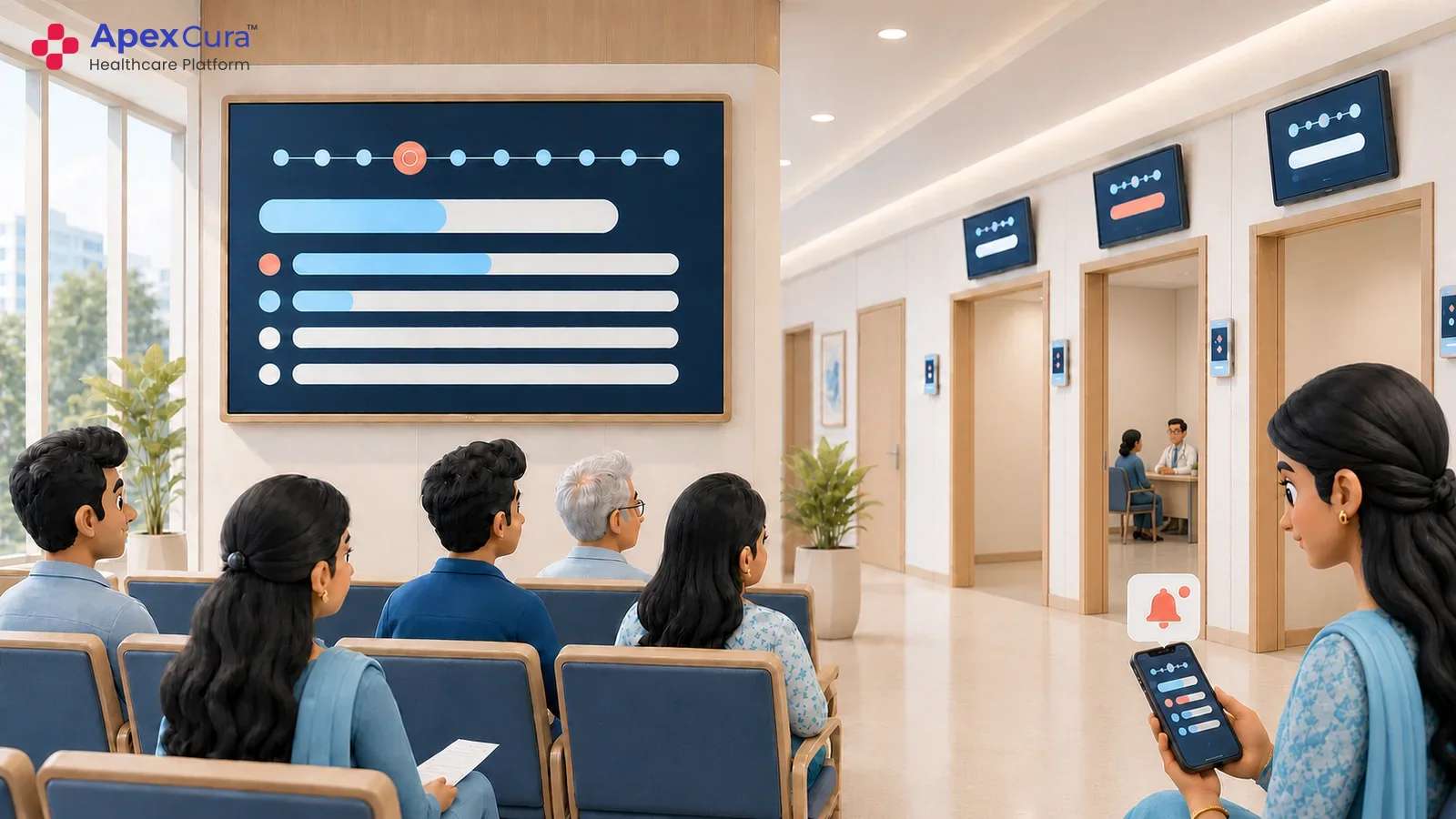
The OPD supervisor needs a doctor-wise view, not only the total number of patients inside the department. QMS can show how many patients are pending for each doctor, how long individual patients have waited and whether the queue is moving. One doctor may have twenty pending patients while another suitable doctor has a lighter queue. The same screen can help staff notice a patient who has crossed the hospital’s waiting-time target or a queue that has not moved for some time. This allows the team to check doctor availability, patient readiness, room status or another floor issue before the waiting area becomes difficult to manage.
Patients Seen Within the Target Time and the Backlog Remaining After the Peak Period
Hospitals should choose a practical waiting-time target for the selected OPD workflow. One useful measure is the percentage of patients whose consultation starts within that time after they become ready. Teams should also review how many patients remain pending at the end of the peak period.
If the 10 AM to 12 noon rush leaves a large backlog, those patients will continue waiting even after new arrivals reduce. QMS can show both the percentage seen within target and the pending queue. These two numbers answer different questions: how many patients were attended within the expected time, and how many were still waiting when the peak period ended?
How Can Hospitals Use QMS Metrics to Intervene and Reduce OPD Waiting Time?
Encourage Patients to Book Appointments Before Coming to the Hospital
When peak-hour data shows repeated bunching, hospitals can encourage more patients to book appointments before coming. The purpose is not only to issue an appointment number. The hospital should give a practical reporting time based on the doctor’s available session and avoid placing most bookings in the same preferred window.
Call-centre, front-desk and appointment teams can explain why coming at the given time helps the patient avoid a longer wait. QMS data can show which doctors and time blocks regularly receive more patients than they can manage. Appointment slots and reporting guidance can then be reviewed using actual arrival and consultation patterns instead of assumptions.
Guide Walk-Ins to Suitable Available Doctors or the Next Available Slot
A walk-in patient may ask for a well-known doctor even when that queue already has a long wait. If another suitable doctor from the same speciality is available, the floor team can explain the expected waiting time and offer that option. The patient should be allowed to choose, and clinical suitability must remain with the hospital team.
If an immediate alternative is not available, staff can offer the next suitable slot instead of leaving the patient uncertain in a crowded waiting area. Clear appointment and walk-in queue rules help staff manage this consistently. QMS visibility supports the conversation by showing the current queue position, doctor status and available operational alternatives.
Measure a Shorter Peak-Hour Queue and More Patients Seen Within the Target Time
After making the changes, the hospital should compare the same doctor queues, days and peak periods. Look for fewer patients pending at the end of the rush, a shorter waiting time and a higher percentage beginning consultation within the chosen target. QMS adoption must remain stable, because missing queue events can make the improvement look better than it is. The result should be reviewed for a few weeks, not only one good day. If the numbers improve, the hospital can continue the change and test it in another department. Stable QMS use makes the before-and-after comparison more dependable for hospital management.
See how Apex QMS can help your OPD team measure peak-hour queues and act before waiting time increases.
Explore Apex QMSConclusion
Reducing OPD waiting time starts with understanding when the queue becomes heavy and why. A late-morning rush can bring appointment patients, walk-ins and delayed arrivals into the same doctor queue. QMS metrics show how many patients enter, how many consultations start, how long patients wait and what backlog remains. Hospitals can then improve appointment discipline, guide suitable walk-ins to available doctors and offer another slot when required. The same measures must be checked again after the intervention. This practical cycle helps hospital teams reduce peak-hour queues through clear floor decisions instead of depending only on crowd observation or patient complaints.