Why OPD Queue Displays Are Important in Hospital Waiting Areas
Reduce Uncertainty About When the Patient’s Turn Is Coming
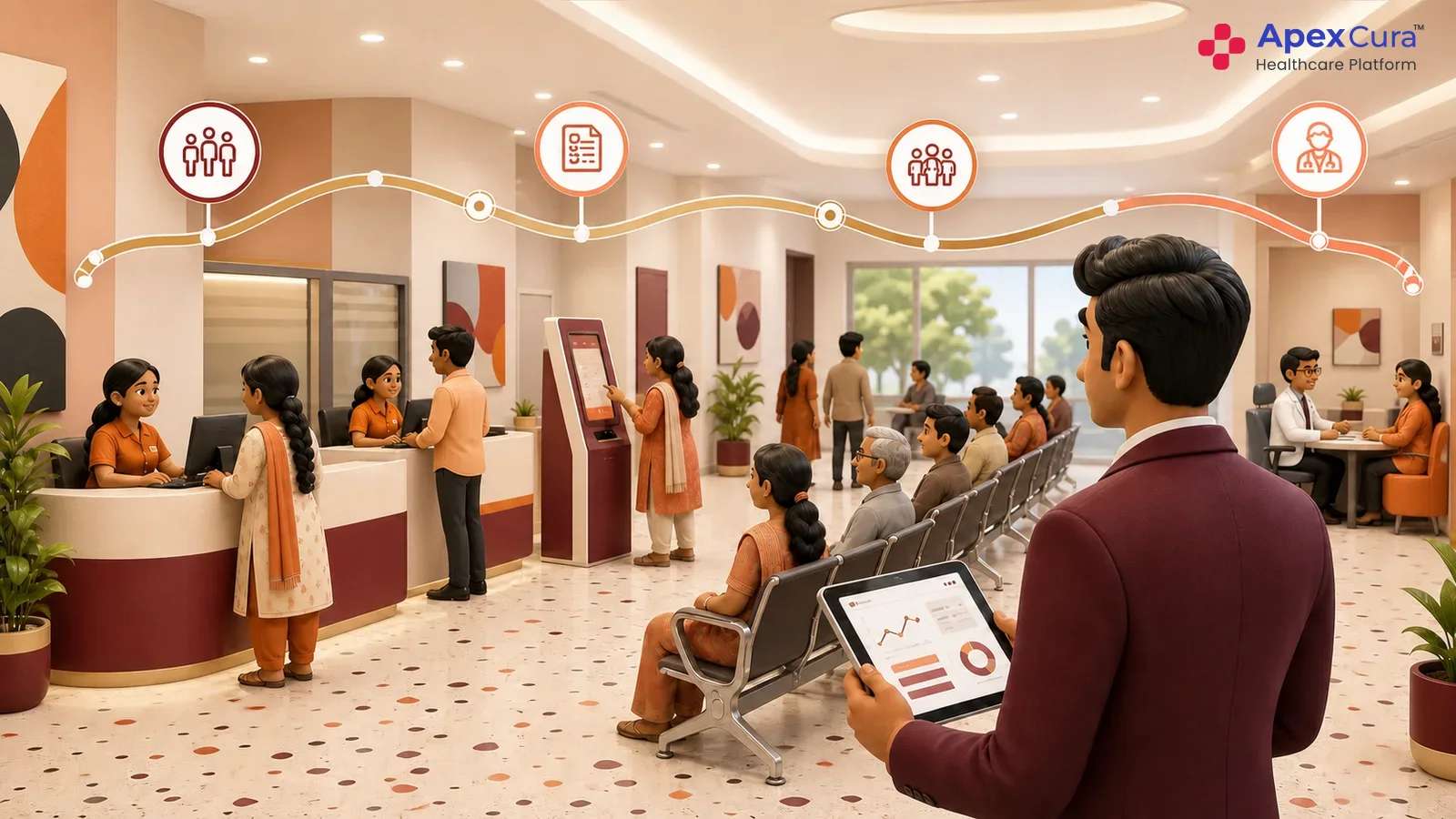
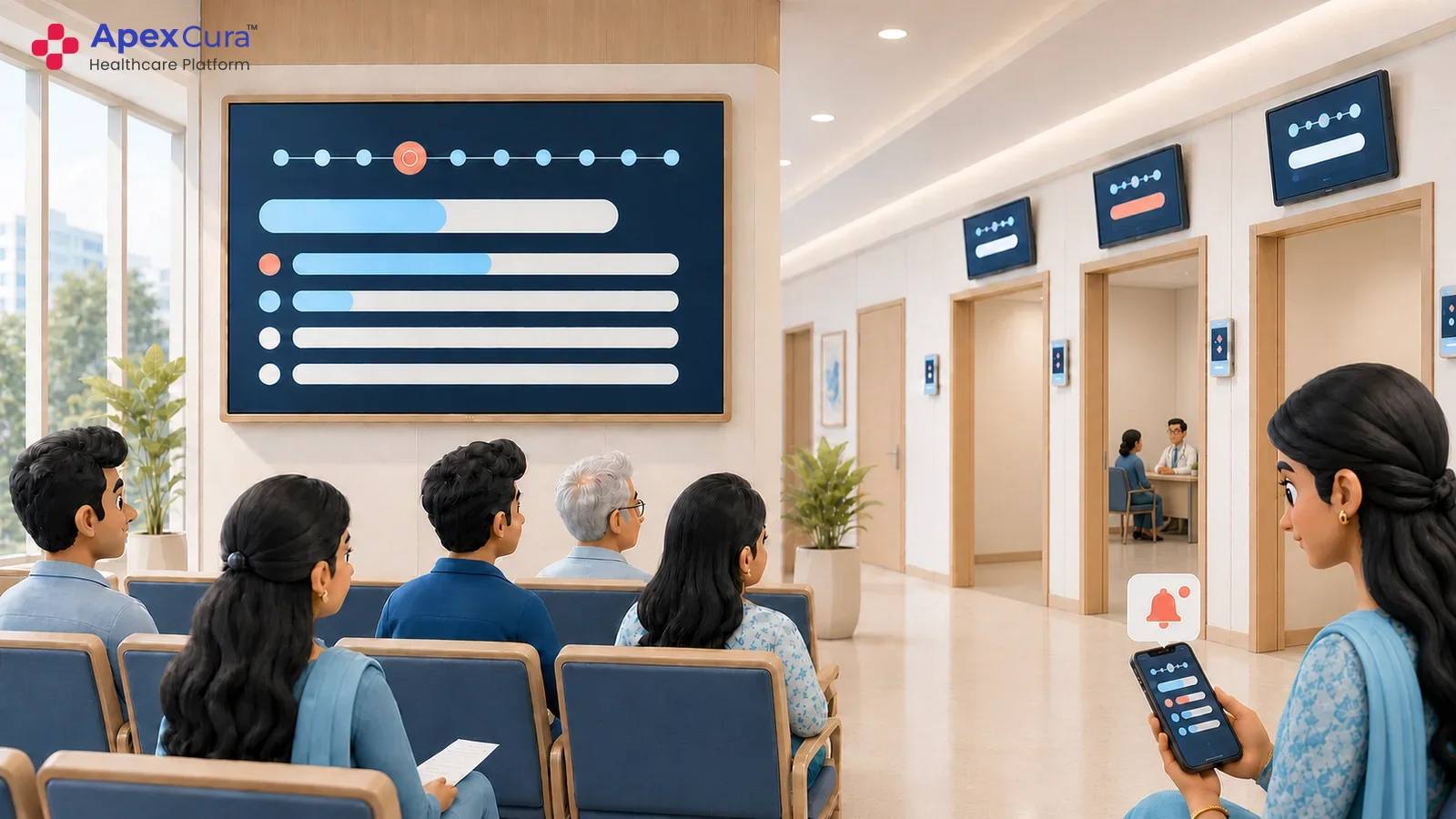
Patients waiting in the OPD often want to know whether the queue is moving, which token is currently being called and whether their turn has been missed. When this information is not visible, patients become dependent on receptionists or floor staff for repeated updates. A queue display gives patients a common reference point while they remain seated in the waiting area. It does not need to promise an exact consultation time. Showing the current token and visible queue movement is often enough to reassure patients that the queue is active and that their position has not been forgotten.
Reduce Repeated Queue Enquiries to Hospital Staff
In a busy OPD, the same questions may be asked repeatedly: “Which token is running?”, “How many patients are ahead?”, “Has the doctor started?” or “When will my turn come?” These enquiries reach receptionists, OPD secretaries and floor coordinators throughout the session. When basic queue information is visible on a waiting-area display, many of these routine questions can be answered without individual staff intervention. This allows hospital teams to focus more on registration, handling exceptions and patients who genuinely need assistance, while reducing unnecessary crowding around reception and help desks.
Help Patients Identify the Correct Doctor and Consultation Room
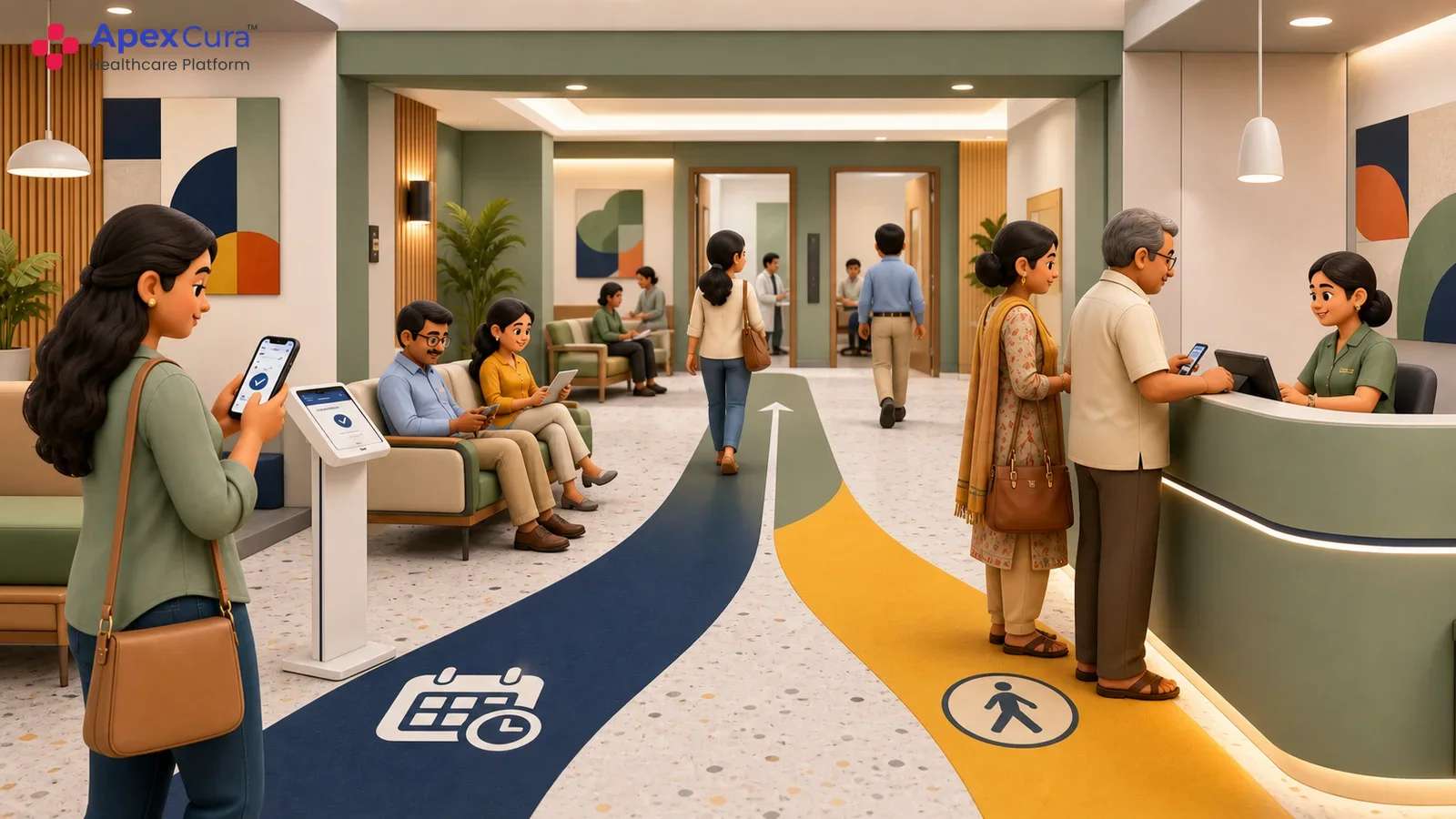
OPD waiting areas may serve several doctors and consultation rooms at the same time. Patients may not always know which room they should approach, particularly when doctors share rooms, move during the session or operate from different locations across a corridor or floor. A queue display can connect the patient token with the relevant doctor and consultation room, giving patients a clear visual guide. This becomes especially useful when room assignments change during the day. A common display also helps reception and floor teams direct patients using the same information rather than relying only on verbal instructions.
What Should an OPD Queue Display Show?
Show Current Token, Upcoming Tokens and Queue Movement
The screen should clearly show the token currently being served. It may also show a limited number of upcoming tokens where appropriate. A short list helps patients understand movement without crowding the display. The text must remain large enough to read from normal seating areas. Visual and audio cues can draw attention when the next patient is called. Hospitals should avoid showing too many fields or rotating information too quickly. Test the layout from the actual waiting chairs before finalising it. The display should help patients understand progress within a few seconds.
Display Doctor, Department, Room and Service Status Clearly
A token number alone does not tell patients where they should go. The display should connect the token with the correct doctor, department or room. Simple statuses can show whether a doctor is consulting, delayed or temporarily paused. These updates are useful when several doctors share one waiting area. Room information must change when a doctor moves during the session. Hospitals should use short, approved status messages instead of detailed explanations. The layout should keep the token and destination easy to identify. Clear service information prevents patients from approaching the wrong consultation room.
Communicate Delays and Changes to Improve Patient Experience
Doctor delays, room changes and temporary service pauses are common in OPDs. Displays should communicate these changes in plain language. Where possible, the message should tell patients what to do next. They may need to remain seated, move to another area or approach a help desk. Staff should avoid exact restart promises when the timing remains uncertain. Timely information cannot remove the delay, but it can reduce confusion. One team should own service updates and remove them when the issue ends. Patients then receive useful guidance instead of a generic delay notice.
Connect live token displays with doctor status, room guidance, patient movement and WhatsApp updates.
Explore Apex Cura Live OPD Queue DisplaysHow Apex Cura Powers Live OPD Queue Displays
Connect Every Display to the Live Doctor Queue
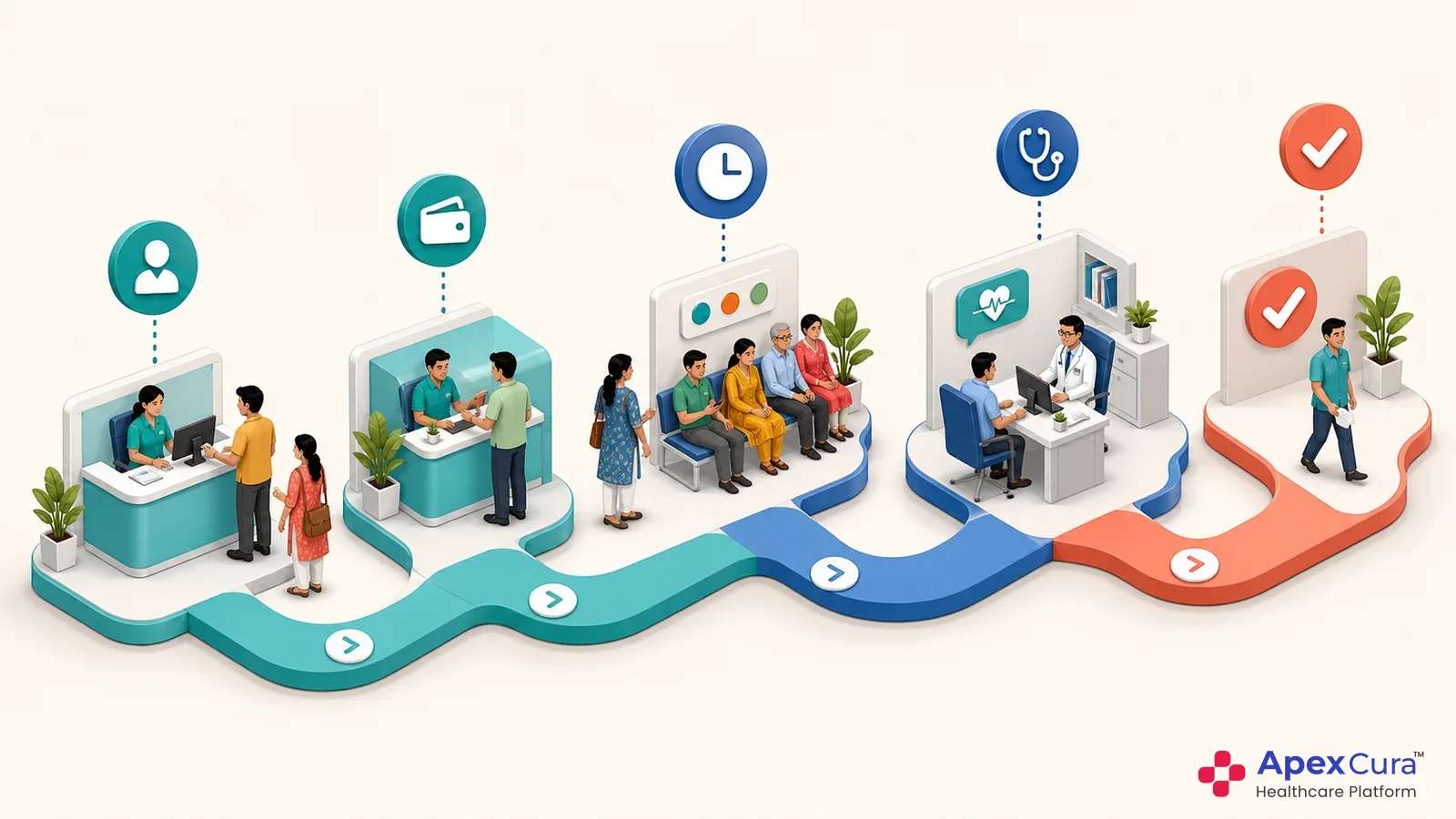
Apex QMS connects the waiting-area display directly to the active doctor queue tokens. Each doctor can have an individual live queue, and the relevant display can reflect patients who are waiting, currently consulting, completed or no longer active. When the queue moves, the screen changes along with it. This reduces the need for staff to manually maintain display information during busy sessions. Central displays can show multiple doctor queues together, while doctor-specific displays can show information relevant to a particular consultation area.
Automatically Update Tokens, Doctor Status and Room Changes
When the doctor calls the next patient, pauses consultation, changes rooms or resumes the session, Apex QMS can reflect the corresponding change on the relevant waiting-area display. Hospital teams make the operational update within the active queue, and the patient-facing screen remains aligned with that information. This is particularly useful in OPDs where doctors share rooms or move between consultation areas during the day. It reduces situations where patients are directed using outdated room information or where the display continues showing an old token even though the actual queue has already changed.
Combine Waiting-Area Displays With Proactive Patient Updates
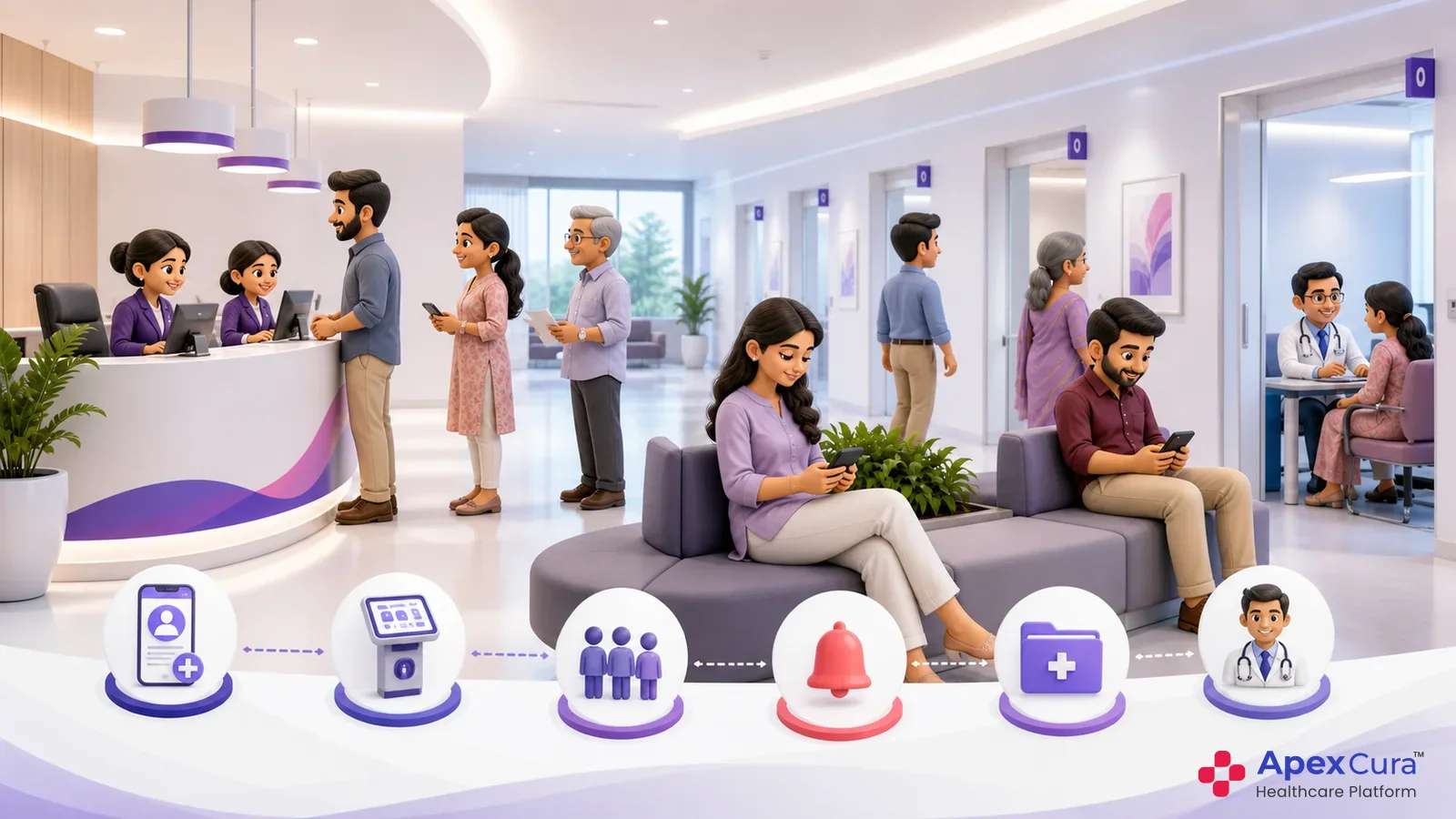
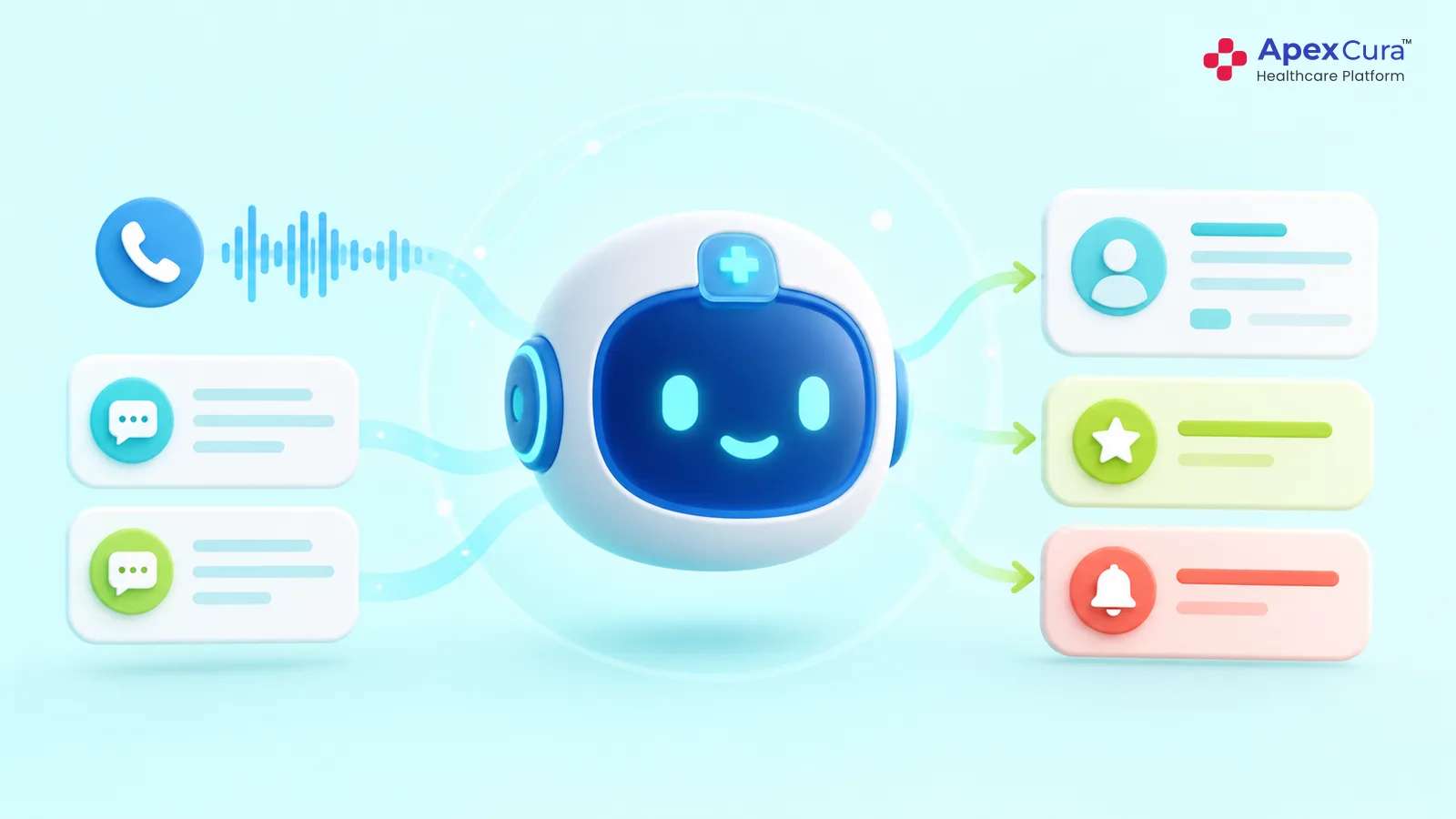
The waiting-area display is one channel through which Apex QMS communicates live queue information. Selected updates can also be sent proactively to patients through WhatsApp, particularly for meaningful delays, room changes or other queue-status updates. This is useful when patients move away from the immediate waiting area while remaining part of the active queue. Reception and floor teams continue to work from the same live queue internally, while displays and patient messages reflect relevant updates from that source. This helps reduce conflicting information and keeps patients informed without requiring them to repeatedly approach hospital staff.
Conclusion
A hospital OPD queue display should do more than show token numbers. It should help patients understand whether the queue is moving, identify the correct doctor and consultation room, and stay informed when delays or room changes occur. When the display is connected directly to the live doctor queue, the information shown to patients remains aligned with actual OPD activity. Apex QMS extends this visibility through real-time display updates and selected WhatsApp communication. This reduces uncertainty, repeated enquiries and conflicting instructions, while giving patients a clearer and more predictable waiting experience.