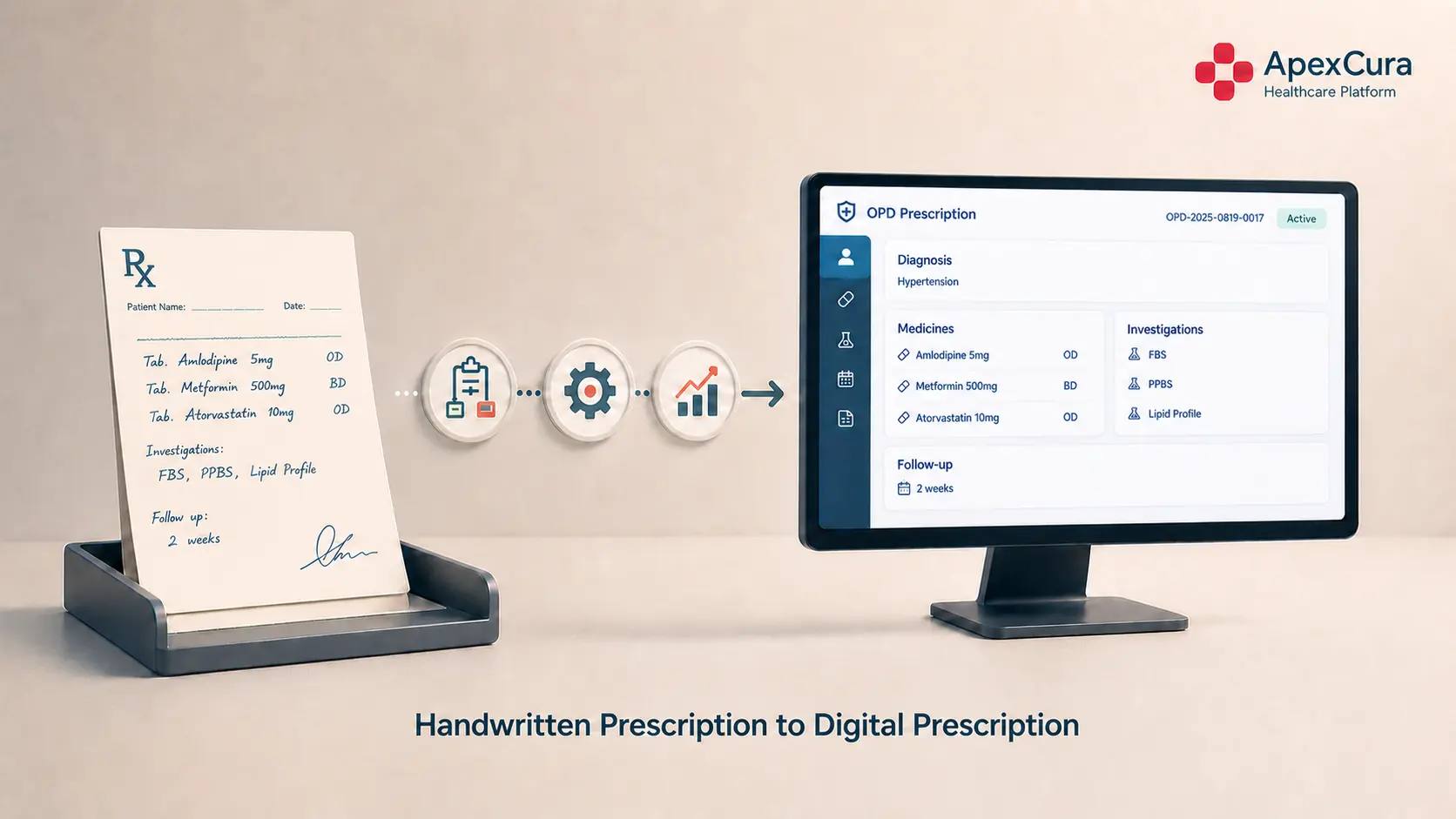
Understand the Existing OPD Prescription Workflow Before Digitisation
Understand the Complete Patient Journey Around the Prescription
Start by mapping what happens to the patient before, during, and after the consultation.
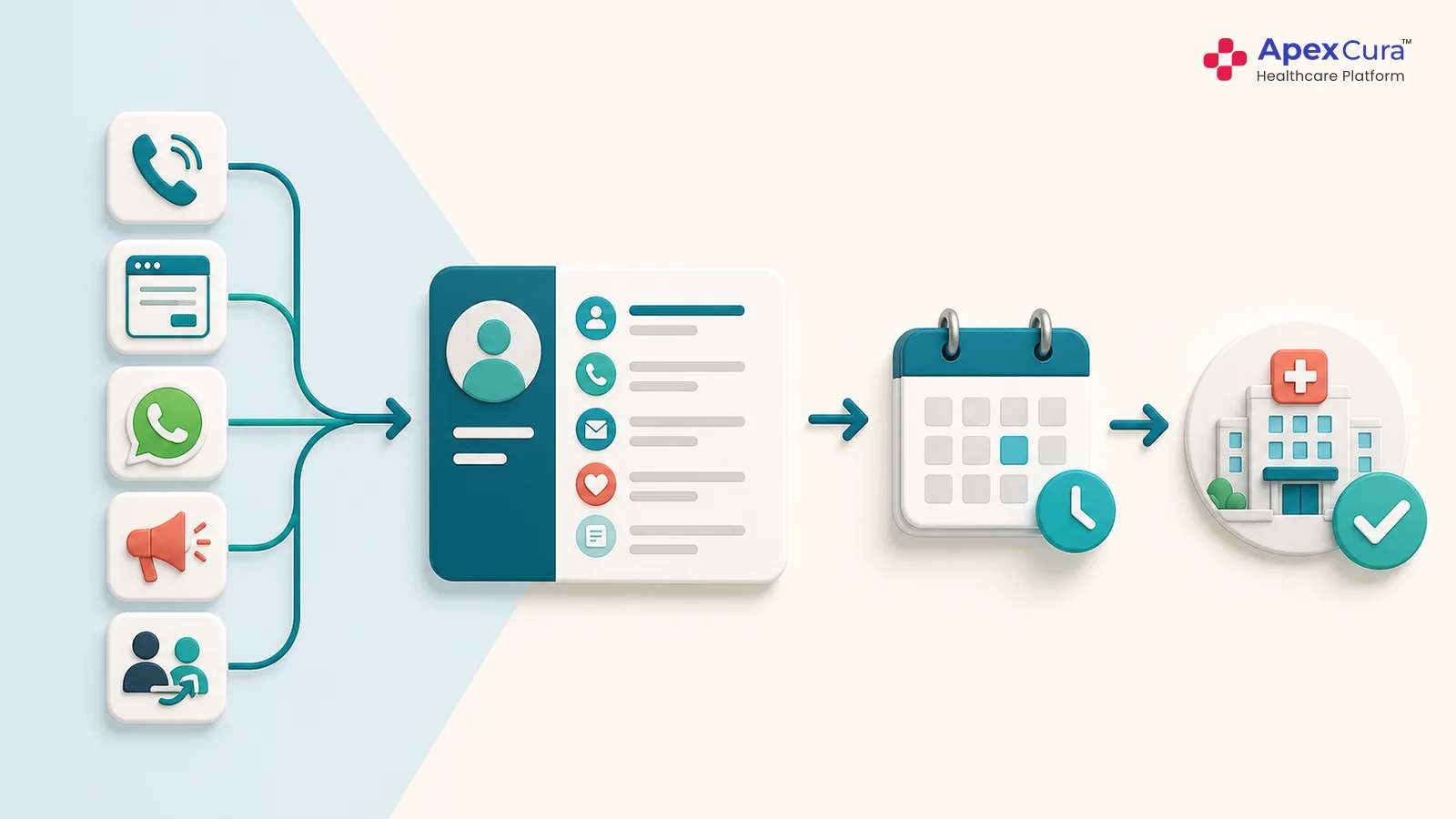
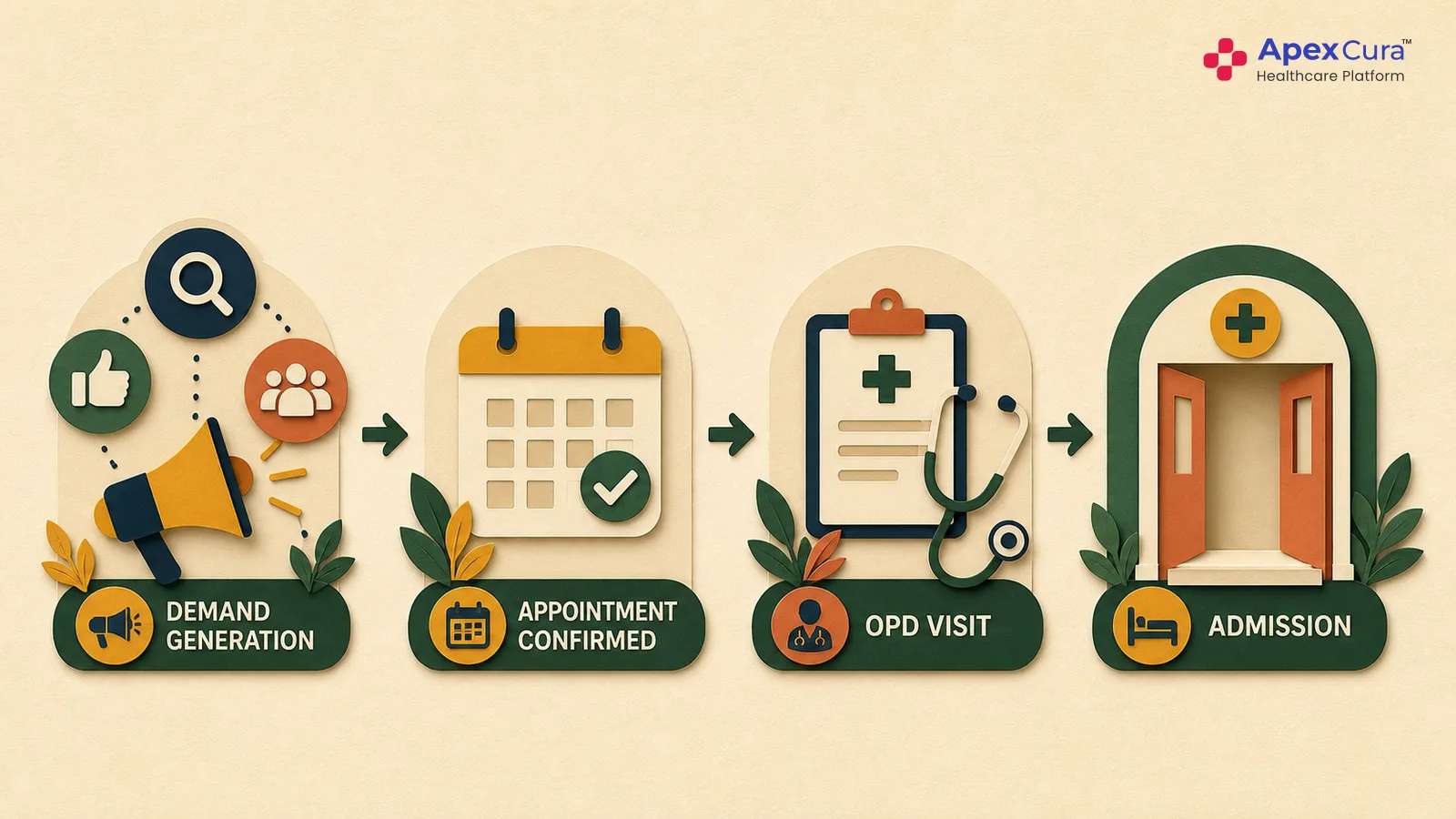
A typical OPD journey may begin with registration and billing in the HIMS, followed by waiting in the consultation area, meeting the doctor, receiving a prescription, and then moving to the pharmacy, laboratory, radiology, procedure area, or admission desk depending on the doctor’s advice.
Hospitals should document this journey as it actually happens on the ground. The purpose is to understand where the prescription enters the workflow, which next steps depend on it, and where information currently changes hands between people and systems.
Map Every Prescription Touchpoint Across the Hospital
Once the patient journey is clear, map every point where prescription information is created, read, interpreted, transferred, or re-entered.
This may include the doctor consultation, pharmacy dispensing, laboratory investigations, radiology orders, nursing instructions, billing, admissions, medical records, and follow-up.
Hospitals should identify whether information is being manually copied, verbally clarified, entered again into another system, or interpreted differently by different teams.
This reveals the true operational dependency on the prescription and helps identify where digitisation can remove friction or create new problems if the workflow is not designed carefully.
Understand the Needs of Every Stakeholder
Different stakeholders expect different outcomes from prescription digitisation.
Doctors want the process to be fast and should not lose consultation throughput. Patients need clear, accessible prescriptions and continuity across visits. Pharmacy, laboratory, radiology, nursing, and billing teams need structured information that can move downstream without repeated interpretation.
Management needs visibility into adoption, standardisation, branch-level variation, prescribing patterns, and overall operational impact. Technology teams need reliable integrations, master-data mapping, auditability, and system performance.
Understanding these needs before selecting software helps the hospital define what the digital OPD prescription system must actually solve.
How to Evaluate Digital OPD Prescription Software
Evaluate Whether the Software Fits the Doctor’s Natural Workflow
The first evaluation point should be simple: does the software make prescription writing easier or harder for the doctor?
Hospitals should test how much typing, clicking, searching, and manual selection is required during a normal OPD consultation. The system should be evaluated using real patient scenarios, not only product demonstrations.
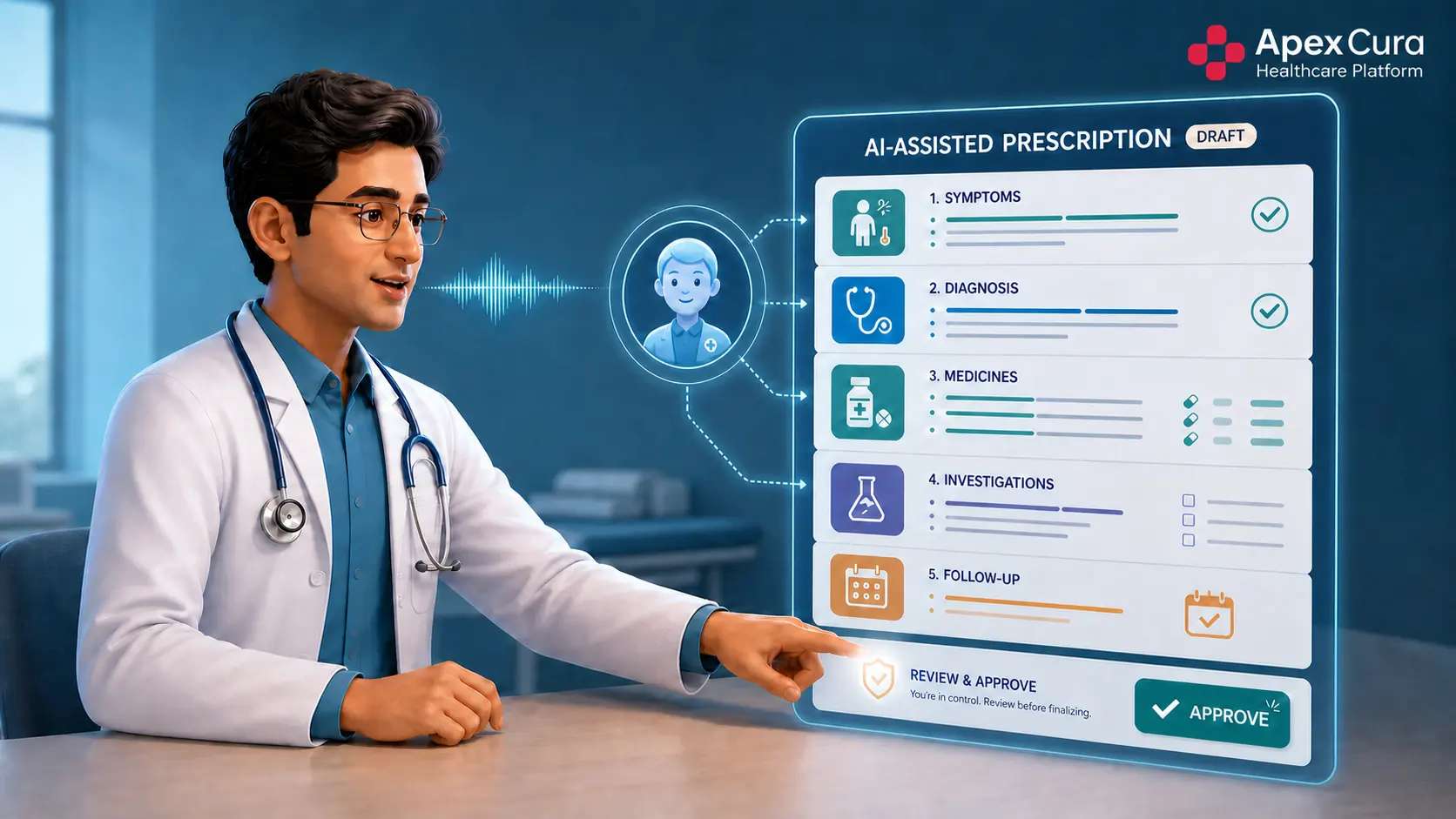
Measure the time taken to complete a prescription, whether the doctor needs to change their natural clinical style, and whether the software affects consultation throughput. A digital OPD prescription system that creates additional documentation burden may struggle with adoption even if it offers several advanced features. Hospitals can also review how AI prescription software for hospital OPDs can preserve the doctor’s natural workflow.
Evaluate Clinical Structure, Controls and Hospital Master Integration
A good digital prescription system should capture clinical information in a structured manner without losing the flexibility doctors need.
Hospitals should check whether the software can handle diagnosis, medicines, dosage instructions, investigations, review advice, and other prescription components in a usable structure. It should also support doctor review, correction, approval, and an audit trail before the prescription is finalised.
Equally important is integration with the hospital’s drug masters, investigation masters, and service masters. If medicines and services remain as free text, downstream teams may still need to manually interpret or re-enter the same information.
Evaluate Integration and Downstream Usability
The value of a digital OPD prescription does not end when the doctor clicks approve.
Hospitals should evaluate whether prescription data can flow into the systems used by pharmacy, laboratory, radiology, billing, HIMS or EMR, patient communication, and other downstream teams.
The software should also be tested for practical issues such as failed integrations, duplicate data entry, delayed updates, and differences in master data across departments or branches.
The right system should reduce manual handoffs and make prescription information usable across the hospital, rather than simply creating a digital version of the same paper document.
Plan the transition from paper prescriptions to a connected digital OPD workflow.
Discuss Digital OPD Prescription ImplementationMonitor Implementation and Resolve Adoption Problems
Understand Doctor and User Feedback After Go-Live
After implementation, hospitals should spend time understanding how the new workflow is actually being experienced by users.
Doctors may find certain steps inconvenient, slow, or difficult during real consultations. Pharmacy, laboratory, nursing, billing, and operational teams may face different issues once they begin depending on digitally structured prescription information.
Feedback should be collected from actual day-to-day users rather than relying only on implementation teams or software administrators. Hospitals should understand what users are bypassing, where they are reverting to manual processes, and which parts of the workflow are creating unnecessary friction.
This qualitative feedback provides the context needed to understand whether the implementation is genuinely working.
Define and Track the Right KPIs for Prescription Digitisation
Hospitals should define measurable KPIs to understand whether the digital prescription implementation is delivering the expected results.
Important indicators can include the percentage of OPD prescriptions created digitally, active usage by doctor and specialty, average prescription completion time, correction rate before approval, percentage of doctors reverting to paper, master-data mapping failures, integration failures, and clarification requests from pharmacy or laboratory teams.
Hospitals should also measure whether structured prescription information is actually being consumed by downstream systems and whether patients are able to access the completed prescription easily.
These KPIs provide a more reliable view of implementation success than simply measuring whether the software has gone live.
Fix Problems in Small Cycles Before Scaling
If the implementation is not delivering the expected results, hospitals should avoid making a binary decision to either continue unchanged or abandon the project.
Instead, use the feedback and KPI data to identify the highest-priority friction points. Correct those issues in controlled cycles, retest the workflow with selected doctors or departments, and measure the impact again.
The objective should be to stabilise the workflow before expanding it across specialties, departments, or branches.
Prescription digitisation is a change-management exercise as much as a technology implementation. A difficult first rollout does not necessarily mean the project has failed; it may simply mean the workflow needs refinement before scaling.
Conclusion
Moving from paper prescriptions to a digital OPD prescription should be treated as an operational transformation, not simply a software implementation. Hospitals should first understand the complete patient journey and the stakeholders who depend on prescription information, then evaluate software against real clinical and downstream requirements. After implementation, user feedback, adoption, prescription time, data quality, integrations, and downstream usage should be monitored before scaling.
Apex Cura supports this transition by enabling doctors to retain their natural clinical style while creating structured, reviewable prescriptions connected to hospital masters and downstream systems. Successful digitisation happens when technology adapts to the hospital workflow—not the other way around.