Start With the Hospital, Not the Chatbot
Why Every Hospital Needs Its Own Chatbot Workflows
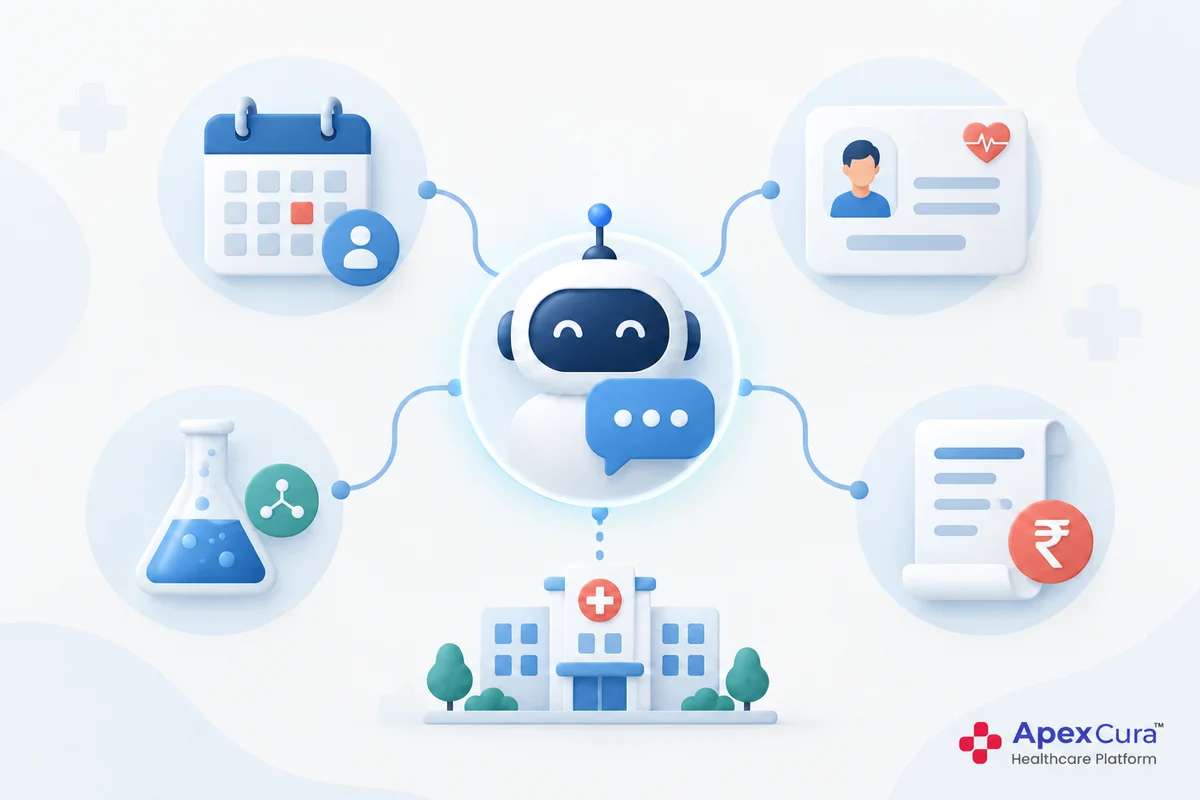
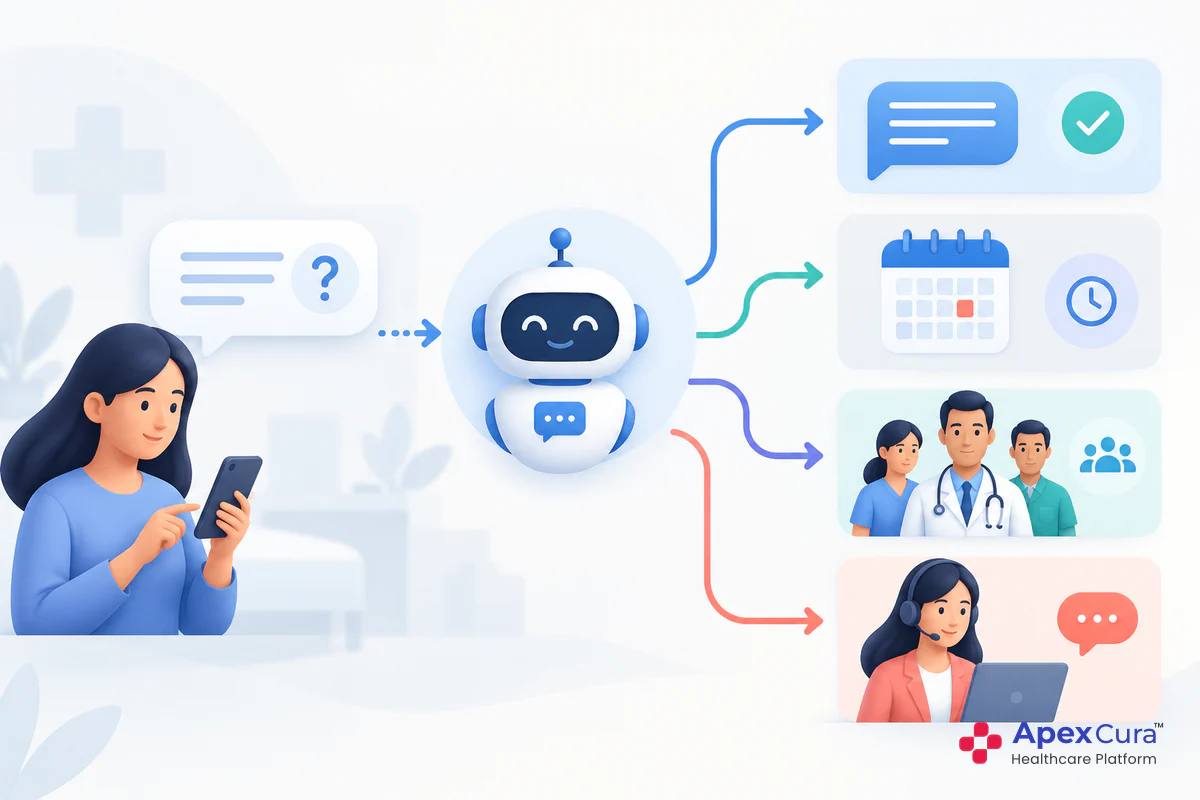
A chatbot workflow is the path from a patient’s message to the right outcome: an answer, a booking, a service in the chat or a call back from the hospital team. The same question can need a different path in different hospitals.
A question about cost, for example, may get a direct answer at a diagnostic centre, a package overview at a multispeciality hospital and a counsellor call back at an IVF centre. Specialty, patient expectations, internal policies and connected systems all shape the right workflow. Copying another hospital’s setup, or a generic template, usually leads to options patients do not need and answers the hospital would rather not give in chat.
The Questions to Answer Before Setting Up
Before configuring anything, the hospital’s operations, marketing and call centre leads should agree on answers to six questions:
- Which options should patients see when they start a chat?
- Which answers come from the knowledge base?
- Which answers need live hospital systems?
- Which services can patients complete themselves?
- Which requests should go to the call centre team?
- What should the chatbot never share?
The answers become the hospital’s chatbot workflow plan. Writing them down also gives the team a reference when the hospital changes and the chatbot needs to change with it. The sections below take each question in turn, then show how the answers differ for different types of hospital.
Planning What the Chatbot Offers and Where Answers Come From
Choosing the Options Patients See
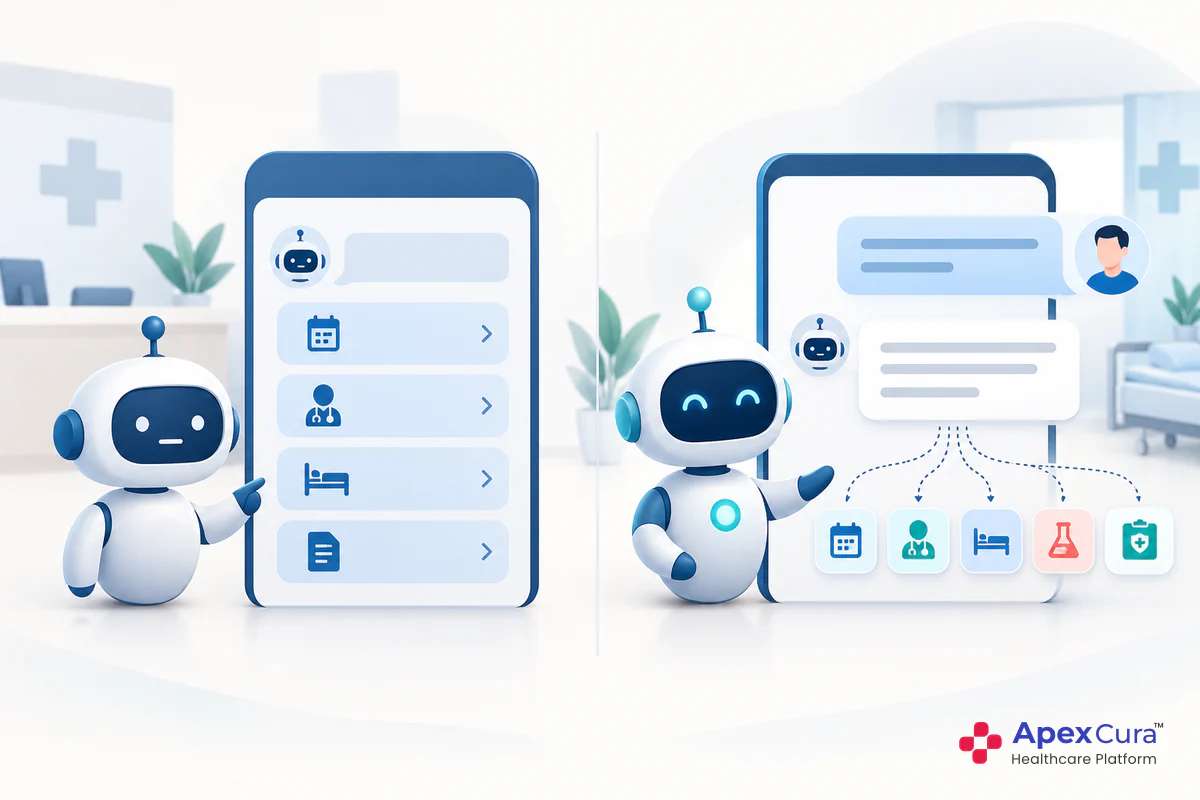
When a patient opens the chat, a few clear options help them start quickly. These should reflect what patients come for most often, not every service the hospital offers. For a multispeciality hospital, the main options might be booking an appointment, finding a doctor, health check-up packages, lab reports and talking to the hospital team.
Keep the list short. Five or six options are easier to scan than fifteen, and an AI chatbot still understands questions that patients type in their own words. Review conversation data to see which topics patients raise most, and adjust the options to match. Options that are rarely chosen can be removed or moved lower down.
Knowledge Base or Live System for Each Answer
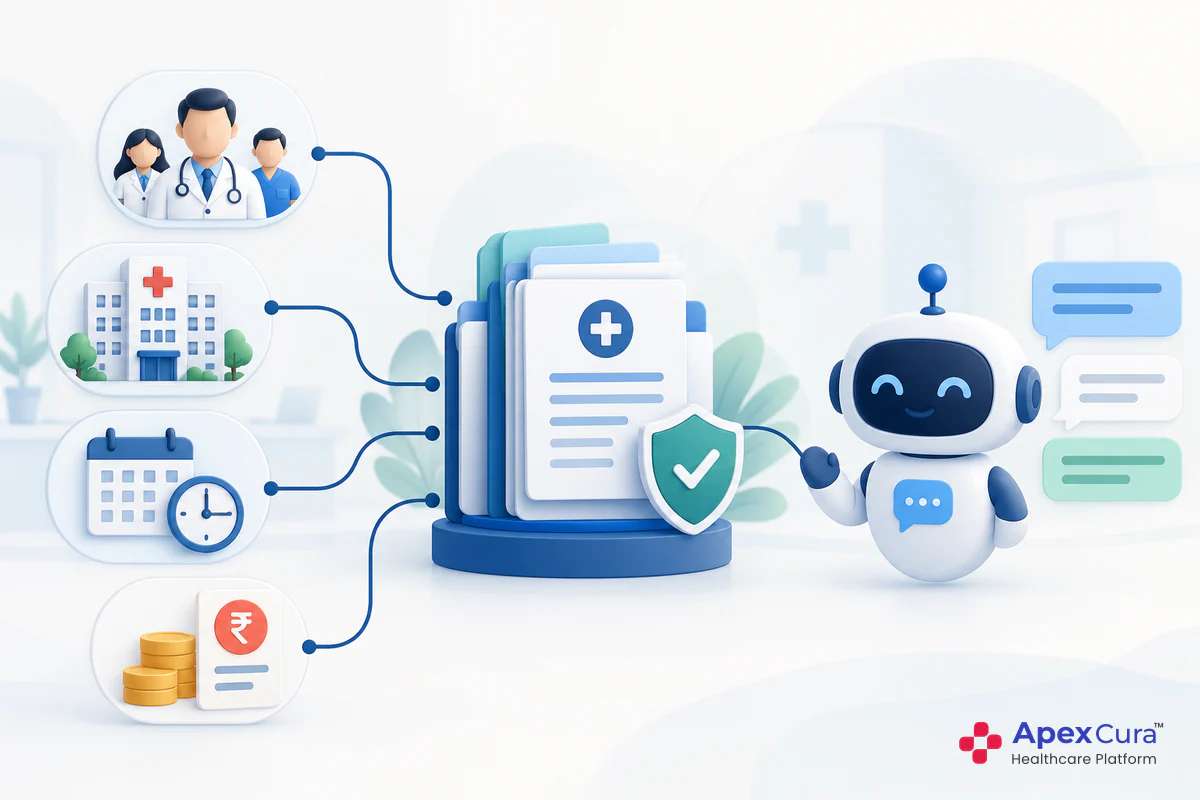
For each option and common question, decide where the answer comes from. Stable, approved information, such as services, packages, insurance panels and policies, belongs in the central knowledge base. Information that changes every day, such as doctor availability or doctors joining and leaving, should come live from hospital systems like the HIS.
Getting this right prevents two common problems: outdated answers from a knowledge base holding information that changes daily, and missing answers where no live connection exists. Each piece of information should have one source. The guide to the hospital chatbot knowledge base explains how to divide information between the two and keep both accurate.
Which Self-Service Options to Enable
Self-service options let patients complete tasks in the chat at any hour, such as booking, rescheduling or cancelling appointments, requesting lab reports or past bills and booking home sample pickups. Each depends on the right system being connected, so the choice is partly technical and partly a policy decision.
Start with the tasks patients request most and the systems already connected. A hospital whose appointment system is integrated can enable booking first, then add reports and bills as the LIS and billing connections are ready. The guides on what patients can do on a hospital chatbot and hospital chatbot integration cover these services and connections in more detail.
What to Route to the Call Centre Team
Some requests are better handled by a person, even when the chatbot understands them. These include enquiries about surgery or procedures, high-value treatment packages, detailed cost discussions and situations where the patient needs reassurance. For these, the chatbot can collect the key details and pass the enquiry to the outbound team for a call back.
Decide which intents should always go to the team, and what the chatbot should collect first, such as name, contact number, speciality and preferred time. Patients who want a person straight away can choose “Chat with Live Agent” when an agent is available. The guide to patient intent recognition in a hospital chatbot explains how such enquiries are identified.
See how the GenAI Chatbot can be configured with the options, answers and workflows that suit your hospital’s specialty and policies.
Explore Apex GenAI ChatbotDeciding What the Chatbot Should Not Share
Costs, Internal Numbers and Other Sensitive Details
Every hospital has information it prefers not to share in chat. Some hospitals do not give costs in messages, because prices vary with assessment or because they want cost discussions to happen with a counsellor. Others do not share internal departmental phone numbers, so that calls go through the central number or the call centre.
These choices should be written into the workflow plan. When a patient asks for something the hospital does not share in chat, the chatbot should say so politely and offer the right alternative, such as a call back from the team. Clinical questions about symptoms, medicines or test results should never be answered by the chatbot, whatever the type of hospital.
Hospital Chatbot Workflow Examples by Specialty
Multispeciality Hospital
A multispeciality hospital usually needs the broadest set of options: booking across specialities, finding the right doctor, health check-up packages, lab reports and past bills. Doctor availability across departments and branches comes live from the HIS, while services, packages and insurance panels come from the knowledge base.
With so many specialities, the chatbot should help patients reach the right doctor rather than list every department. Enquiries about surgeries, procedures and high-value packages often go to the call centre team. Many multispeciality hospitals share standard consultation fees in chat but route procedure costs to a counsellor, because those costs depend on the doctor’s assessment.
Mother and Child Hospital
A mother and child hospital might offer options for booking obstetric and paediatric appointments, maternity packages and paediatric vaccination services, with package and service details from the knowledge base. Availability of obstetricians and paediatricians comes live from the HIS.
Delivery package enquiries may go to the call centre team, since families often want to discuss options with a person. The hospital’s emergency number should appear in the welcome message and options, so that a family facing an emergency, such as bleeding or labour pain, calls immediately instead of chatting. Questions about symptoms during pregnancy or a child’s illness should always be handed to a person, never answered by the chatbot.
Diagnostic Centre
A diagnostic centre usually benefits from more self-service. Options might include test and package prices, home sample pickup booking, lab reports and test preparation instructions, such as fasting requirements, all from approved information or connected systems.
Prices are often shared openly, because patients compare them before booking. Reports come from the LIS, and the chatbot shares them only after the patient’s identity is confirmed, without interpreting results. Corporate or bulk testing enquiries may go to the call centre team. Because the LIS is often the main system in a diagnostic centre, connecting it early makes most of these options possible.
IVF Centre
An IVF centre handles highly personal enquiries, and many patients value discretion. The team may decide to limit options to booking a first consultation, general information about services and a request for a call back from a counsellor.
Many IVF centres choose not to share treatment costs in chat, because costs depend on assessment and patients benefit from a personal conversation. Most enquiries therefore go to the counselling or call centre team, with the patient’s preferred time to talk. The chatbot’s tone should be warm and respectful, and it should never comment on a patient’s medical situation or chances of success.
Conclusion
Hospital chatbot workflows should be planned around the hospital, not copied from a template. Decide which options patients see, which answers come from the knowledge base and which from live systems, which self-service tasks to enable, which requests go to the call centre team and what the chatbot should never share. The right answers differ for a multispeciality hospital, a mother and child hospital, a diagnostic centre and an IVF centre. Review the plan as the hospital changes. A hospital chatbot configured around your own workflows can then guide every patient to the right next step.