What Self-Service Means for Hospital Patients
Completing a Task, Not Just Getting an Answer
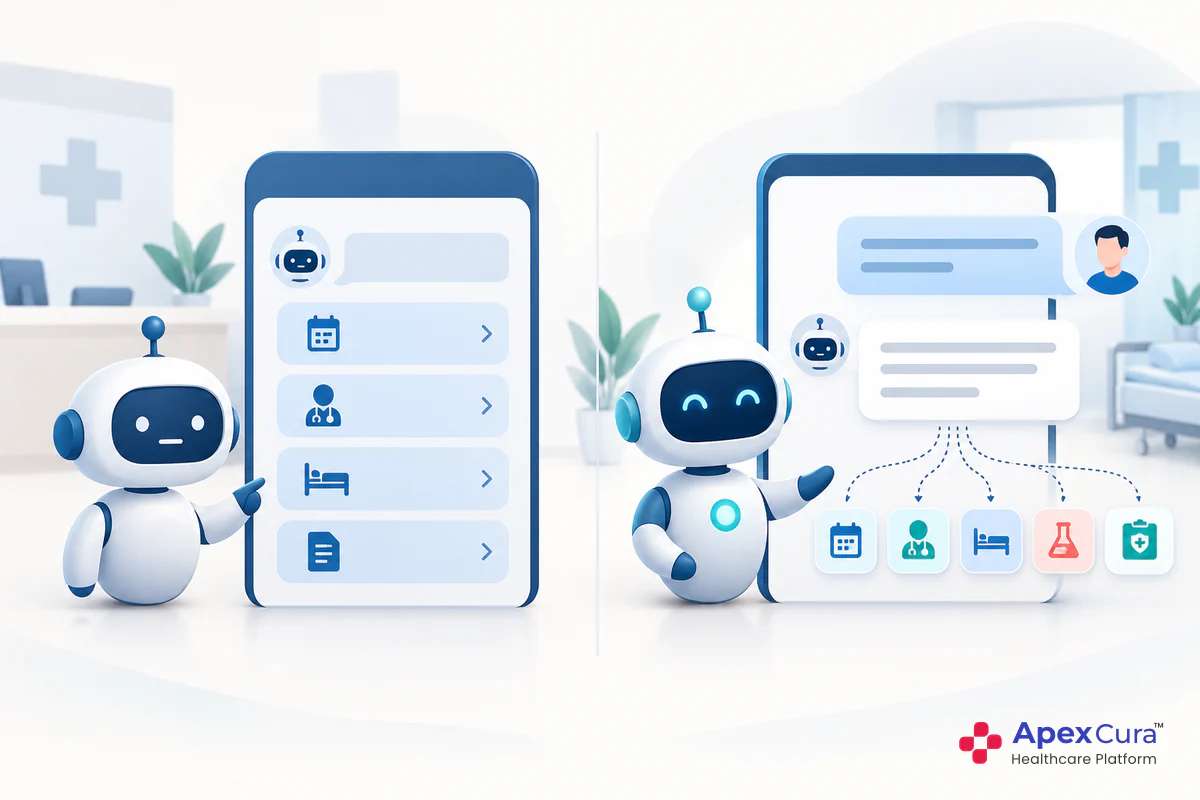
Answering a question and completing a service are different things. Telling a patient the OPD timings gives information. Booking, moving or cancelling their appointment completes a task for them.
In true self-service, the patient finishes the task in the chat. The request reaches the hospital’s system, and the patient receives a confirmation without speaking to anyone. Nobody needs to note down the request and complete it later. For the patient, the task is done when the chat ends. For the hospital, the record is already updated. This is what separates a self-service chatbot from a chatbot that only shares information and asks the patient to call.
Why Patients Want Self-Service
Most patients already use WhatsApp and websites for everyday tasks such as banking and shopping, whenever it suits them. They expect the same flexibility from their hospital. Yet many hospital tasks can only be done while the front desk or call centre is open, and collecting a report can mean time off work and a journey.
Self-service removes these limits. A patient can book or reschedule an appointment late at night, or receive a report at home, in a channel they already use. The task fits the patient’s day rather than the hospital’s working hours. For hospitals, routine requests can be completed in the chat. This can give the front desk more time for patients who need a person.
Tasks Patients Can Complete Themselves at Any Hour
Booking an Appointment
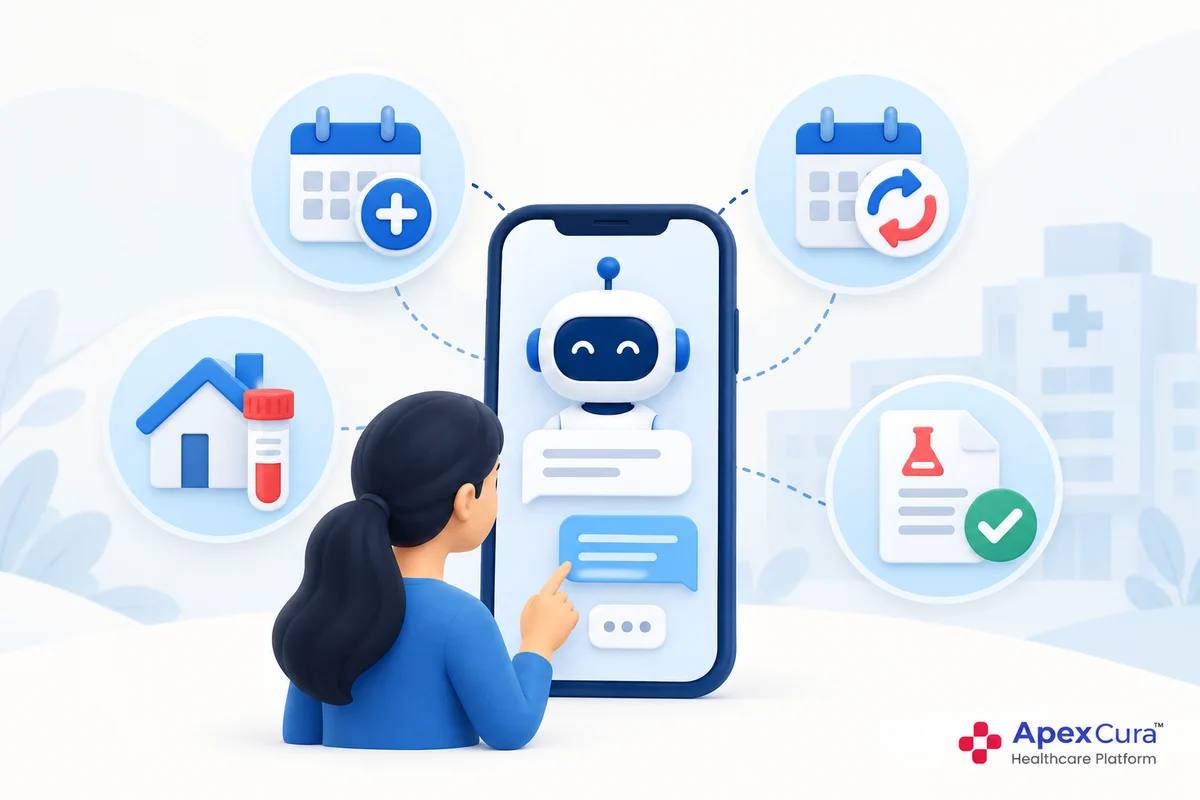
Booking is often the first service hospitals offer. Where the hospital has integrated its appointment system, the patient can check a doctor’s availability, choose a slot and book an appointment within the chat, at any time of the day.
The chatbot then sends an appointment confirmation in the same conversation and, before the visit, an appointment reminder. Because the booking reaches the appointment system directly, the hospital team sees it in the same place as bookings made by phone or at the counter. A patient who decides late in the evening can book the moment they decide, rather than waiting until the hospital opens the next morning and possibly forgetting.
Rescheduling or Cancelling an Appointment
Plans change, often outside working hours. A patient may need to move an appointment because of work, travel or a family situation. A hospital can set up the chatbot so the patient can reschedule to another available slot or cancel the appointment within the chat, whenever the need arises.
This benefits both sides. The patient can make the change as soon as plans change, rather than waiting for the hospital to open. The hospital learns about the change early, and a cancelled slot can become available for another patient. Without an easy way to cancel, some patients simply do not arrive. Letting patients change their own appointments can make the hospital’s schedule more accurate.
Booking a Home Sample Pickup
Many hospitals offer home sample collection, which patients usually arrange while the call centre is open. Hospitals can also let patients book a home sample pickup through the chatbot, at any hour.
The patient can share the tests advised, the address and a preferred time slot in the chat, for example late at night for a collection the next morning. Depending on how the hospital sets up the service, the request is booked directly or passed to the team that arranges collections, with all details already captured. The patient receives a confirmation in the same chat. When the report is ready, it can then be requested through the chatbot as well.
Getting Lab Reports in the Chat
Collecting a lab report usually means visiting the report counter during working hours. Where the hospital’s laboratory system is connected, the chatbot can be set up so patients request their lab reports and receive them in the chat.
Reports are personal health information, so the hospital decides how a patient confirms their identity before a report is shared. This can be, for example, the registered mobile number plus another detail. The hospital also decides which reports can be shared this way. The chatbot shares the report itself. It does not explain the results, which remain for the doctor to discuss with the patient. Patients get their report whenever it suits them, and the report counter receives fewer routine requests.
See how the GenAI Chatbot lets patients book appointments within the chat, at any hour, and continue with a live agent when they need a person.
Explore Apex GenAI ChatbotMaking Self-Service Work in Your Hospital
Choose Services That Fit Your Systems and Processes
Every hospital has different systems, policies and patient needs, so self-service services are set up to suit each organisation. A service that works well in one hospital may not suit another. A good place to start is the tasks patients most often request, such as booking, rescheduling or report requests.
Each service usually depends on a connection to the right hospital system, such as the appointment system for bookings or the laboratory system for reports. The guide to hospital chatbot integration explains how these connections work. Start with one or two services, check that they run smoothly and add more as patients adopt them.
Keep a Person Within Reach
Self-service should never trap a patient. Some requests do not fit a standard task, and some patients simply prefer to speak to a person. The chatbot should make it easy to reach the hospital team at any point.
When an agent is available, the patient can choose the “Chat with Live Agent” option and continue in the same chat. If the agent is not available, the chatbot can pass the request to the relevant team. Questions about symptoms, medicines or report results should always go to the right person, not to self-service. The guide on how a chatbot hands the chat to a live agent explains how this works in practice.
Measuring Self-Service in a Hospital Chatbot
What to Track
Measurement shows whether patients are actually completing tasks themselves. For each service the hospital offers, the team that owns self-service should review:
- Tasks completed in the chat, by type, such as bookings, reschedules, cancellations, home sample pickups and report requests.
- Tasks completed outside working hours, which shows how much patients value round-the-clock access.
- Tasks started but not completed, and where patients stopped.
- Chats handed to staff, and the reasons.
Tasks that patients often leave midway point to steps that need simplifying, such as too many questions or unclear options. Review these measures every month and add new services based on what patients ask for most.
Conclusion
Patients increasingly expect to handle simple hospital tasks on their own time. On a hospital chatbot, they can book, reschedule or cancel appointments and book home sample pickups and receive lab reports, at any hour. Which services to offer depends on each hospital’s systems and needs. Start with the tasks patients request most, keep a person within reach and measure what patients complete. A hospital chatbot that lets patients complete routine tasks gives patients flexibility beyond working hours and gives hospital teams more time for patients who need them.