Why a Hospital Chatbot Should Not Work in a Silo
A Chatbot on Its Own Can Only Answer
A chatbot that is not connected to hospital systems can answer questions from approved information, but it cannot act on them. When a patient asks to book an appointment, collect a report or get a bill, the chatbot can only point to a phone number, a counter or a website.
The patient then has to start again somewhere else, often during working hours, and repeat what they already typed. Staff who pick up the request read the chat and enter the same details into another system. The chatbot handles the conversation, but the service the patient actually wanted still happens outside it, later and with more effort on both sides.
Information Stuck in Separate Systems
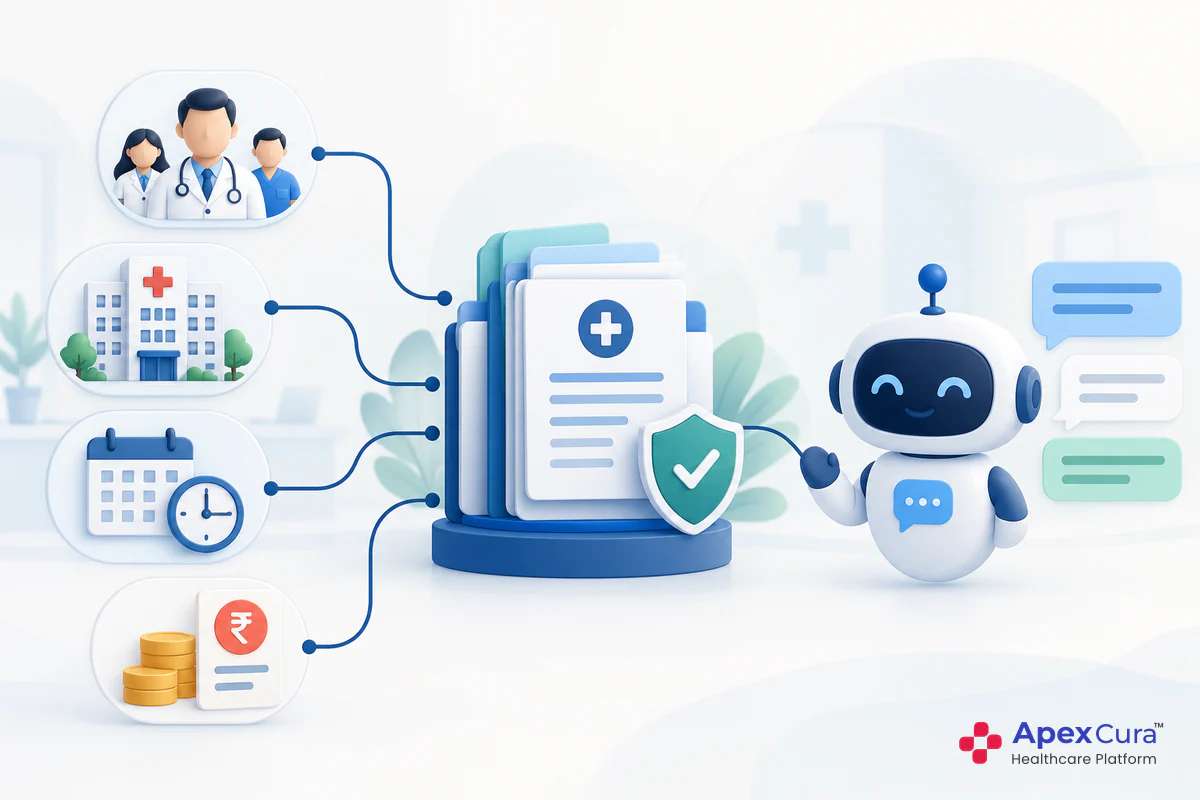
Hospitals already run several systems: the HIS for appointments and registrations, the LIS for laboratory work, a billing system and often a CRM for enquiries. When the chatbot sits outside all of them, its conversations become one more separate record.
No one can easily see that a patient who enquired on WhatsApp later booked an appointment, had tests and paid a bill. Each team sees only its own part of the journey. Details are re-entered, and mistakes such as a wrong phone number can creep in. Integration connects the chatbot to these systems so that information moves between them instead of staying in silos.
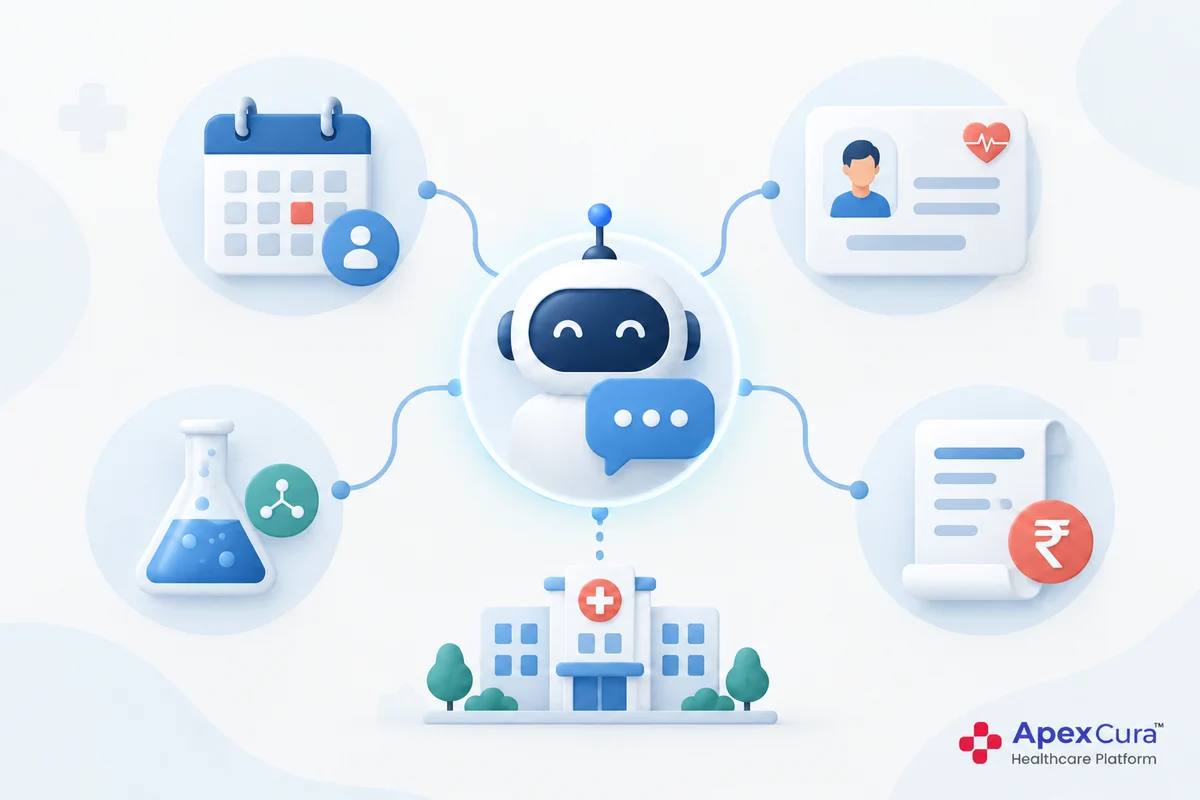
What Each Hospital Chatbot Integration Makes Possible
HIS: Live Doctor Availability and Profiles
The HIS holds the hospital’s current list of doctors, their schedules and their leave. When the chatbot is connected to it, answers about doctors come from live information rather than from a copy that someone must update by hand. A patient asking whether a cardiologist is available tomorrow gets an answer based on the current schedule, including leave and changed timings.
The same applies when the doctor list changes. When a new doctor joins, the chatbot can share their profile and availability as soon as they are added to the HIS. When a doctor leaves, the chatbot stops offering them. Information the HIS does not hold, such as service descriptions, still comes from the hospital chatbot knowledge base.
Appointment System or HIS: Self-Service Booking
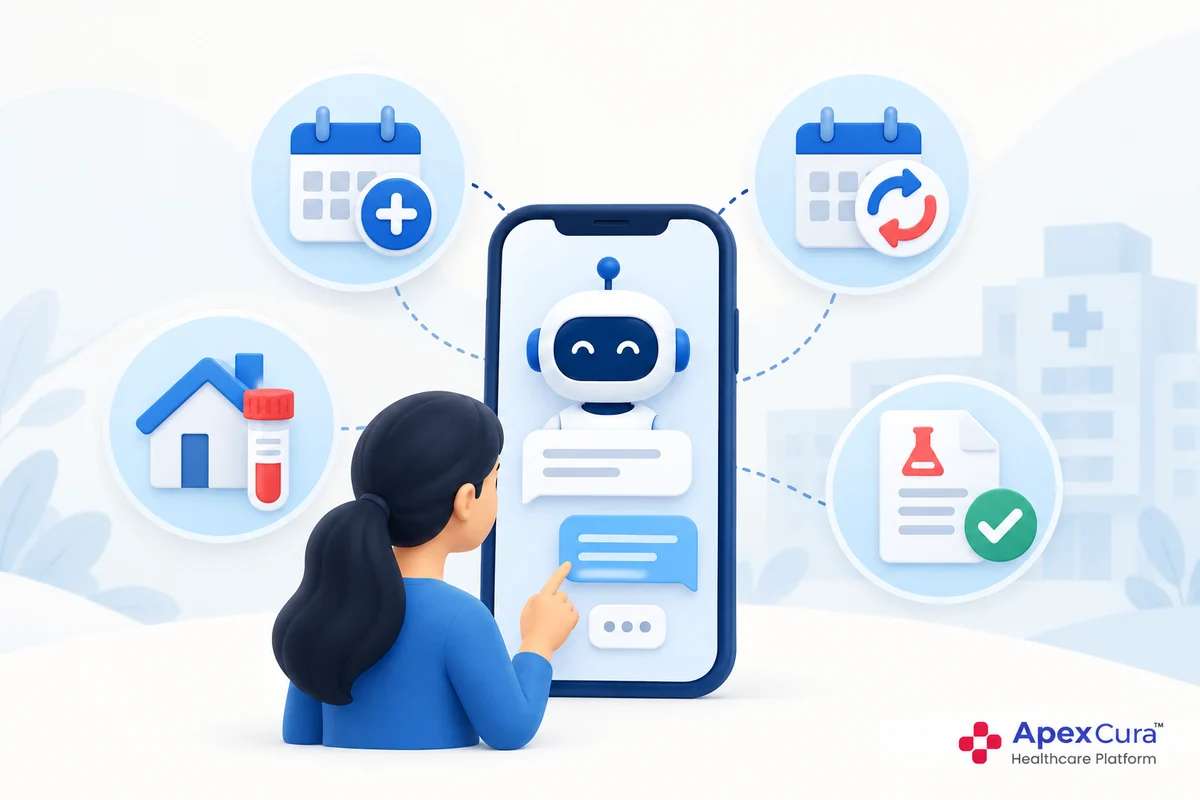
Connecting the chatbot with the hospital’s appointment system, usually part of the HIS, enables self-service appointment booking. Patients can check a doctor’s availability, choose a slot and book within the chat, at any hour.
The booking goes straight into the appointment system, so the front desk sees it alongside bookings made by phone or at the counter. The chatbot then sends an appointment confirmation and an appointment reminder before the visit. Where the hospital sets it up, patients can also reschedule or cancel in the same chat. Availability comes from the live schedule, so patients see only slots that are actually free.
LIS: Lab Reports on Request
Lab reports come from the laboratory information system (LIS). Integrating the chatbot with the LIS lets patients request their lab reports in the chat and receive them there, instead of calling or visiting the report counter.
Reports are personal health information, so the hospital decides how patients confirm their identity before a report is shared, for example through the registered mobile number plus another detail. The chatbot shares the report itself and does not interpret the results, which remain for the doctor to explain. For diagnostic centres, where the LIS is often the main system, this can be one of the most requested chatbot services.
Billing System: Past Bills on Request
Patients often need a copy of an earlier bill for their records or a reimbursement claim. Integrating the chatbot with the billing system lets patients request their past bills in the chat, at any hour, without calling the billing desk.
As with reports, the patient confirms their identity before a bill is shared, and the hospital decides which bills and details can be shared this way. The patient receives the bill in the chat without visiting the hospital. Questions that go beyond a bill copy, such as a dispute about charges, are passed to the billing team. This keeps the chatbot’s role clear while removing a common routine request from staff.
CRM: Chatbot Enquiries for Outbound Follow-Up
Many chats contain a genuine enquiry, such as interest in a procedure or a health check-up, even when the patient does not book in the chat. Integrating the chatbot with the hospital’s CRM pushes these enquiries into the CRM, with the patient’s details, enquiry intent, source channel and chat history.
The outbound team then follows up from the CRM, alongside enquiries from other sources, without copying details from the chat. Enquiries that patients leave midway can be passed on in the same way. Follow-up after that point belongs to the hospital’s CRM process. The guide to patient intent recognition in a hospital chatbot explains how these enquiries are identified.
See how the GenAI Chatbot connects with the hospital’s HIS, LIS, billing and CRM systems to turn patient chats into completed services.
Explore Apex GenAI ChatbotOne Continuous Patient Journey Across Systems
How Information Flows When Systems Are Connected
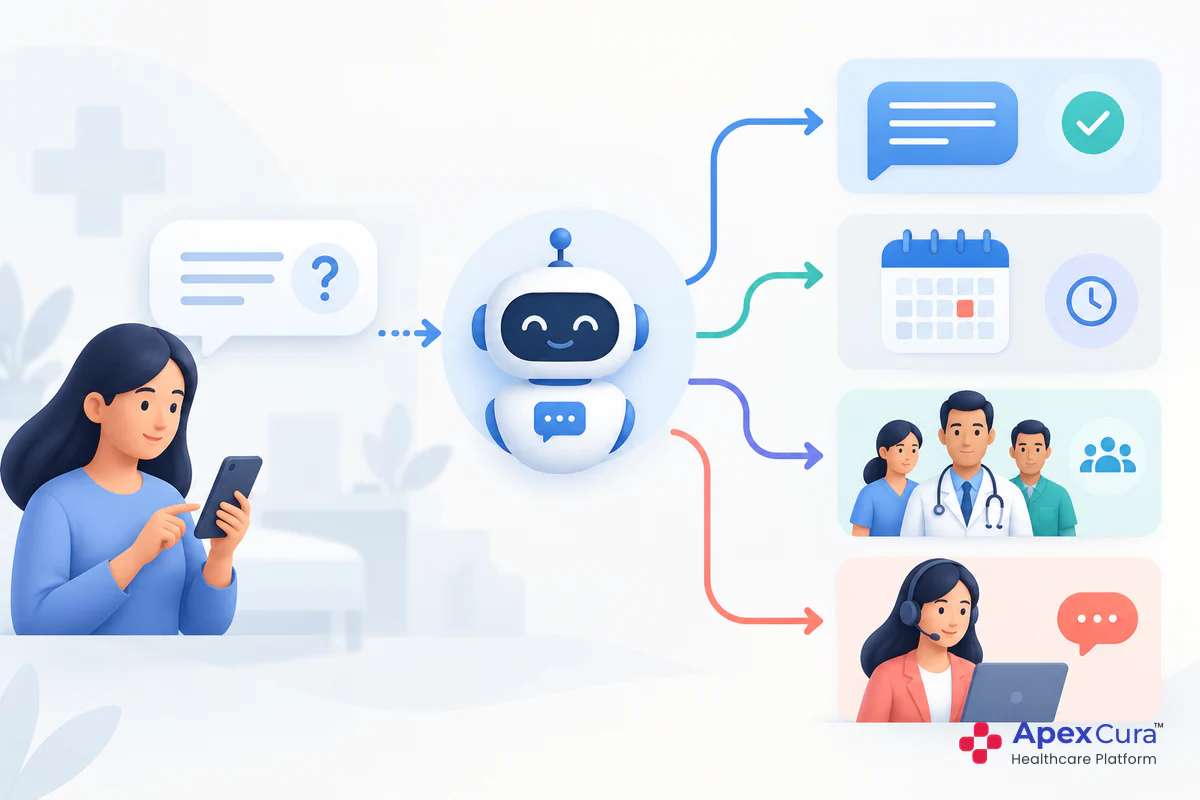
Together, these integrations connect the patient’s journey from first message to final bill. A patient asks about knee pain treatment on WhatsApp. The enquiry reaches the CRM, and the outbound team calls back. The patient later books an orthopaedic appointment in the chat, which goes into the HIS. After the visit, they request their lab report from the LIS and a copy of the bill from the billing system, both in the same chat.
At each step, information moves between systems instead of being typed again. The patient does not have to repeat their details, and each team works from the same information. The chatbot becomes a connected part of the hospital’s operations rather than a separate tool.
What Hospitals and Patients Gain
For patients, integration means services at any hour, fewer calls and visits for routine requests and no need to repeat information. For staff, it can mean less re-entry, fewer routine requests at the front desk, report counter and billing desk, and enquiries that arrive with full context.
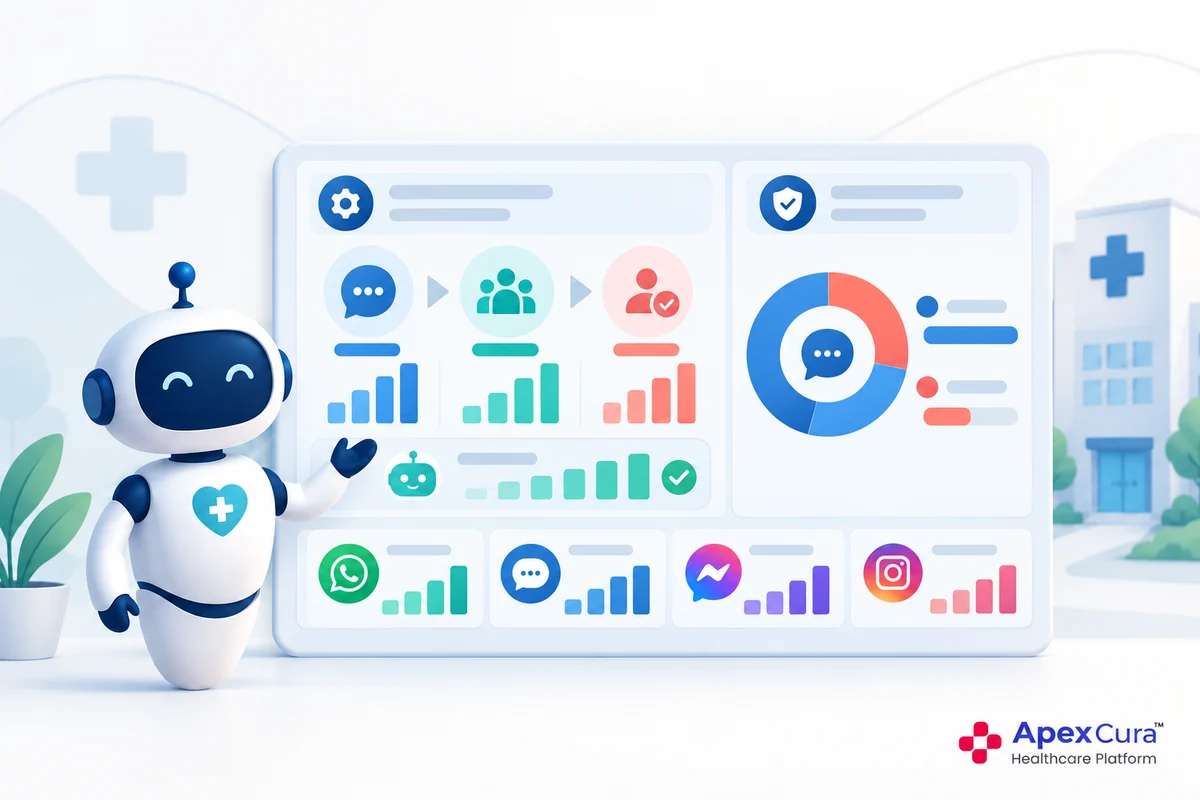
For management, connected systems make outcomes easier to see. Hospitals can track which chats led to appointments, which enquiries reached the outbound team and which services patients use most in the chat. These indicators help decide where to extend chat services next. Without integration, the link between a chat and its outcome is hard to trace.
Where Hospitals Should Start
Start With the Services Patients Request Most
Hospitals do not need to connect every system at once. A practical approach is to start with the requests patients make most often, such as appointment booking, and add lab reports, bills and CRM follow-up as each integration is ready.
Each integration works through the APIs that the hospital’s systems provide and is configured for the hospital’s own processes. The hospital decides what the chatbot may read or do in each system and how patients confirm their identity for personal information. Each connection should be tested with real scenarios before launch. The guide to what patients can do on a hospital chatbot shows these services from the patient’s side.
Conclusion
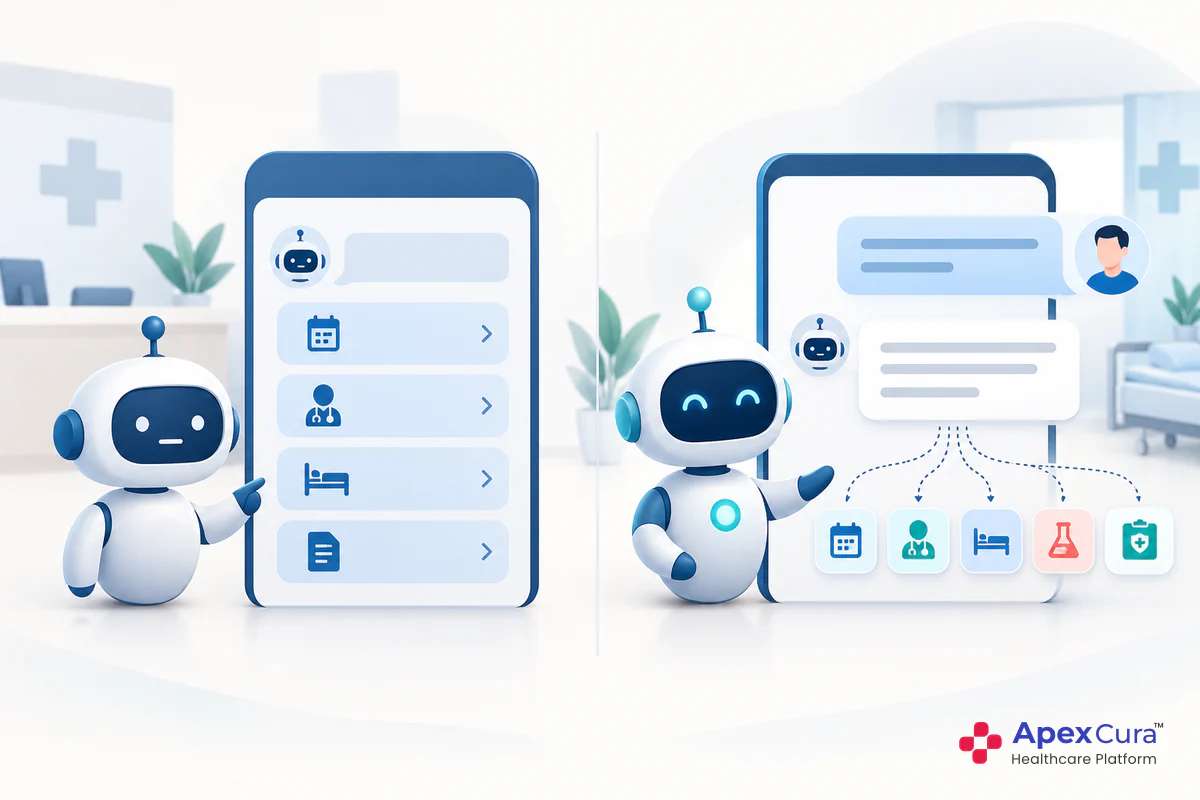
A hospital chatbot that works alone can only answer questions. Integrated with the hospital’s existing systems, it can deliver services. HIS integration keeps doctor information live and, with the appointment system, enables self-service booking. LIS integration lets patients request lab reports, billing integration lets them request past bills and CRM integration passes chat enquiries to the outbound team. Together, they replace silos with one continuous patient journey and a connected flow of information. A hospital chatbot that connects with existing hospital systems turns patient conversations into completed services.