When a Patient Needs a Person, Not the Chatbot
AI Answers Many Questions, but Not Every Patient Is Satisfied
A hospital chatbot handles routine questions well: doctor availability, OPD timings, directions, approved prices and booking where the appointment system is connected. Many patients get what they need from it, at any hour, without waiting.
Some questions are different. A patient may want an answer specific to their situation, more detail than the approved information covers or simple reassurance before a decision. The chatbot may give a correct but general answer that does not satisfy them. When that happens, the patient should not be left choosing between an unsatisfying answer and leaving the conversation. They should be able to reach a person.
A Call-Back Later Is Not the Same as Help Now
Some chatbots offer only one route to a person: leave your number and someone will call you. That suits some patients, but not one who is trying to decide right now. By the time the call comes, the patient may have contacted another hospital, or the moment has simply passed.
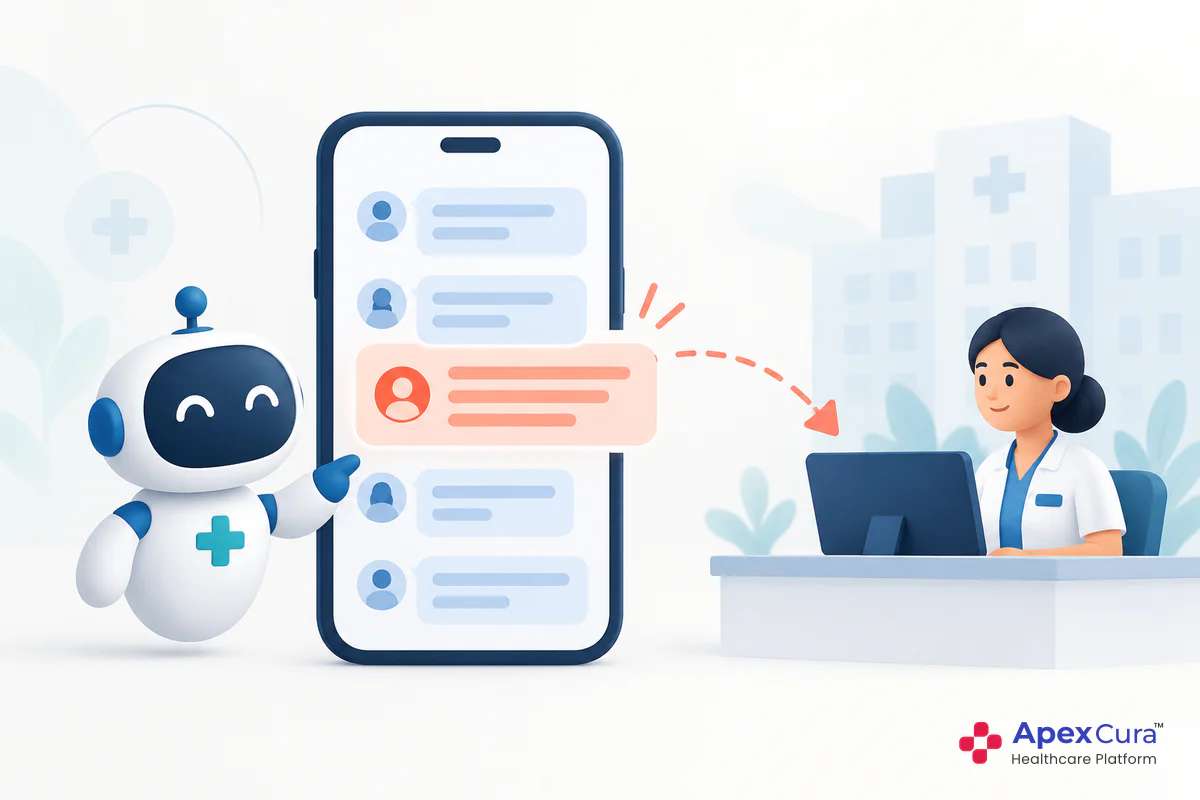
A patient who asks for a person in the middle of a chat is telling the hospital something important. They are interested, they have a question the chatbot has not resolved and they want help now. Offering live chat at that moment keeps the conversation going while the patient is still engaged, instead of asking them to wait for a call-back later.
AI First, With a Live Agent as the Fallback
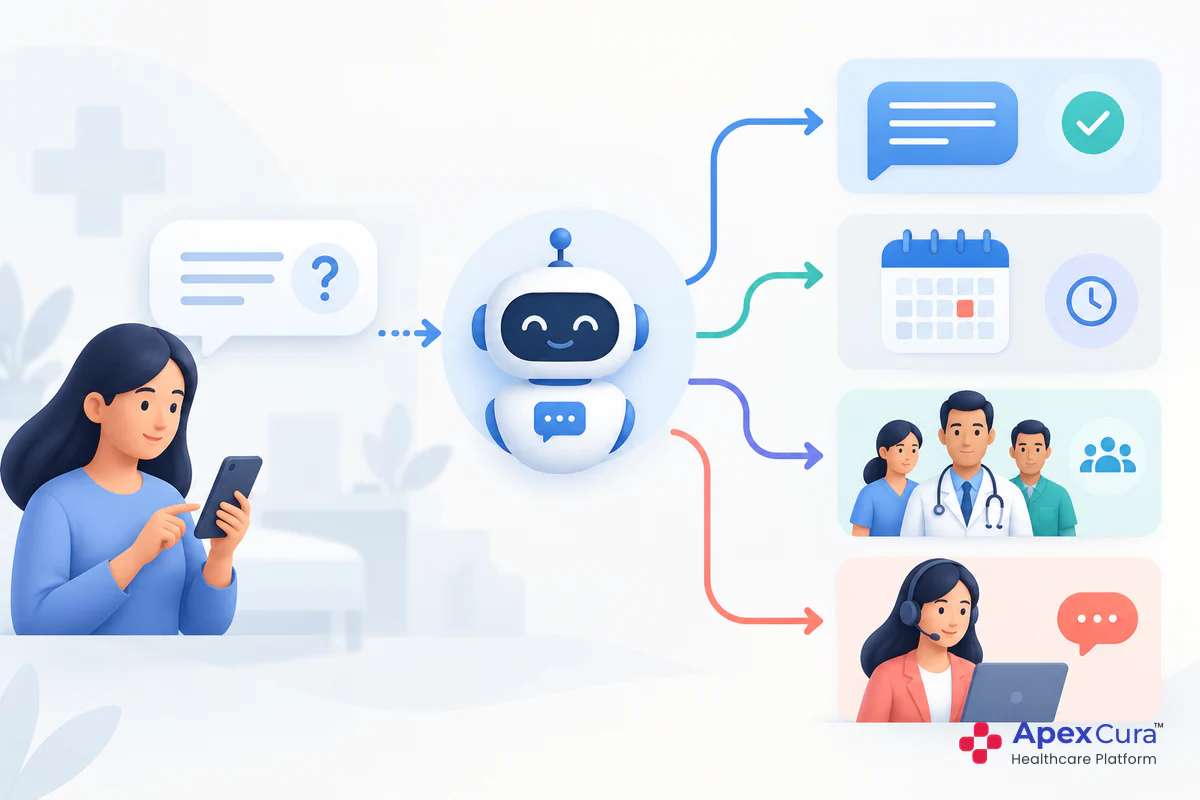
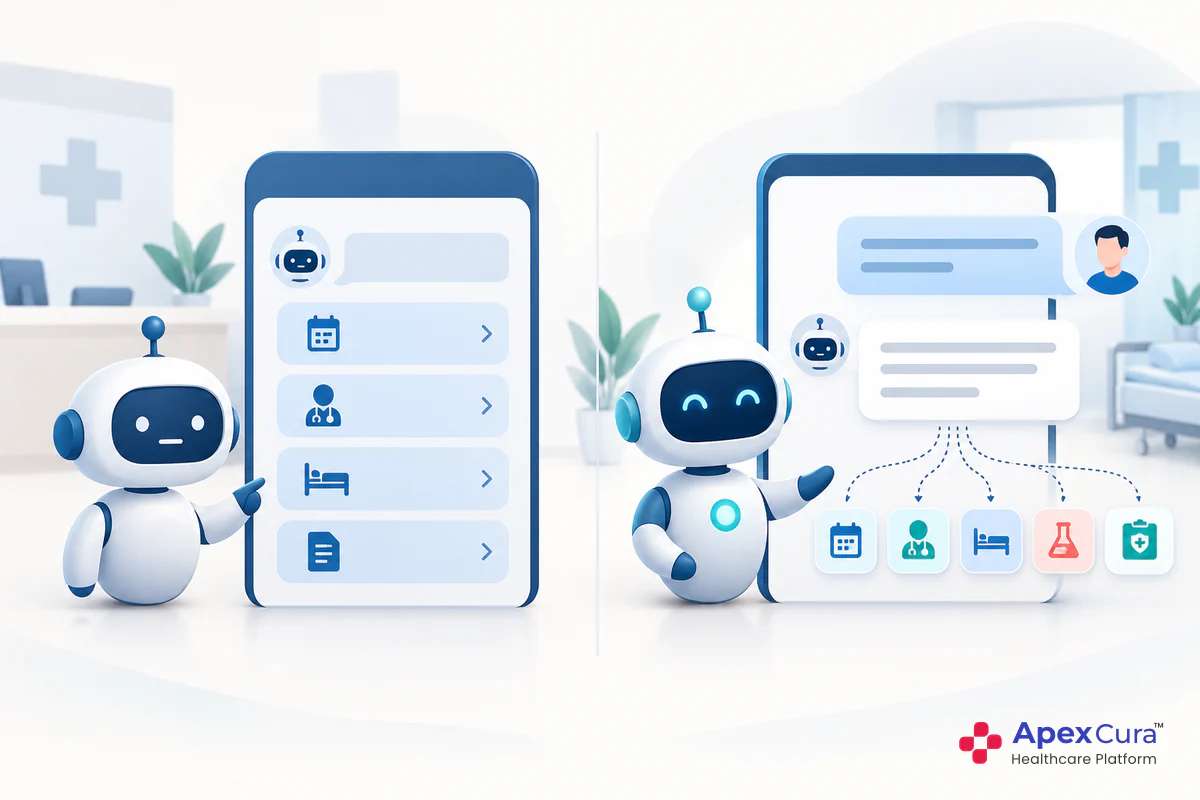
Live chat does not replace the chatbot. It is the fallback that makes the chatbot dependable, and each does what it does best. The AI answers routine questions instantly, day or night, from approved hospital information. Staff handle the conversations that need judgement, explanation or reassurance.
For the patient, the experience is simple: ask the chatbot first, and if its answer is not enough, ask for a person in the same chat. For the hospital, staff time goes to the patients who actually want to speak with someone, rather than to every routine question. This combination is what makes a hospital chatbot feel helpful instead of like a wall between the patient and the hospital.
How “Chat with Live Agent” Works
The Patient Chooses a Person, Then and There
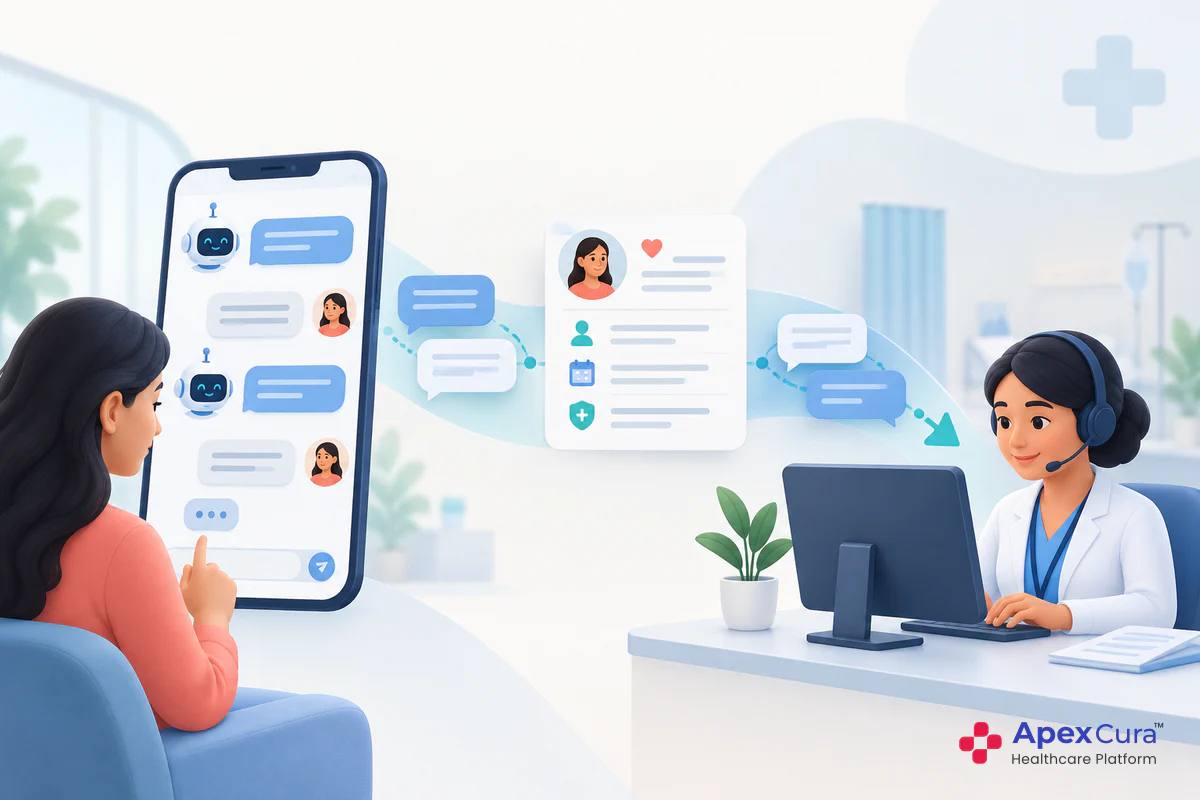
When an agent is available, patients see the “Chat with Live Agent” option in the chatbot. A single tap moves the conversation from the AI to a person. There is no form to fill, no number to call and no new chat window to open.
The choice stays with the patient. Some will never use it, because the chatbot answers what they need. Others will use it after one unsatisfying answer. Some will want a person from the start. Each patient decides when they want a human, which is very different from a chatbot that keeps them in automated replies until they give up and leave.
The Chat Reaches the Right Branch or Department
A live chat is useful only if it reaches someone who can answer. The conversation is routed to the relevant branch or department, based on what the patient has been asking about. A question about a cardiology procedure at one branch should reach that branch’s cardiology team, not a general desk that must forward it again.
Hospitals can configure routing rules and team assignments for different specialities, branches and departments. Rules should be simple enough for operations teams to maintain and should be reviewed whenever a branch, department or team changes. The guide to setting up hospital chatbot workflows explains how these routing rules are designed.
The Agent Sees the Whole Conversation
The agent who picks up the chat sees everything the patient has already asked and been told, along with any details the patient shared. The patient stays on the same channel, whether that is WhatsApp, website chat, Facebook Messenger or Instagram Messenger.
This is what makes the handoff feel natural. The agent can open with the patient’s actual question instead of asking them to start again. Repeating the same details to a person after explaining them to a chatbot is a common way to frustrate a patient. With the full conversation in view, the agent continues where the chatbot stopped, and the patient feels the hospital has been listening throughout.
See how the GenAI Chatbot lets patients switch to a live agent in the same chat, with the full conversation passed to your team.
Explore Apex GenAI ChatbotRunning Live Chat Well in a Hospital
A Fast First Reply From the Right Person
A patient who taps “Chat with Live Agent” wants a person now. The first reply matters most. A long silence after the patient asked for help feels worse than the chatbot answer that disappointed them.
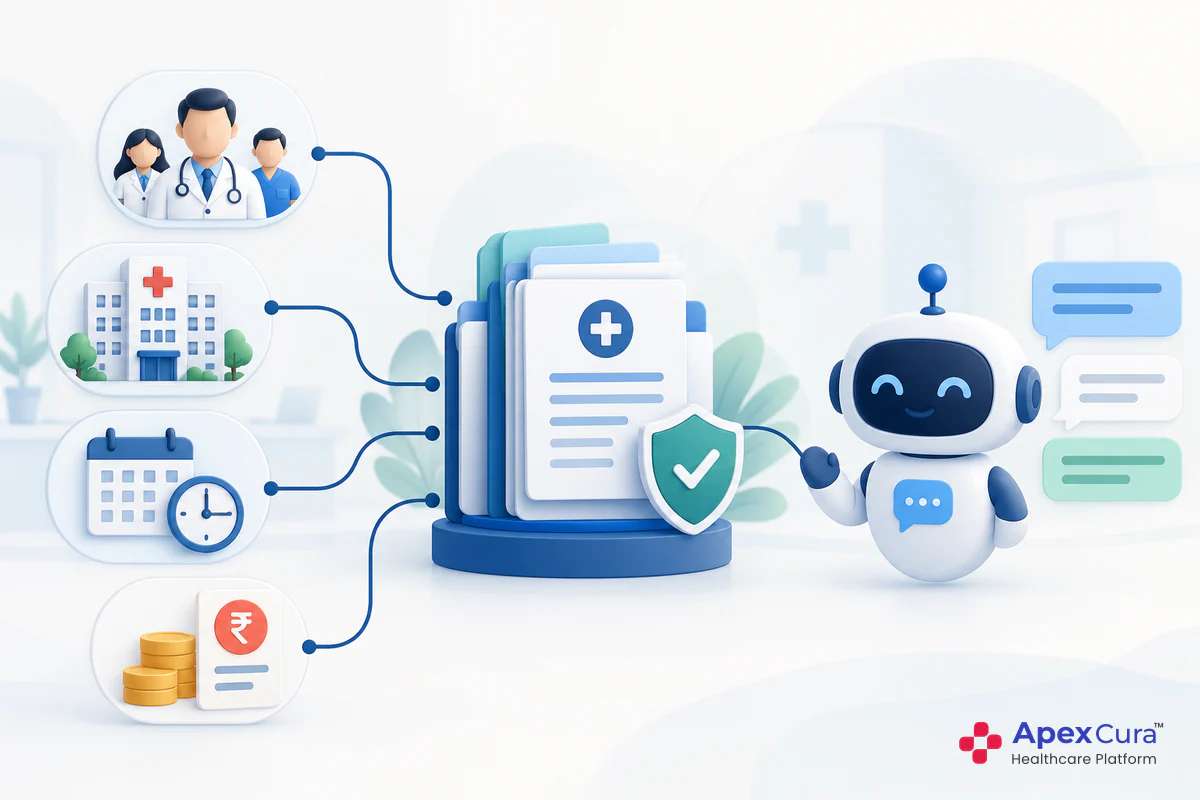
Hospitals should decide which teams handle live chat, during which hours and with what response-time target. Agents need access to the same approved information the chatbot uses, plus the authority to book appointments, explain next steps or bring in the right colleague. A live agent who can only repeat the chatbot’s answer adds little. The value comes from judgement, explanation and the ability to act.
When the Chatbot Should Suggest a Person
Patients should not always have to ask. Some conversations should move towards a person on their own. Examples include a patient repeating the same question, a question outside the hospital’s approved information or a sensitive topic such as a medical concern.
In these cases, the chatbot can suggest a live agent instead of continuing with answers that are not helping. Conversations that show a clear enquiry but end without a live chat are a different case: the chatbot can pass them to the outbound team for a call-back, as explained in missed patient enquiries in hospital chatbots. The guide on whether a hospital chatbot is safe explains which topics should always go to a person.
Measuring Live-Agent Chats
What to Track
Hospital dashboards show how many conversations were escalated to live agents. Alongside this, hospitals can review:
- The topics patients were asking about when they chose a person.
- Time from the patient’s request to the first reply from an agent.
- Live chats that ended in an outcome, such as an appointment booked.
- Questions that repeatedly lead patients to ask for a person.
- Live-chat requests by branch, department and time of day.
Questions that repeatedly send patients to a person are especially useful. Some reveal gaps in the chatbot’s approved information that can be filled. Others confirm topics where a person should always be involved. Both findings help the hospital balance AI and staff more effectively over time.
Conclusion
A hospital chatbot answers routine questions at any hour, but some patients need a person. With “Chat with Live Agent”, they can switch from the AI to a member of the hospital team in the same chat, right away, instead of waiting for a call-back. The chat reaches the right branch or department, and the agent sees the whole conversation. Patients get intelligent, instant answers when the AI is enough, and a human fallback when it is not. A reliable live-agent handover gives patients the best of both.