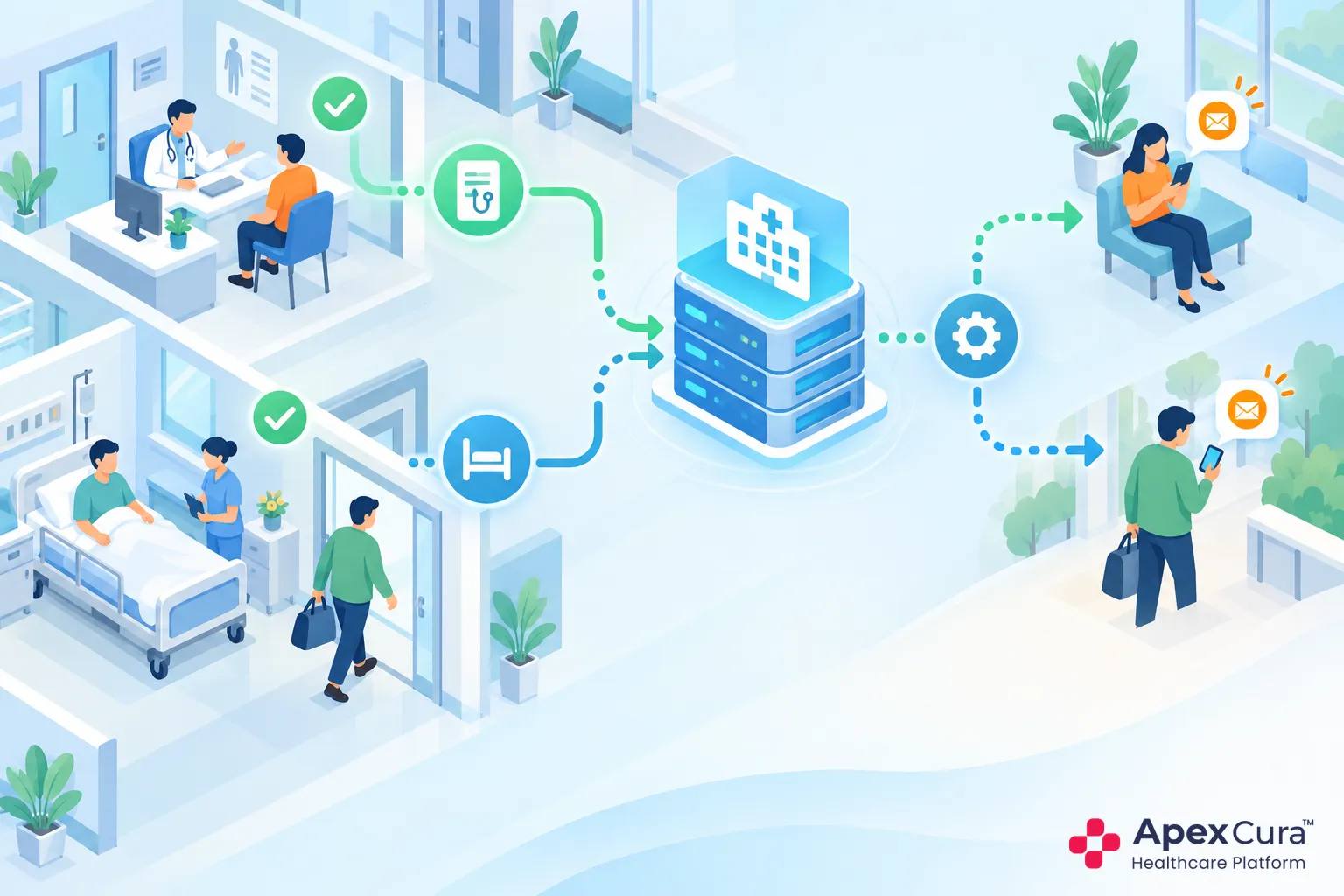
HIMS Integration Helps to Identify Completed OPD Visits and IPD Discharges
Define OPD Completion Events to Identify Eligible Outpatients
An appointment booking does not mean that an OPD service was delivered. Hospitals should define the event that confirms an eligible visit, such as completed consultation, final OPD billing or another configured status available in the HIMS. The rule should reflect the hospital’s actual workflow. A patient who cancelled, did not arrive or remains inside an unfinished visit should not receive the same request as a completed consultation. Clear completion definitions reduce false triggers and help the feedback form refer to a recent, identifiable service rather than a booking that never became a visit. Hospital IT and operations should approve the exact event before activation.
Define Discharge Events to Identify Eligible Inpatients
IPD feedback needs a similarly clear discharge event. A clinical discharge instruction, final bill, pharmacy clearance and physical exit may occur at different times. Hospitals should choose the configured HIMS or billing status that best represents completion for feedback purposes. Sending too early may ask the patient about a process that is still underway; sending too late weakens recall. The chosen event should also carry the admission, department, branch and discharge context needed for the correct form. Hospitals can then review whether the rule covers normal discharges and how approved exceptions are handled. Technical discharge and physical exit may differ, so hospitals must choose deliberately.
Eligibility Rules Prevent Irrelevant or Duplicate Feedback Requests
Automation needs eligibility rules, not just a trigger. A patient may visit two departments on the same day, return for diagnostics after consultation or receive several billing entries for one episode. Hospitals should decide whether these represent separate experiences or one feedback journey. Rules can also exclude cancelled events, test records, duplicate status updates and patients without a supported communication channel. Frequency limits may be needed for repeated visits so that regular patients are not contacted after every minor event. These decisions protect relevance and reduce survey fatigue while keeping the process independent of manual list cleaning. The rules should also exclude test patients and cancelled encounters.
Automated Patient Feedback Sends Forms Immediately Without Staff Intervention
System Triggers Replace Manual Patient-List Preparation
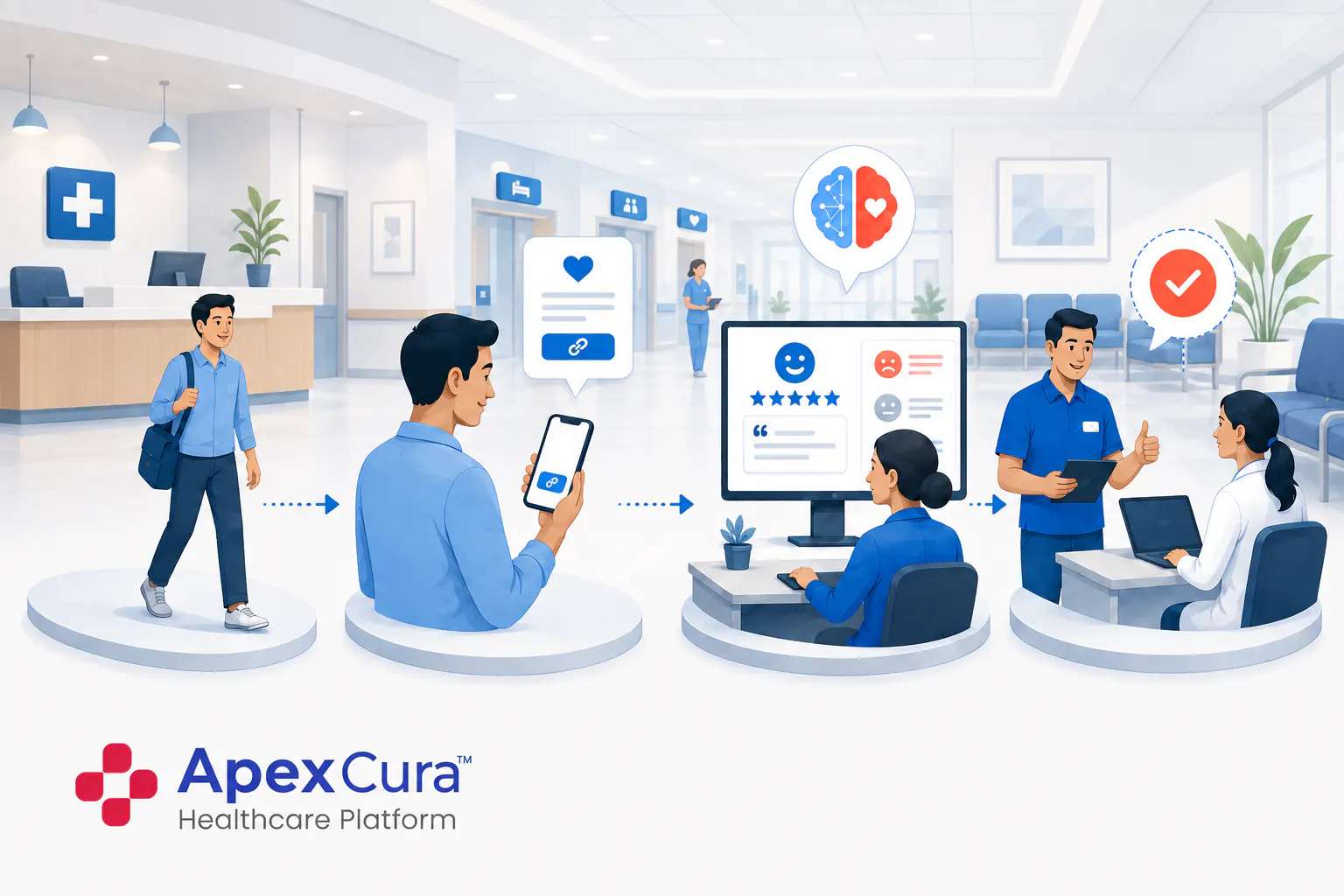
In a manual process, a staff member exports yesterday’s visits, removes incomplete records, finds contact numbers and prepares messages. Any leave, workload or missed handover delays the entire cycle. A configured system trigger starts the feedback workflow when the eligible completion event arrives. The patient details and visit context move with it, reducing repeated preparation and spreadsheet handling. Staff still define the rules and review exceptions, but routine initiation no longer depends on someone remembering the task. This gives hospitals more consistent coverage across weekdays, weekends, departments and branches without creating another daily list for teams to manage. A daily trigger log gives IT teams a clear record for investigation.
WhatsApp and SMS Requests Start After the OPD and IPD Events
After eligibility is confirmed, the workflow can send the configured feedback request through WhatsApp, SMS or a digital link. The form should match the patient event: an OPD form should not ask inpatient-discharge questions, and a discharge form should reflect the relevant stay. Hospitals can configure timing close to the event without interrupting the patient during billing, counselling or travel. Where supported, language preference can determine the patient journey. The goal is a timely request that the patient recognises, not an instant message sent without regard to the actual completion of service. Templates should clearly identify the hospital and avoid requesting clinical information.
Delivery Failures and Missing Triggers Should Be Reviewed
Automation can fail quietly if hospitals review only submitted responses. A missing mobile number, unsupported channel, delayed HIMS status or integration interruption may prevent the request from starting. Teams should monitor eligible events, requests created, messages delivered and responses received as separate stages. A sudden drop in one branch may reflect a trigger problem rather than improved patient satisfaction or lower interest. Exception review should identify records that need correction and recurring integration gaps that require technical attention. Reliable automation depends on seeing what did not happen, not only analysing the feedback that arrived. IT teams should reconcile failed requests with the source encounter record.
Discuss how your hospital can automate feedback immediately after eligible OPD visits and IPD discharges.
Discuss Automated Patient FeedbackPatient, Department and Branch Context Makes Immediate Feedback Actionable
Each Response Retains Its Patient and Visit Context
A response is easier to understand when it remains connected to the eligible visit that generated it. Useful context may include the patient event, service date, OPD or IPD journey, department and other configured identifiers. This prevents teams from asking the patient to repeat basic details before the concern can be reviewed. It also helps distinguish two responses from the same patient across separate visits. Context should support investigation without encouraging assumptions. The comment still reflects the patient’s experience, and the responsible team must compare it with available records before deciding what happened or what action is appropriate. This allows the team to verify the response without searching separate lists.
Department and Branch Details Direct Feedback to the Right Team
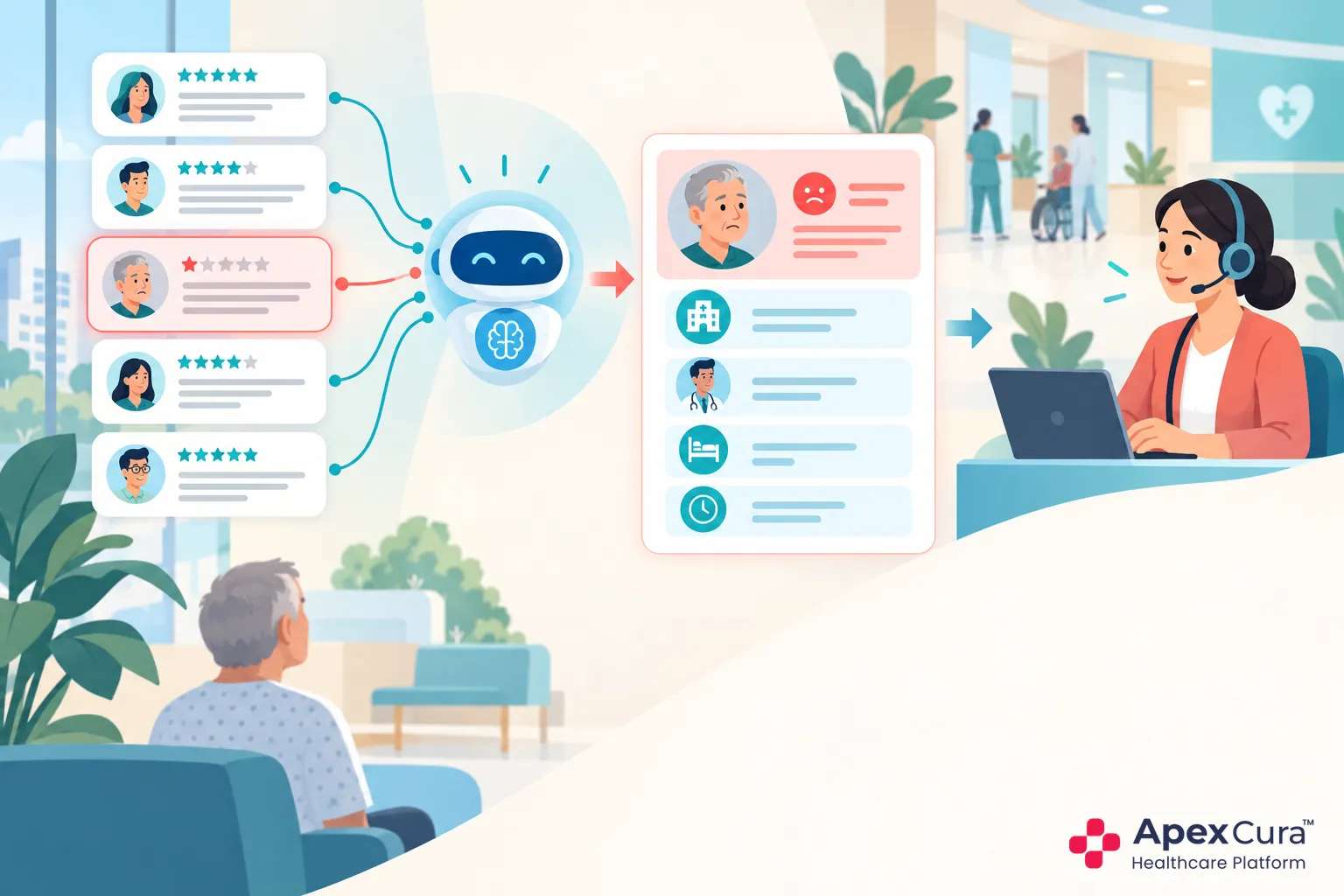
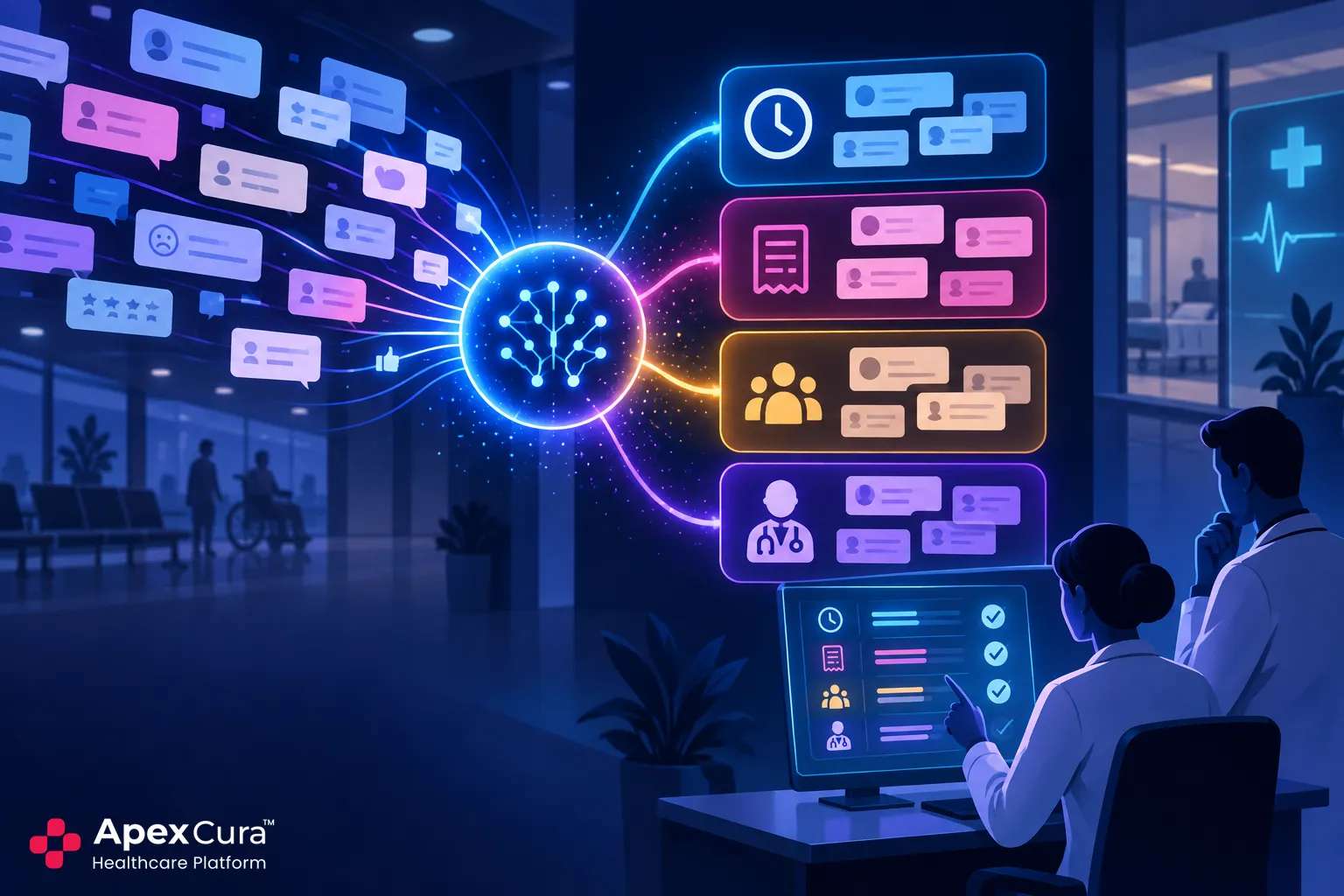
A central feedback inbox can become another manual forwarding queue. Department and branch context allows hospitals to direct a response to the team closest to the service. A discharge concern from one hospital should not reach an unrelated branch, and a diagnostic-service comment should not be assigned automatically to OPD operations. Hospitals should maintain clear routing rules and escalation paths for concerns involving more than one department. The receiving team needs the original response and visit context. Correct routing shortens the handover, while accountable ownership and human review ensure that automation does not become automatic blame. Role-based access should limit identifiable feedback to authorised hospital users.
Coverage and Response Monitoring Reveal Automation Gaps
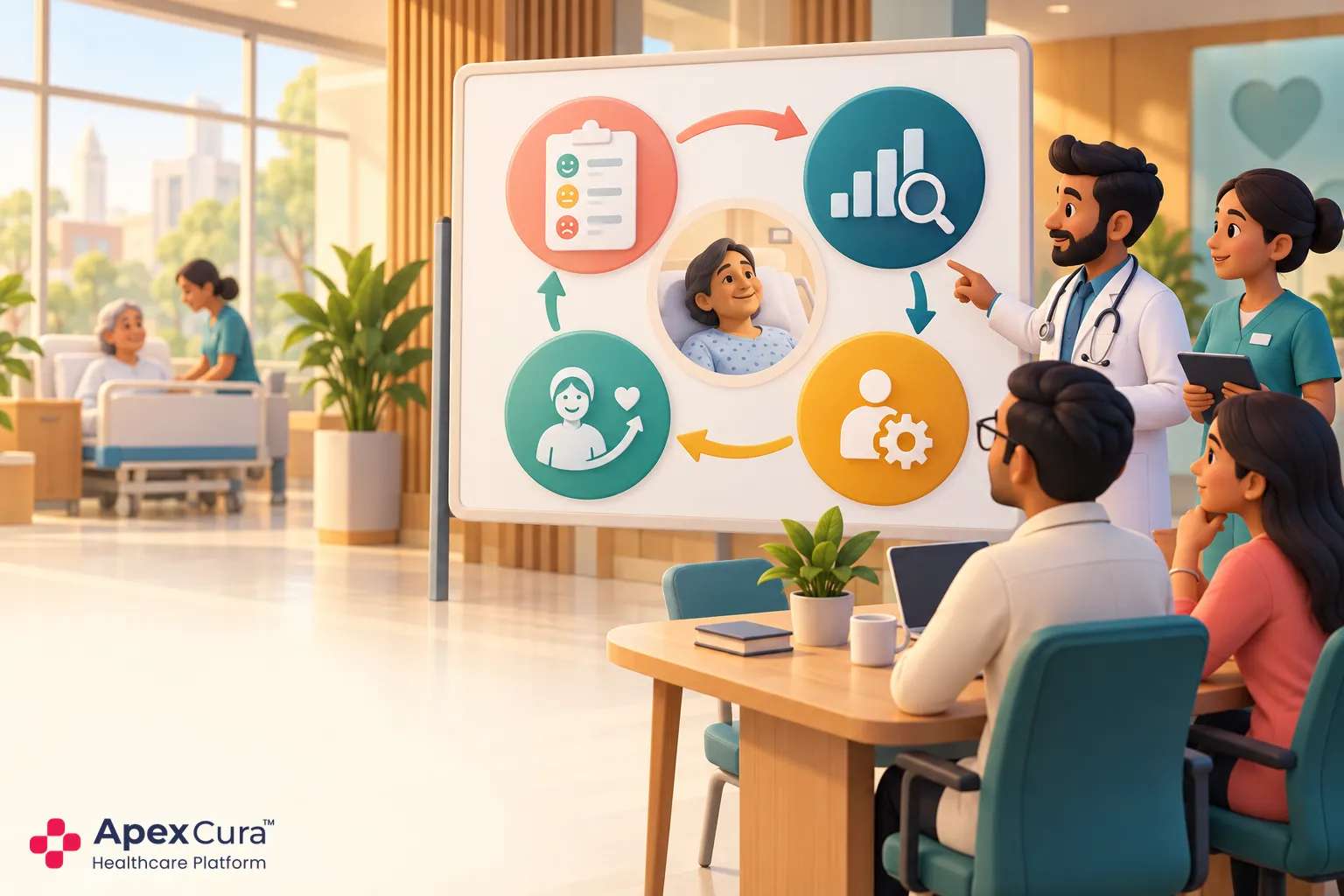
Hospitals should compare completed eligible events with feedback requests, successful deliveries and responses. This shows whether automation is covering the intended patient population before management interprets the scores. If one branch records 1,000 eligible discharges but creates only 600 requests, the first question is trigger coverage, not response rate. Differences may come from missing contact data, event mapping or channel delivery. Regular coverage review keeps the system dependable as HIMS workflows change. A patient feedback management system can support automated collection, but hospitals must continue to review definitions, exceptions and integration health. A sudden fall in coverage should trigger an operational and integration check.
Conclusion
Automated patient feedback works when the hospital defines the correct OPD completion and IPD discharge events, applies clear eligibility rules and monitors whether every expected request was triggered and delivered. HIMS integration removes the need for staff to prepare patient lists, while visit, department and branch context helps the responsible team understand each response. Hospitals should review trigger coverage, duplicate prevention and delivery failures regularly so that automation remains reliable as workflows, departments and system configurations change.