Map the Hospital Workflow Before Configuring the CRM
Map Every Enquiry Source and Existing Handover
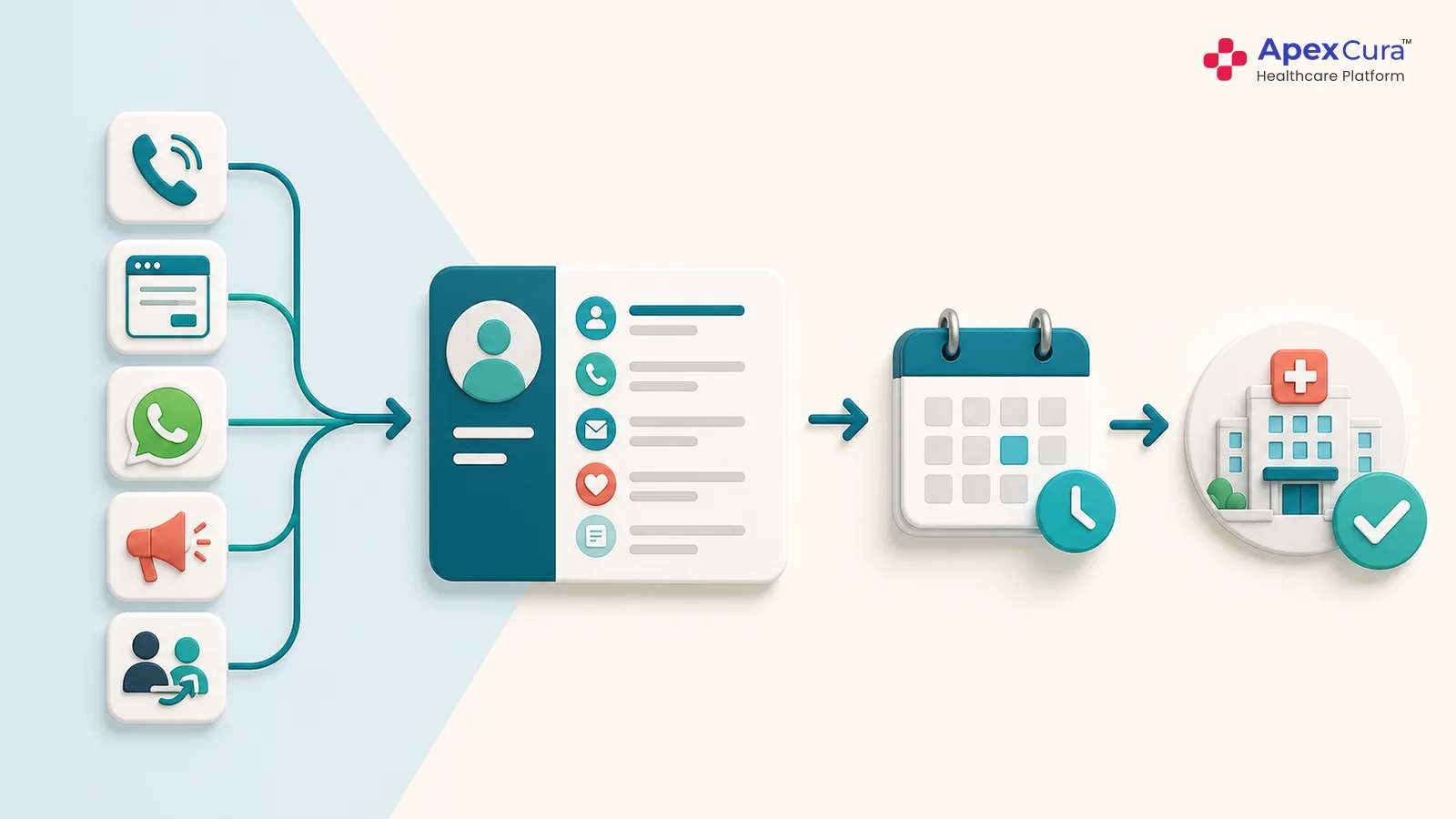
Implementation should begin by documenting how patient enquiries reach the hospital today. Sources may include calls, website forms, WhatsApp, campaigns, referrals and direct branch enquiries. Record which system captures each source and which team receives it first. Follow the enquiry through transfers, callbacks, appointments and visit confirmation.
This exercise usually reveals manual lists, repeated entry and unclear handovers that are absent from formal process documents. It also shows which information employees need at each stage. The CRM should be configured around the approved operating process after these gaps are understood. Starting with screens before mapping the journey can simply digitise an incomplete workflow.
Define Ownership, Response Rules and Escalations
Every enquiry needs a clear owner at each stage. Hospitals should define how assignments depend on speciality, branch, language, patient requirement and team availability.
Ownership: They should also agree on first-response expectations for calls, forms and messages. The process must explain what happens when the assigned employee is unavailable or the enquiry remains unattended.
Response: Escalations should reach a supervisor early enough for useful action. Ownership changes must preserve the earlier interaction history.
Escalation: These rules reduce dependence on individual memory and informal coordination. A CRM can automate assignments and reminders, but hospital leadership must first approve who is responsible, what timely action means and when intervention becomes necessary.
Agree on Lead Stages, Dispositions and Outcomes
Teams often use the same words differently. One employee may mark a patient as contacted after a missed call, while another waits for a completed conversation.
- Hospitals should define each lead stage and disposition before implementation. Common stages may include new, assigned, contacted, qualified, follow-up, appointment booked, visited and closed.
- Closure reasons should separate patient choice, invalid details, unavailability and internal operating gaps.
- The definitions must reflect the actual hospital journey and remain understandable to frontline teams.
- Consistent stages make dashboards reliable, simplify handovers and show where enquiries stop moving.
- Too many complex statuses can reduce adoption, so hospitals should retain only those needed for action or measurement.
Build the CRM Around Operations and Measurable Outcomes
Configure the CRM Around the Approved Workflow
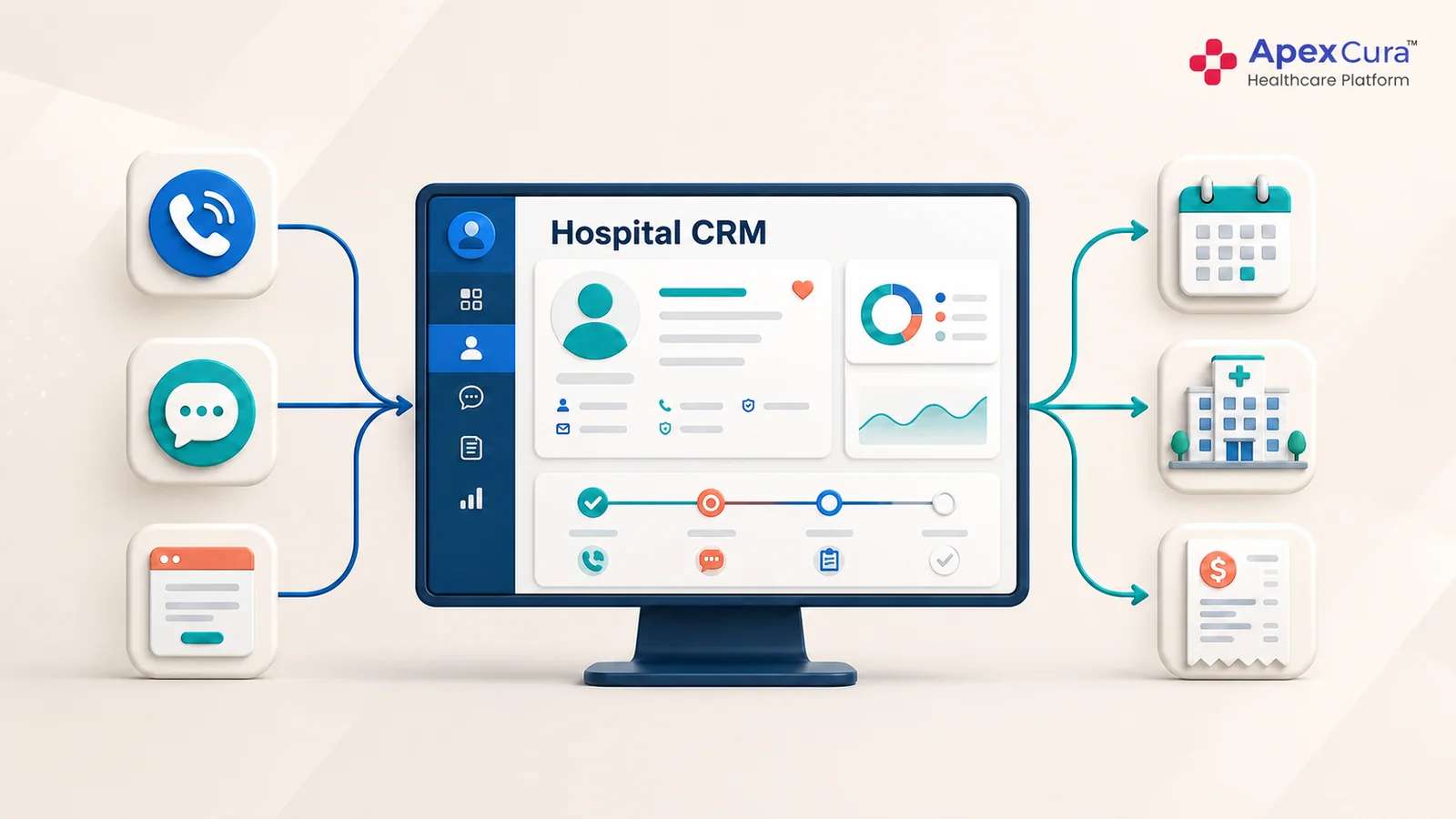
Configuration should make the approved process easy to execute. Employees need a clear worklist, relevant patient context and a visible next action. Required fields should be limited to information needed for routing, communication or reporting. Automated tasks can support callbacks, appointment confirmation and unresolved requests. Supervisors need views for unattended, overdue and ageing enquiries. Different branches or specialities may require controlled variations, but they should still use common stage definitions. Staff who perform the work should test real situations before go-live, including transfers, repeat enquiries and unavailable doctors. Their feedback can expose practical friction that is difficult to notice during a standard software demonstration.
Connect Appointment, HIMS and Revenue Events
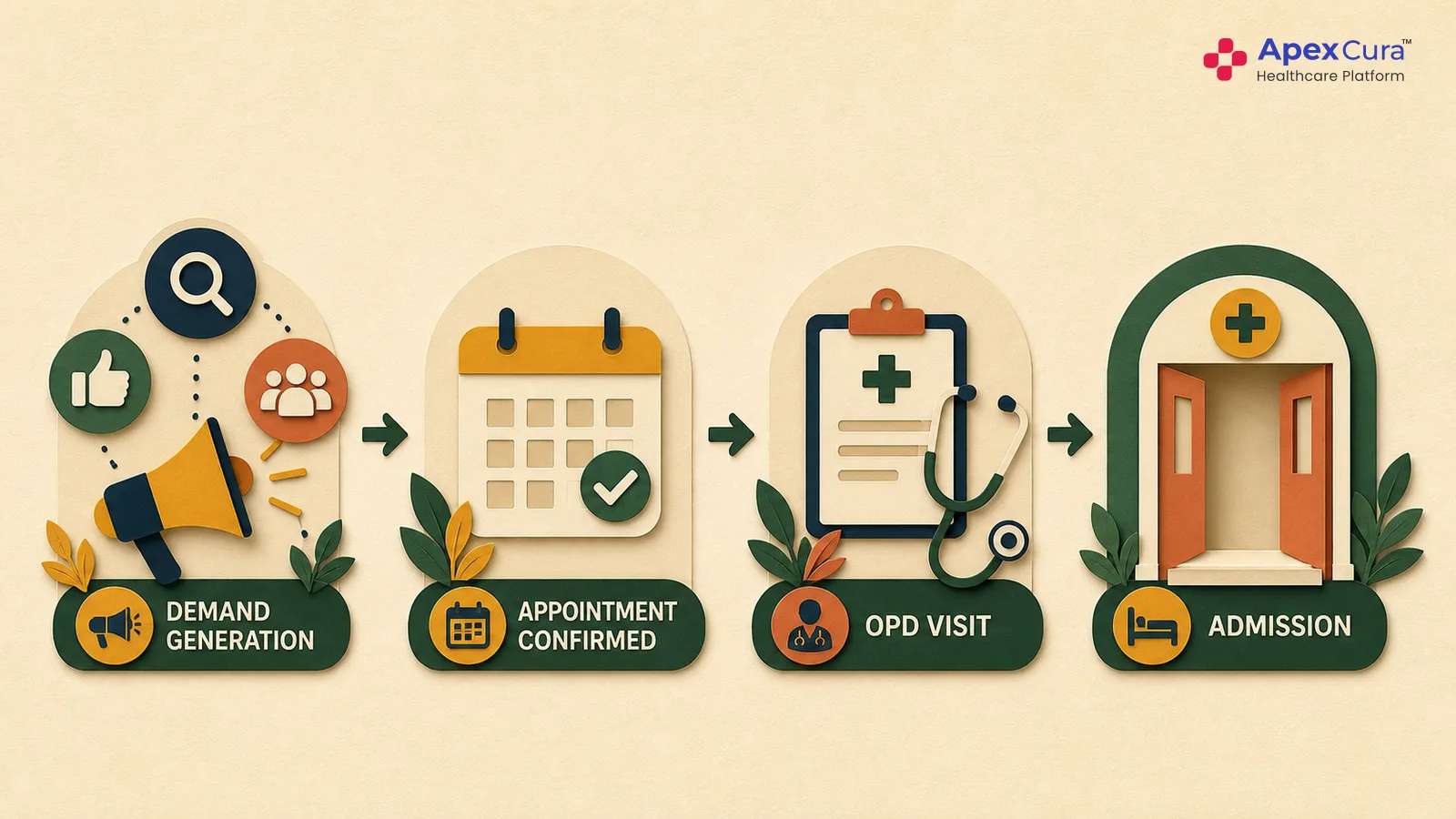
A CRM cannot measure the complete journey when it ends at appointment booking. Relevant appointment and HIMS events should show whether the patient booked, arrived and completed the visit. Confirmed billing data can connect later revenue outcomes where reliable patient matching and approved attribution rules exist.
Integrations should reduce repeated entry rather than create another reconciliation task. Hospitals must decide which system owns each event and how corrections return to the CRM.
The implementation can begin with essential connections and expand in phases. The objective is operational continuity: the employee should know the patient’s latest stage, while management can understand whether enquiries became appointments, visits and supported revenue outcomes.
Define KPIs and Management Dashboards Before Go-Live
Dashboards should answer agreed management questions, not display every available field. Hospitals can begin with first-response time, contact rate, overdue follow-ups, appointment conversion, visit conversion and ageing leads.
Activity: Source, branch, speciality and team views provide context. Supported revenue reporting can be added when billing linkage is reliable. Each KPI needs a clear definition, owner and review frequency.
Movement: Baselines should be recorded before rollout so leadership can measure whether the process improves. Managers should also know what action follows an abnormal number.
Outcome: A dashboard without operating ownership becomes another report. Useful CRM measurement connects a visible gap with a responsible team and a practical intervention.
Build a hospital CRM workflow that connects patient enquiries with ownership, appointments, visits and measurable outcomes.
Explore Apex Healthcare CRMRoll Out the CRM and Build Sustainable Adoption
Start With a Controlled Department or Branch Rollout
A phased rollout allows hospitals to test the workflow under real conditions before expanding it. Select a department, branch or team with clear leadership support and measurable enquiry volume.
- Establish the baseline, configure the process and monitor daily execution. The pilot should include common exceptions such as repeat contacts, transfers, delayed schedules and no-shows.
- Teams can then identify missing information, confusing stages or unnecessary steps.
- Correct these issues before adding more users and locations.
- A controlled rollout does not mean lowering implementation discipline.
- It creates a safer way to validate the process, integration and reporting model while the scope remains manageable and feedback can be acted upon quickly.
Train Teams on the Process, Not Only the Screens
CRM training should explain why each step matters to the patient journey. Employees need to understand what counts as a valid enquiry, when ownership begins, how quickly to respond and how to record the next action. They should practise real hospital situations rather than only learn where buttons are located. Supervisors need separate training on workloads, exceptions and escalations.
Managers should understand KPI definitions and avoid comparing unlike teams. Short reference guides and floor support can help during early use. When training focuses only on software navigation, employees may complete fields without following the intended workflow. Process-based training connects daily CRM activity with patient service and management outcomes.
Use Governance and Review to Improve CRM Adoption
Go-live is the beginning of operational improvement, not the end of implementation. Hospitals should review adoption, data quality, overdue work and user feedback regularly. Low usage may result from slow screens, duplicate entry, missing integrations, unclear ownership or unnecessary fields. These causes should be corrected before resistance is blamed on employees. Process changes need controlled approval so branches do not create incompatible workflows. Leadership should review whether interventions improve response and conversion, then refine the system in small cycles. A successful Hospital CRM implementation becomes the shared process for executing and measuring patient acquisition, rather than another tool employees update only for reporting.
Conclusion
Hospital CRM implementation succeeds when technology supports a clearly defined operating process. Hospitals should map enquiry sources and handovers, agree on ownership and stages, configure practical workflows and connect reliable appointment, visit and revenue events. KPIs must be defined before go-live, while phased rollout and process-based training improve adoption. Leadership should continue reviewing friction, data quality and outcomes after launch. Software installation creates access to a CRM. Operational success begins only when teams use one consistent process and management can measure whether more patient enquiries receive timely action and reach meaningful outcomes.